Product Description
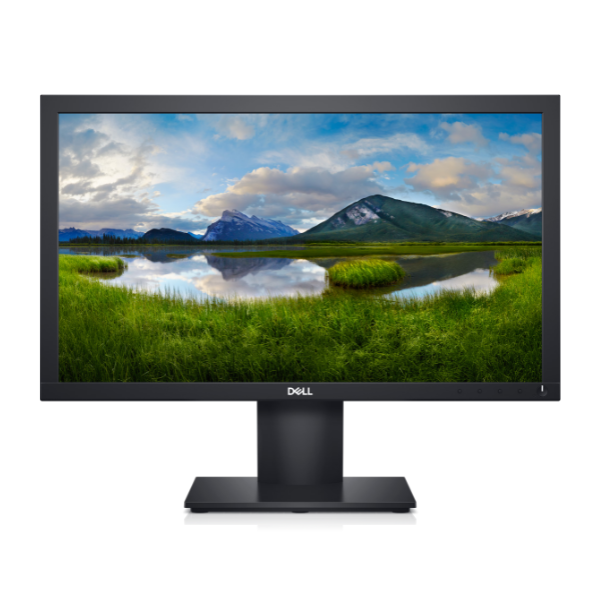
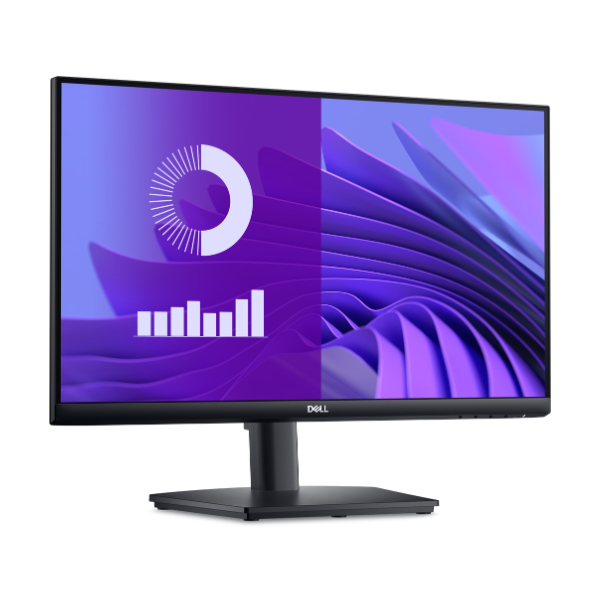
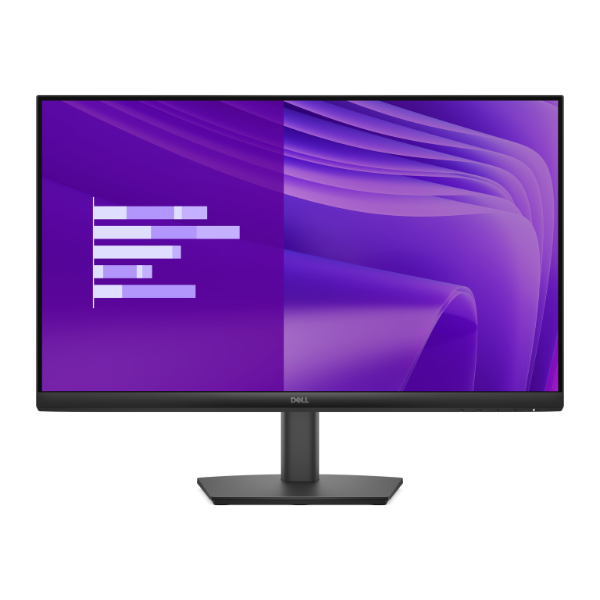
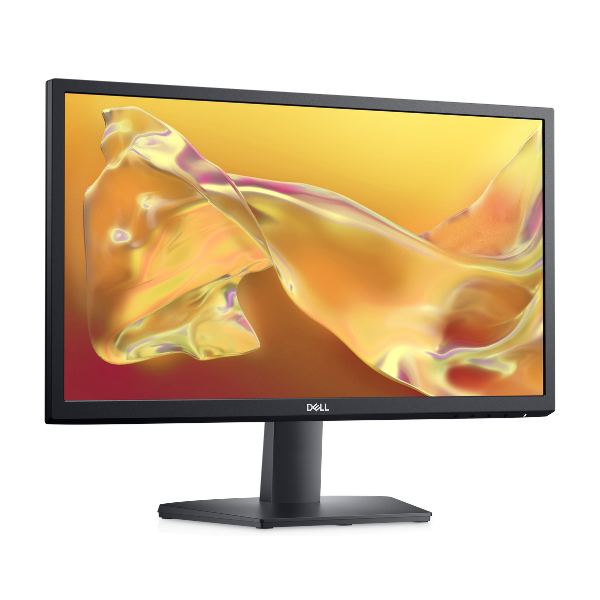
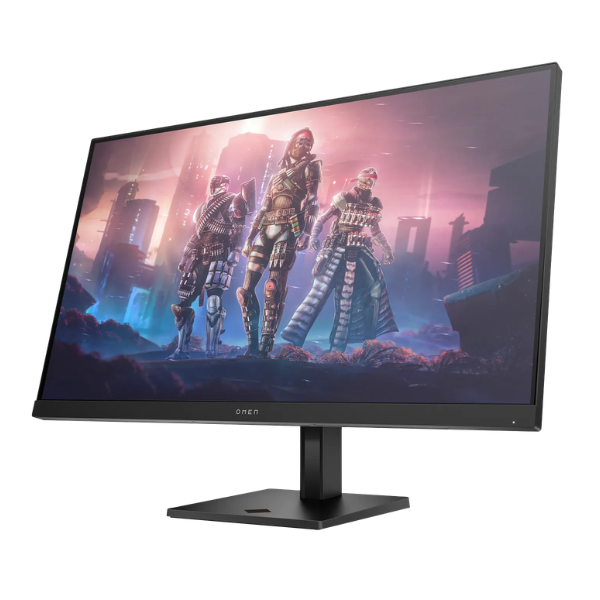
Upgrade your gaming setup in Kampala with the brand new OMEN by HP 32q Gaming Monitor. This isn't just a screen; it's your window to new worlds. The huge 31.5-inch display with crisp Quad HD (2560 x 1440) resolution pulls you right into the action, revealing every detail with stunning clarity. Whether you're exploring vast open worlds or competing in fast-paced esports, this monitor is built to give you a competitive edge and an immersive experience.
Engineered for pure performance, the OMEN 32q boasts a lightning-fast 165Hz refresh rate and an incredible 1ms response time. This combination eliminates motion blur and ensures your gameplay is silky smooth, allowing you to react instantly to in-game events. With AMD FreeSync™ Premium technology, screen tearing and stuttering are a thing of the past, providing a fluid, seamless visual experience. The VESA DisplayHDR™ 400 certification means you get deeper blacks and brighter whites, making every scene pop with lifelike color and contrast.
Comfort is key for long gaming sessions. This brand new monitor features HP Eye Ease with Eyesafe® certified Low Blue Light technology, which reduces eye strain without sacrificing color accuracy. The stand is fully adjustable for height and tilt, so you can find your perfect viewing angle for maximum comfort. With multiple connectivity options including DisplayPort™ 1.4 and HDMI 2.0, connecting your PC or console is quick and easy. Get ready to see your games like never before.
📖 HOW TO USE
1. Carefully unbox the monitor and all components.
2. Attach the stand to the back of the monitor panel and secure it.
3. Connect the DisplayPort™ or HDMI cable from your computer or console to the monitor.
4. Plug in the power adapter to the monitor and a wall socket.
5. Press the power button and select the correct input source using the on-screen display menu.
💡 TIPS & CARE
• Use a DisplayPort™ 1.4 cable to ensure you can achieve the full 165Hz refresh rate at QHD resolution.
• Enable AMD FreeSync™ Premium in your graphics card settings for tear-free gaming.
• Adjust the height and tilt for the most ergonomic and comfortable viewing position.
• Calibrate the display settings through the OMEN Gaming Hub software for personalized color profiles.