Product Description
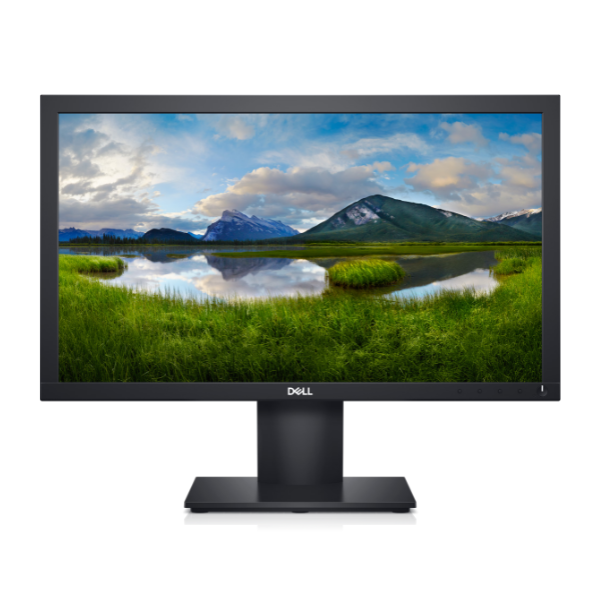
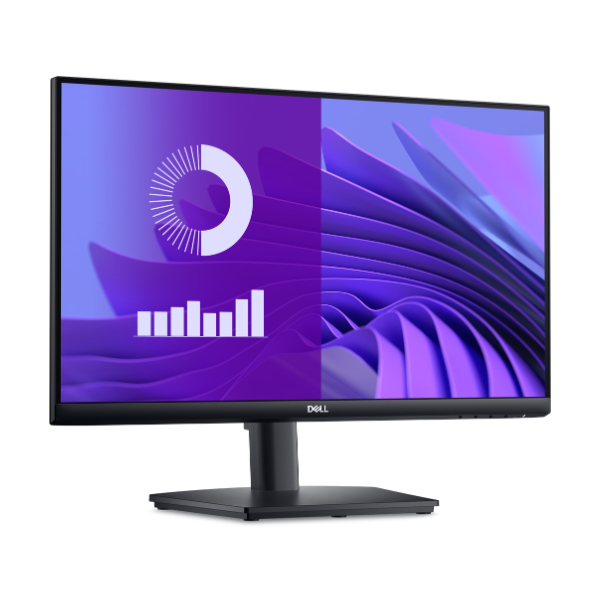
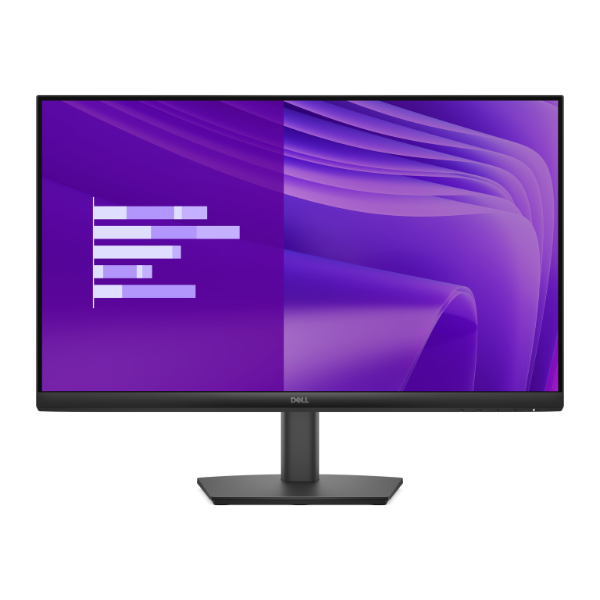
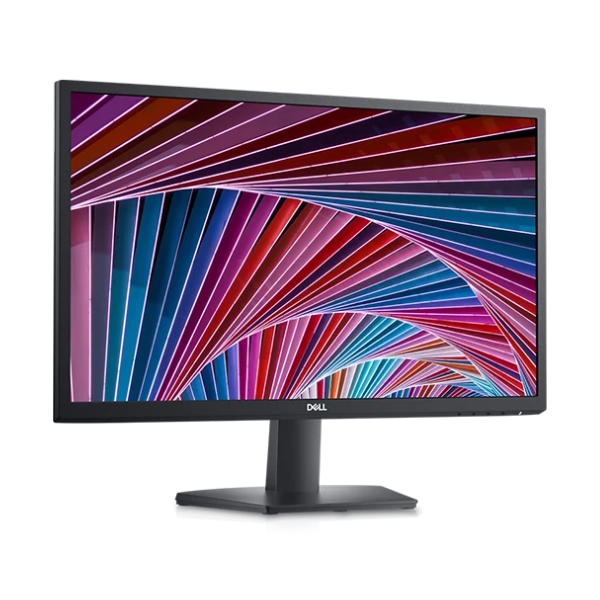
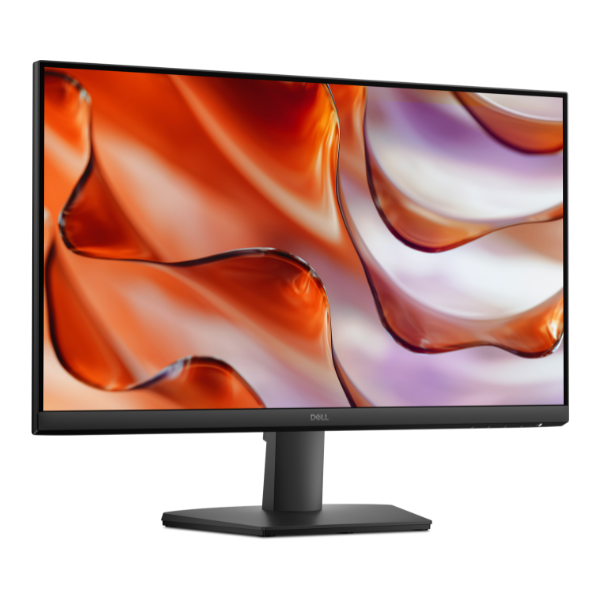
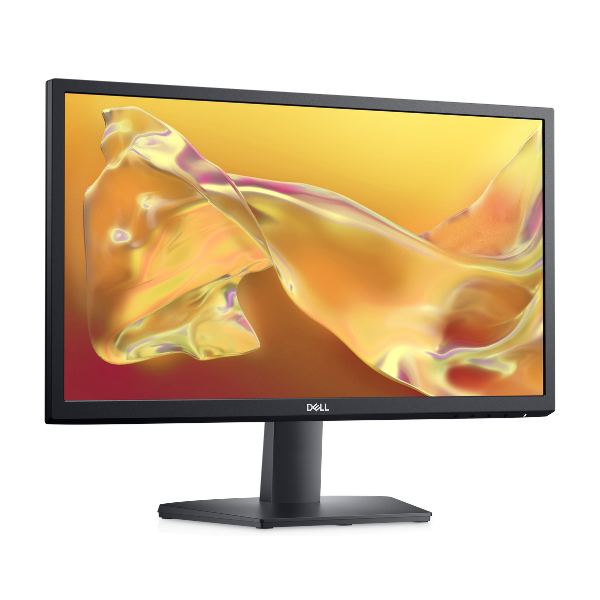
Upgrade your home or office setup with the BRAND NEW Dell SE2225H 22-inch monitor. This sleek and modern display delivers stunning Full HD clarity, making everything from spreadsheets to your favorite movies look sharp and vibrant. Its slim-bezel design provides a more immersive viewing experience, perfect for multi-monitor setups or simply enjoying a clean, minimalist look on your desk.
Engineered for a smooth, tear-free visual experience, this monitor is a game-changer. The 75Hz refresh rate provides noticeably smoother motion compared to standard 60Hz monitors, while AMD FreeSync technology synchronizes the monitor's refresh rate with your compatible graphics card to eliminate screen tearing and stuttering during fast-paced games and videos. The quick 5ms response time ensures that motion blur is minimized, giving you a clear advantage in gaming and action-packed scenes.
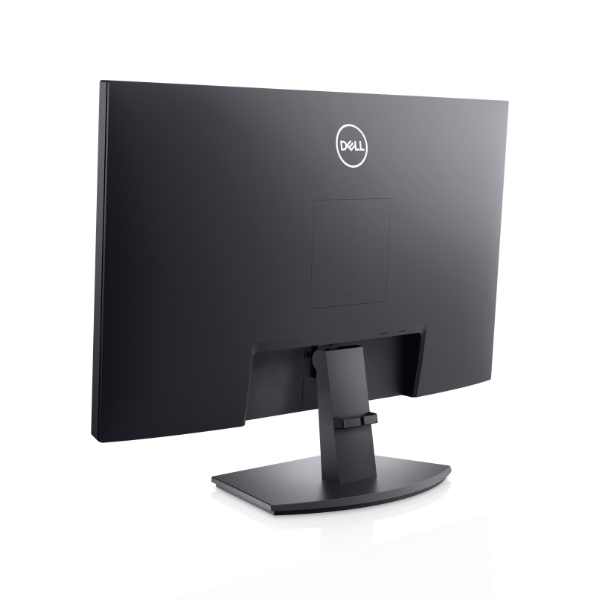
Practicality meets performance with the Dell SE2225H. It comes equipped with both HDMI and VGA ports, ensuring compatibility with a wide range of new and older computers and laptops. You can easily tilt the screen to find your most comfortable viewing angle for long work sessions. Built with Dell's commitment to quality, this brand new, sealed monitor is a reliable and affordable choice for anyone in Uganda looking to boost their productivity and entertainment.
📖 HOW TO USE
1. Carefully unbox the monitor, stand, and cables.
2. Attach the stand to the back of the monitor panel until it clicks securely.
3. Connect the monitor to your computer using either the included HDMI or VGA cable.
4. Plug the power cord into the monitor and then into a power outlet.
5. Power on your computer and the monitor. Your PC should automatically detect the new display.
💡 TIPS & CARE
• To enable 75Hz, go to your computer's display settings and select the 75Hz refresh rate option.
• If you have an AMD graphics card, enable FreeSync in your graphics card's control panel for the smoothest gaming.
• Adjust the tilt of the screen to match your eye level for better ergonomic comfort.
• Use the on-screen display buttons on the monitor to customize brightness, contrast, and color to your liking.