Product Description
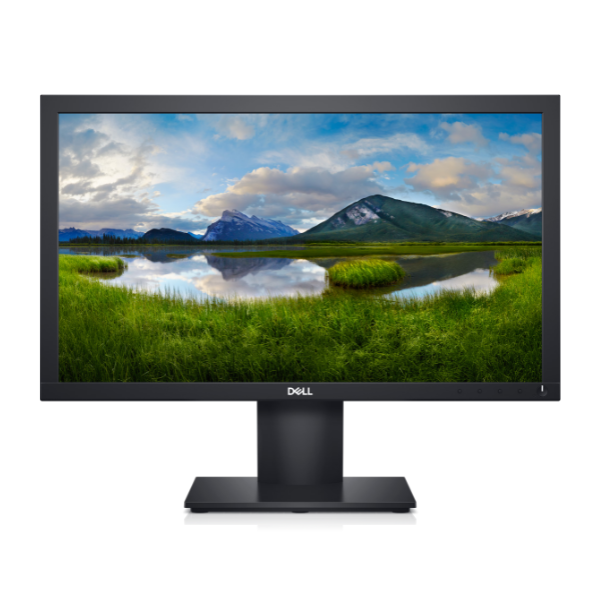
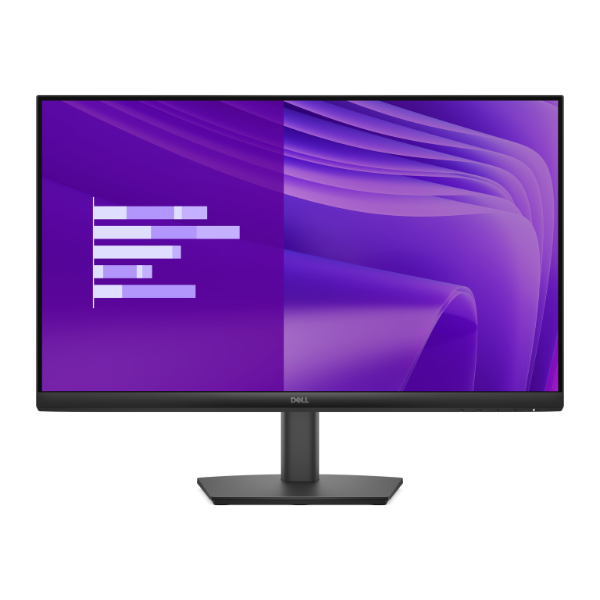
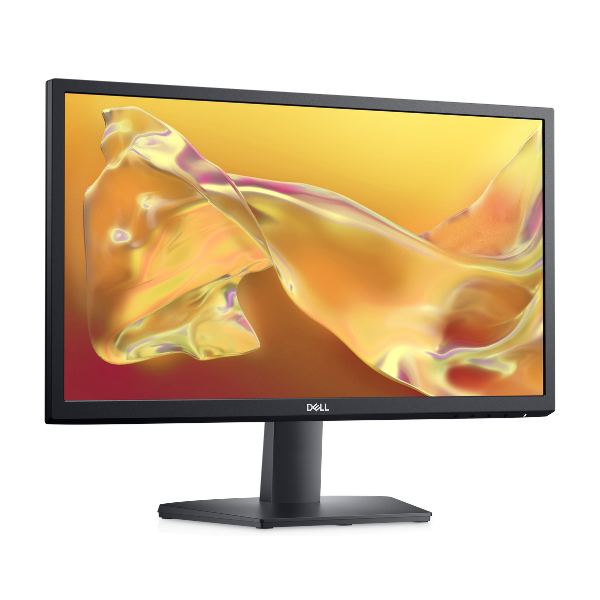
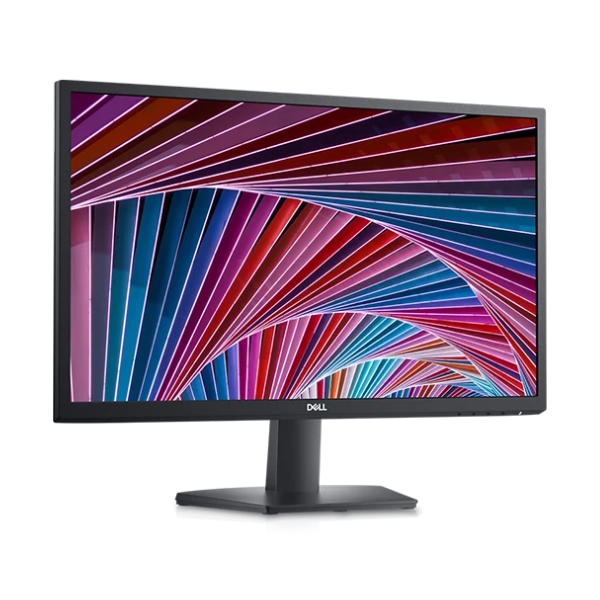
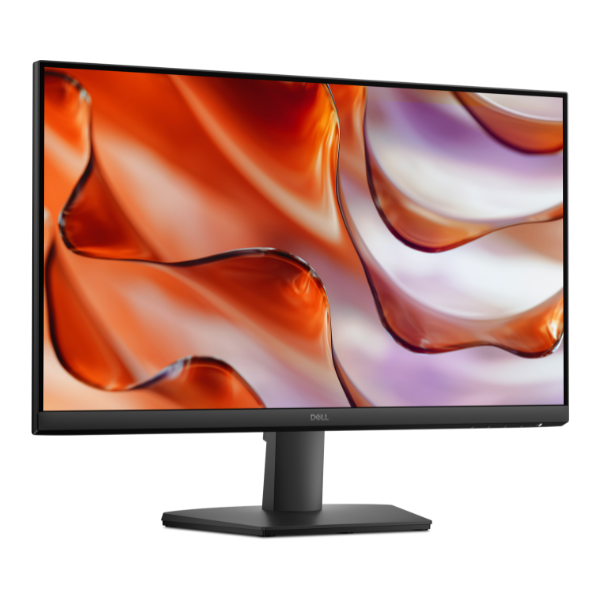
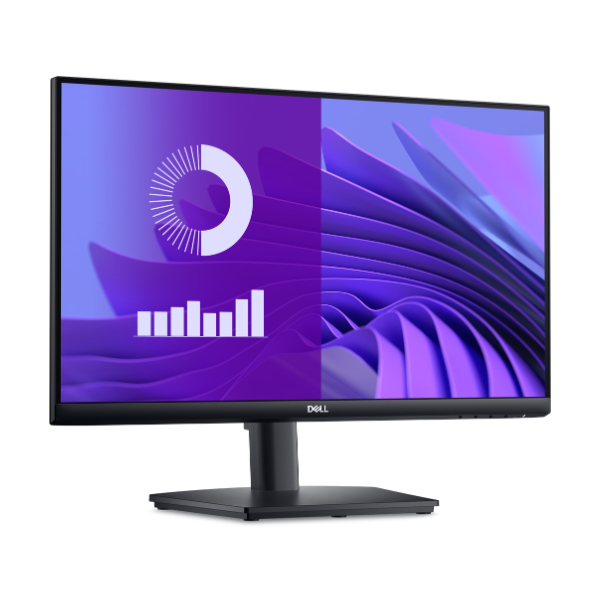
Upgrade your workstation or entertainment setup with the brand new Dell E2425HS 24-inch Monitor. This sleek and modern display delivers stunning Full HD resolution, bringing your work documents, photos, and videos to life with exceptional clarity. The Vertical Alignment (VA) panel technology ensures you get deep, rich blacks and a high contrast ratio, making colors pop and images appear more vibrant. It's the perfect all-around monitor for your daily tasks in Uganda, from creating spreadsheets to watching your favorite movies.
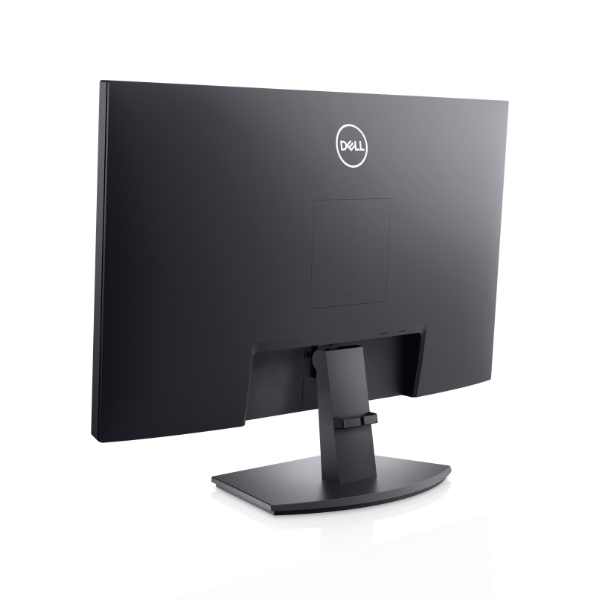
Functionality is at the core of the E2425HS. With a 75Hz refresh rate, you'll enjoy smoother motion compared to standard 60Hz monitors, reducing blur in fast-paced scenes and making scrolling feel more fluid. Connectivity is simple and versatile, featuring both HDMI and DisplayPort inputs to easily connect to your laptop or desktop computer. This brand new unit also comes with built-in speakers, providing clear audio without the need for external devices, helping you maintain a clean and clutter-free desk space.
Designed for comfort and productivity, the Dell E2425HS has a sturdy stand and a slim-bezel design that looks great in any environment, whether it's a home office or a professional workspace. Enjoy wide viewing angles, so the picture looks great even if you're not sitting directly in front of it. This is a brand new, sealed monitor ready to boost your productivity and enhance your entertainment right out of the box.
📖 HOW TO USE
1. Carefully unbox the monitor and all its components.
2. Attach the stand to the back of the monitor screen until it clicks securely in place.
3. Connect the included power cable to the monitor and plug it into a wall socket.
4. Use an HDMI or DisplayPort cable to connect the monitor to your computer or laptop.
5. Press the power button on the monitor to turn it on and select the correct input source if needed.
💡 TIPS & CARE
• For the best experience, set your computer's display resolution to 1920x1080.
• Ensure your computer's display settings are configured to output at a 75Hz refresh rate to enjoy smoother visuals.
• Adjust the brightness and contrast settings using the on-screen menu to suit your viewing environment.
• Clean the screen gently with a soft, dry microfiber cloth to avoid scratches.