Product Description
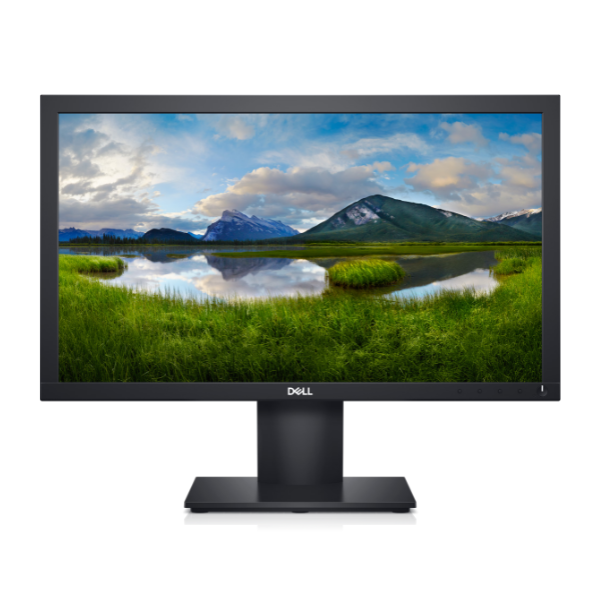
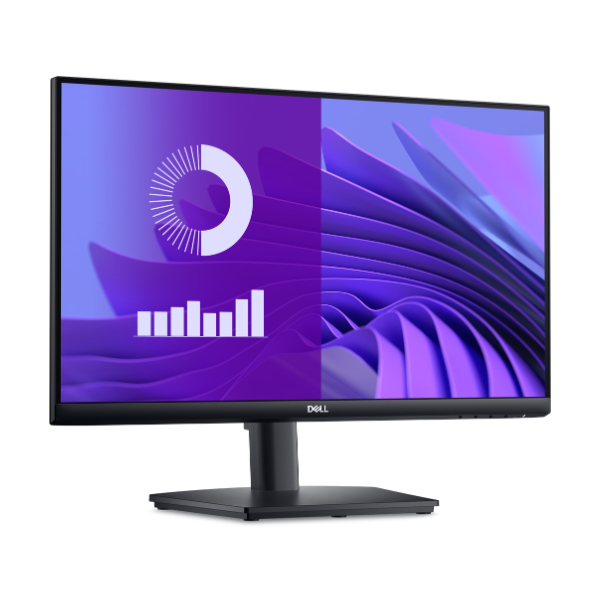
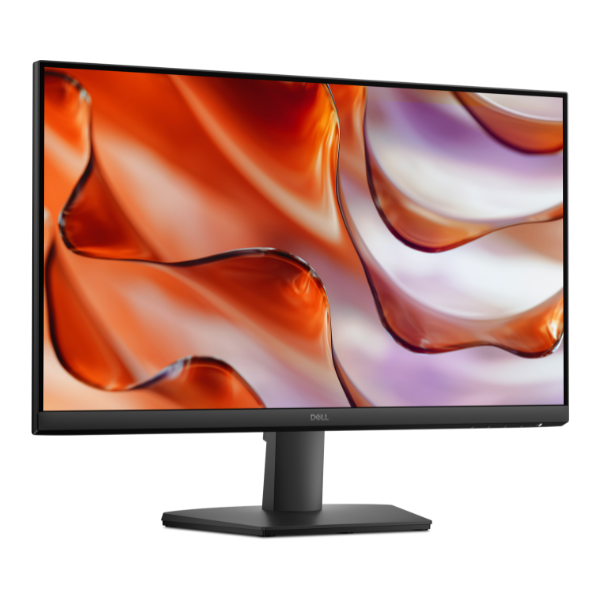
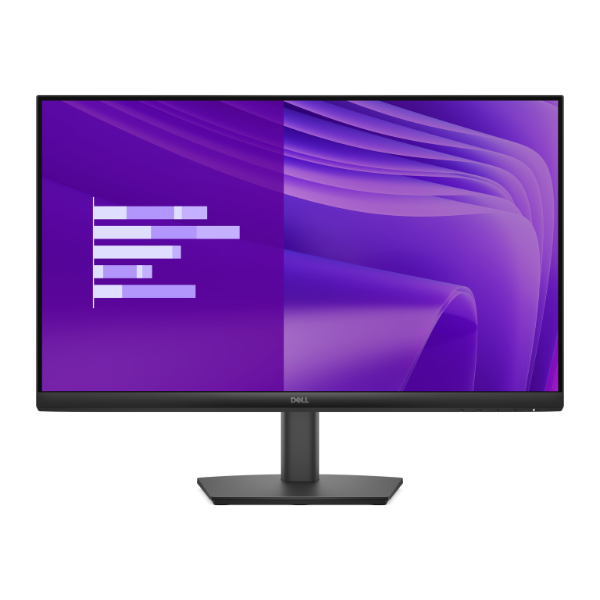
Upgrade your workspace with the BRAND NEW Dell Pro 24 E2425HM Monitor. This 24-inch display brings your work and media to life with its crisp Full HD resolution and vibrant colors, thanks to the advanced IPS panel technology. Whether you're editing documents, browsing the web, or watching your favorite movies, you'll enjoy consistent, accurate colors from any viewing angle.
Designed for modern productivity, the E2425HM features a 100Hz refresh rate, which provides noticeably smoother motion compared to standard 60Hz monitors. This makes scrolling through web pages and documents a much more fluid experience. For those long hours at the desk, Dell's ComfortView Plus technology is built-in to reduce harmful blue light emissions without sacrificing color accuracy, helping to minimize eye strain and keep you comfortable.
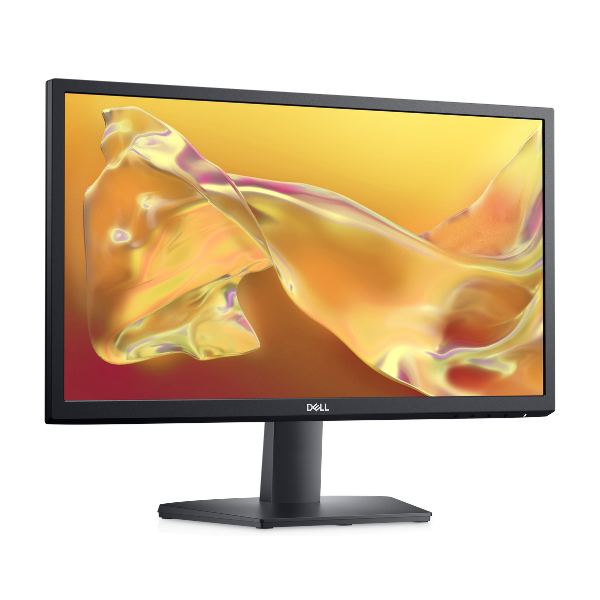
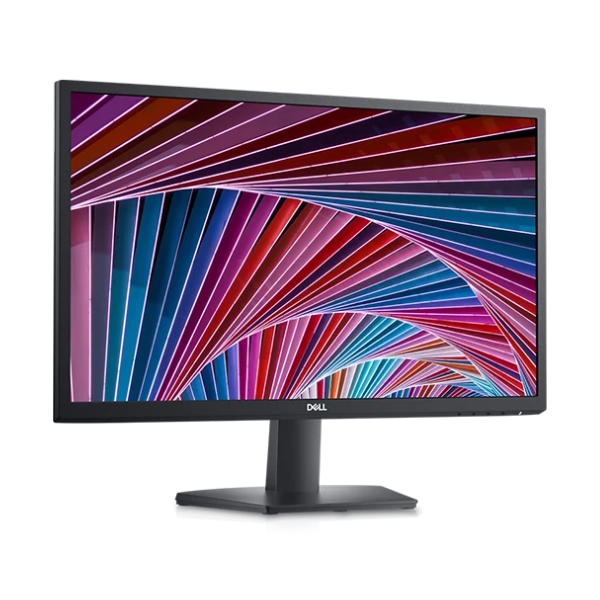
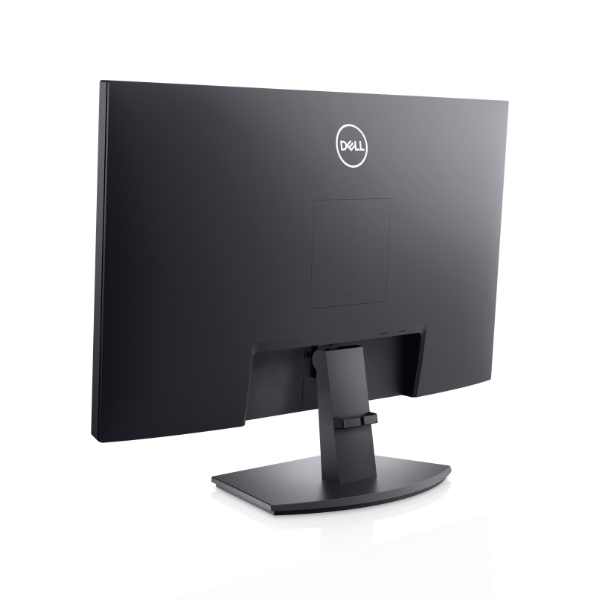
With its slim bezels and modern design, this monitor looks great on any desk in Uganda. It's an excellent choice for a home office, a student's study space, or a professional business environment. Connect easily to your laptop or desktop computer using the provided HDMI and DisplayPort connections. Get ready for a superior viewing experience that boosts your productivity and enhances your entertainment, all in a brand new, sealed package.
📖 HOW TO USE
1. Carefully unpack the monitor, stand, and cables from the box.
2. Attach the stand to the back of the monitor panel until it clicks securely into place.
3. Connect the power cable to the monitor and plug it into a power outlet.
4. Use either the HDMI or DisplayPort cable to connect the monitor to your computer's video output port.
5. Power on your computer and the monitor. The display should be automatically detected.
💡 TIPS & CARE
• For the best experience, go to your computer's display settings and ensure the refresh rate is set to 100Hz.
• Adjust the brightness and contrast from the on-screen menu to suit your room's lighting.
• Use ComfortView Plus mode during late-night work or study sessions to reduce eye fatigue.
• Consider a dual-monitor setup with another slim-bezel monitor for maximum productivity.