Product Description
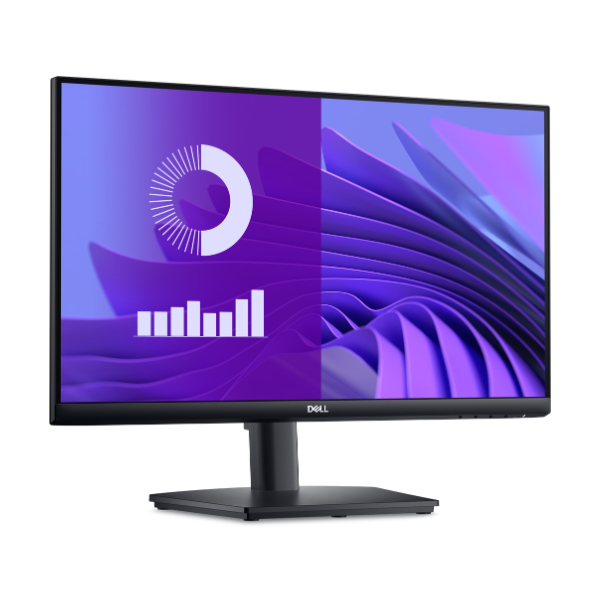
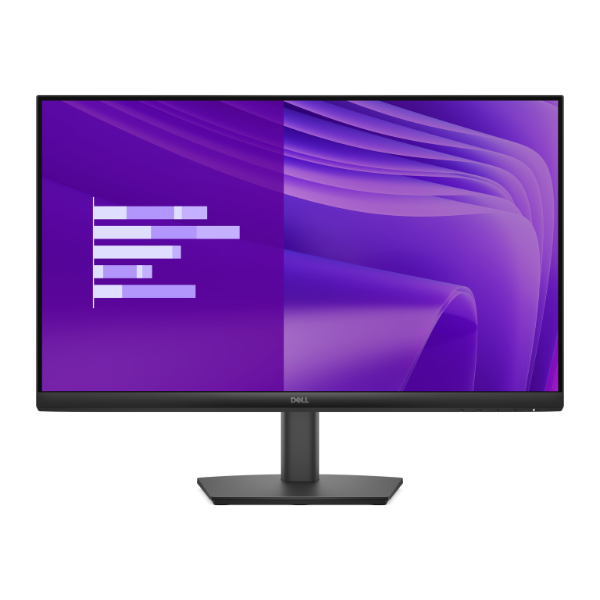
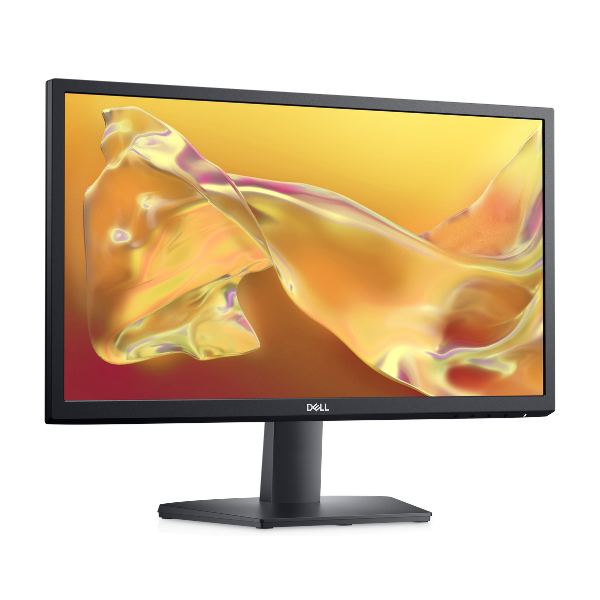
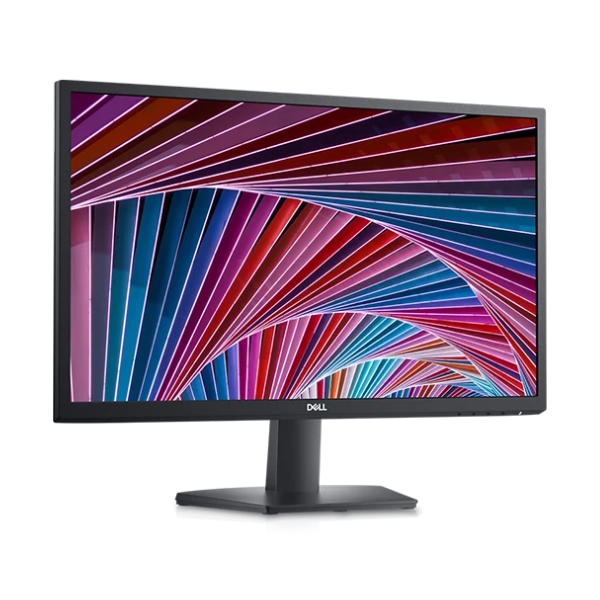
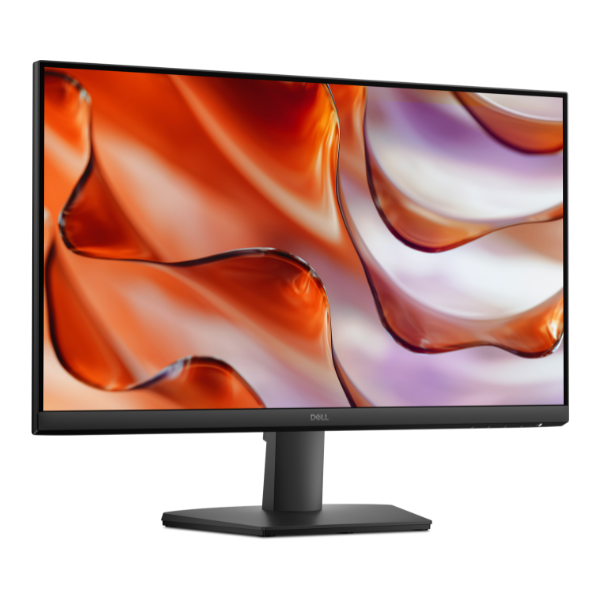
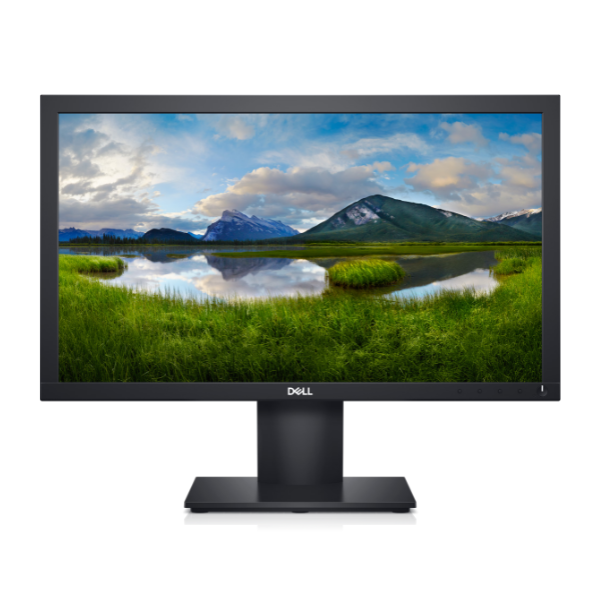
Discover enhanced productivity with the brand new Dell E2020H 20-inch Monitor. This is the perfect screen for your home or office in Uganda, providing clear, sharp visuals for all your work and browsing needs. The 1600x900 HD+ resolution ensures that your documents, spreadsheets, and web pages look crisp and detailed, making it much more comfortable to work for long hours compared to a small laptop screen.
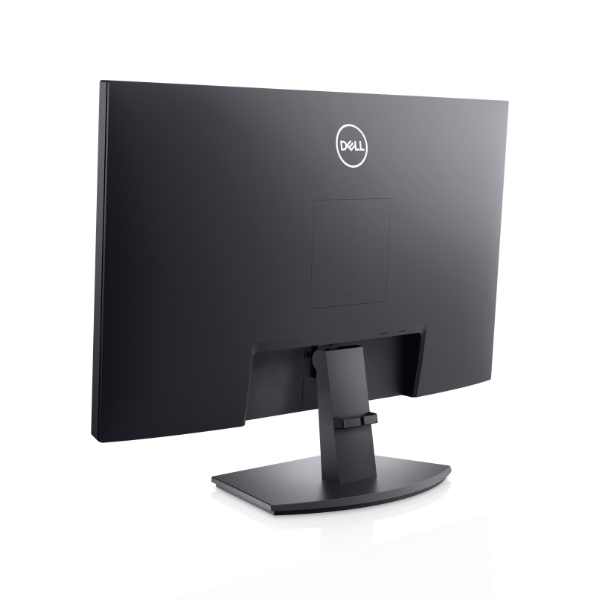
Built with Dell's renowned quality, this monitor is designed for reliability and everyday use. It features a fast 5ms response time, which means you'll see smooth motion without blur, perfect for watching videos or working on presentations. Connectivity is simple and versatile, with both a DisplayPort for modern computers and a VGA port to support older systems, ensuring you can connect it to almost any PC. The slim bezel design gives it a modern look and saves space on your desk.
This monitor is a practical tool to boost your efficiency. Use it as your main display or as a second screen alongside your laptop to multitask like a pro. It's ideal for office applications, online learning, browsing the internet, and light entertainment. The tilt-adjustable stand allows you to find the most comfortable viewing angle, reducing neck strain during your workday. Get this essential, brand new Dell monitor today and see the difference it makes.
📖 HOW TO USE
1. Carefully unbox the monitor and all accessories from the packaging.
2. Attach the monitor stand to the back of the screen until it clicks securely in place.
3. Connect the included power cable to the monitor and plug it into a wall socket.
4. Connect either the DisplayPort or VGA cable from your computer's video output to the corresponding port on the monitor.
5. Press the power button on the monitor to turn it on. Your computer should automatically detect the new display.
💡 TIPS & CARE
• Adjust the brightness and contrast settings to a comfortable level for your room's lighting to reduce eye strain.
• Position the monitor at eye level to maintain a good posture while working.
• Use a soft, dry microfiber cloth to clean the screen. Avoid using harsh chemicals.
• For multi-tasking, use it as a second screen next to your laptop to extend your desktop space.