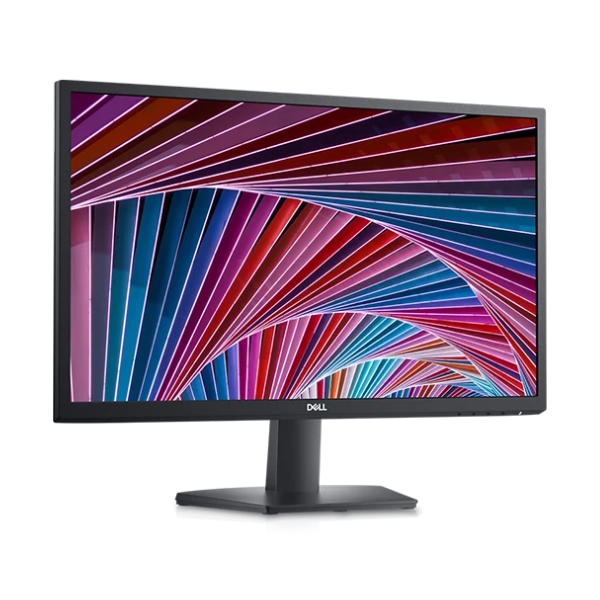
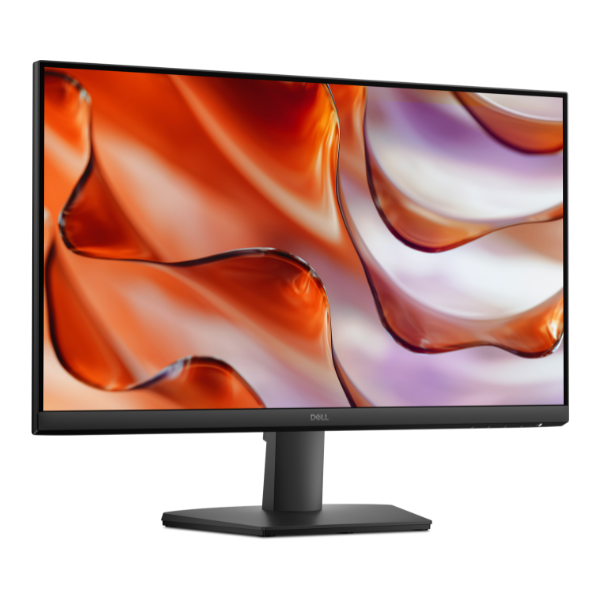
Product Description
Step up your game and experience true immersion with the brand new OMEN by HP 27-inch Gaming Monitor. Designed for serious gamers in Uganda, this monitor delivers the speed and clarity you need to see every detail and react in an instant. Say goodbye to lag and motion blur; this is your new competitive edge, straight out of a sealed box.
The combination of a blazing-fast 165Hz refresh rate and an incredible 1ms response time ensures your gameplay is always fluid and sharp, giving you a clear advantage in fast-paced games like shooters and racers. The Full HD (1920 x 1080) resolution on the vibrant IPS panel brings your games to life with stunning color accuracy and wide viewing angles, so the picture looks great no matter where you're sitting. With HP Eye Ease and Eyesafe® certification, you can enjoy longer gaming sessions with less eye strain.
This monitor isn't just about performance; it's built for convenience. It features versatile connectivity options including DisplayPort™ 1.4 and HDMI 2.0, allowing you to easily connect your PC and consoles. The fully adjustable stand lets you tilt, pivot, and adjust the height for perfect ergonomic comfort. Whether you're a professional esports athlete or a casual gamer looking for the best experience, this brand new OMEN monitor is the ultimate upgrade for your setup.
📖 HOW TO USE
1. Carefully unbox the monitor and all its components.
2. Attach the stand to the back of the monitor screen securely.
3. Connect the power cord to the monitor and a wall socket.
4. Use either the included DisplayPort or HDMI cable to connect the monitor to your computer's graphics card.
5. Power on your computer and the monitor. The display should be detected automatically.
6. For the best experience, go to your PC's display settings and ensure the refresh rate is set to 165Hz.
💡 TIPS & CARE
• Use a DisplayPort cable to guarantee you can access the full 165Hz refresh rate.
• Enable AMD FreeSync™ Premium in the monitor's on-screen menu and in your graphics card software for tear-free gaming.
• Calibrate the display colors to match your personal preference for the most immersive experience.
• Adjust the stand's height and tilt to find the most comfortable viewing angle and reduce neck strain during long sessions.