Product Description
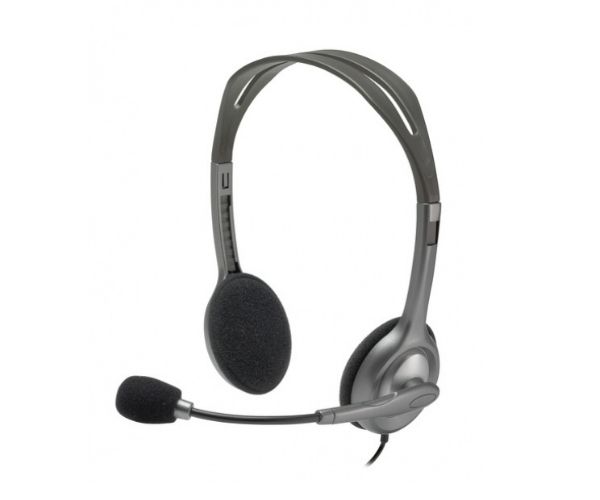
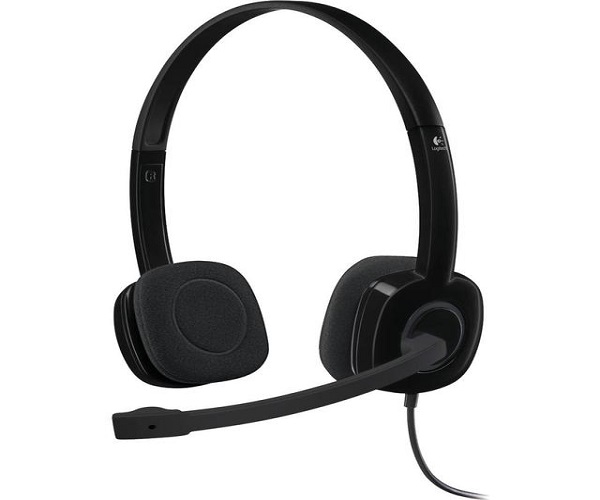
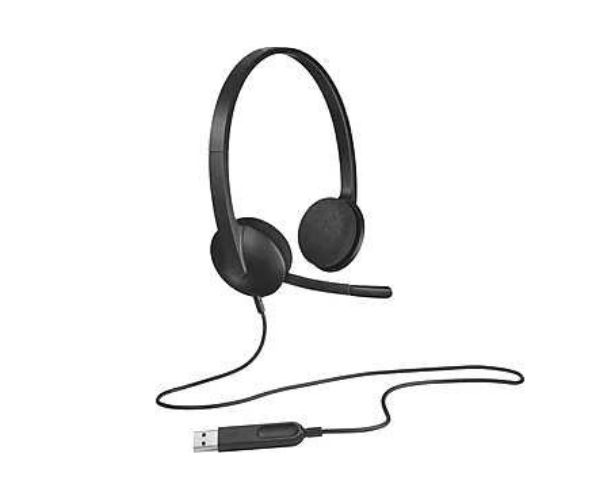
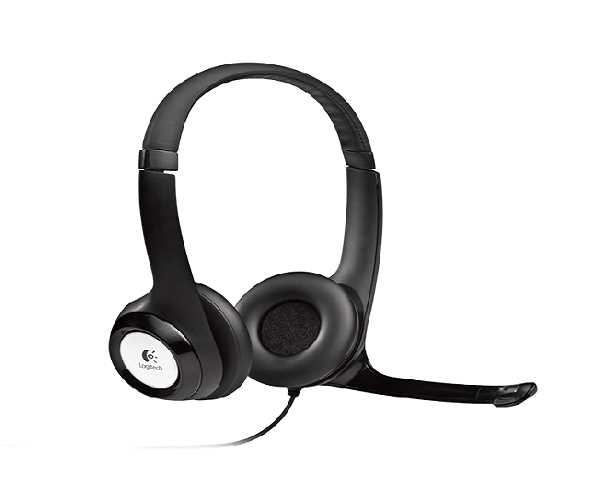
Experience crystal-clear audio for all your needs with the brand new Logitech H110 Stereo Headset. Whether you're on an important business call on Zoom, catching up with family on WhatsApp, or just relaxing with your favorite music, this headset delivers reliable performance every time. It's the perfect affordable solution for your home or office in Uganda.
The standout feature is its noise-cancelling microphone, which reduces annoying background noise so your voice is heard loud and clear. The microphone can also be rotated 180° to be worn on your left or right side, and tucked out of the way when you're not on a call. The adjustable headband ensures a comfortable, personalized fit for long hours of use without discomfort.
Getting started is incredibly simple. Just plug the standard 3.5mm audio jack into your computer, laptop, tablet, or smartphone and it's ready to go instantly—no software installation required. This brand new, sealed headset is built to last, offering the durability and quality Logitech is known for, making it a smart investment for work, school, or entertainment.
📖 HOW TO USE
1. Unbox your brand new Logitech H110 headset.
2. Plug the 3.5mm audio jacks into your computer's or laptop's corresponding headphone and microphone ports.
3. For newer laptops with a single port, you may need a simple Y-splitter adapter (sold separately).
4. Adjust the lightweight headband for a comfortable and secure fit.
5. Position the rotating microphone in front of your mouth for the clearest voice pickup.
6. You are now ready to make calls, join meetings, or listen to audio.
💡 TIPS & CARE
• For the best voice clarity, position the microphone about two fingers' width from your mouth.
• Rotate the microphone boom up and out of the way when you are only listening to music or watching videos.
• To ensure a long life for your headset, avoid wrapping the cable tightly around the device.
• Ideal for use with popular calling apps like Zoom, Skype, Google Meet, and WhatsApp.