Product Description
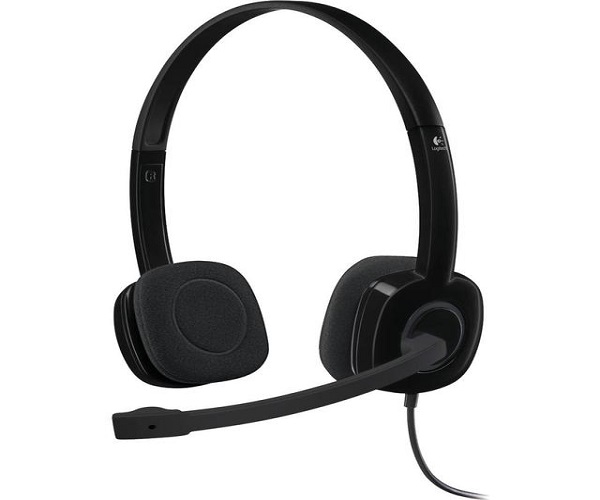
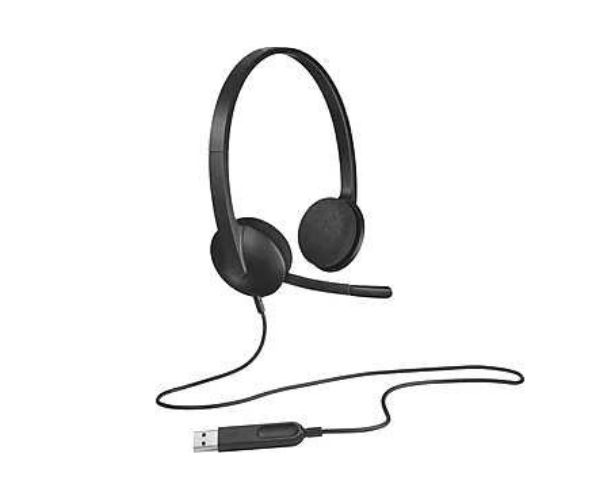
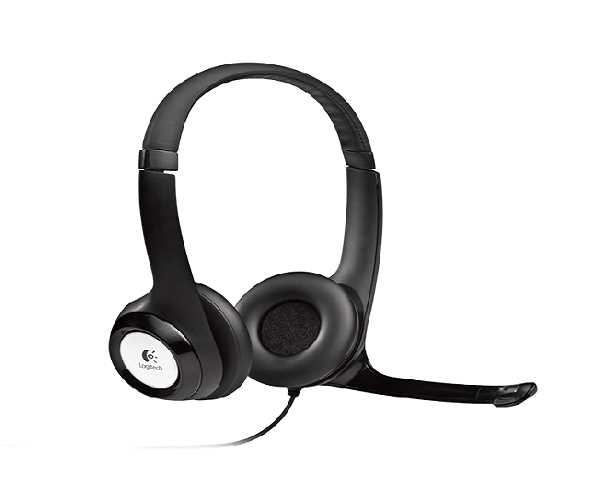
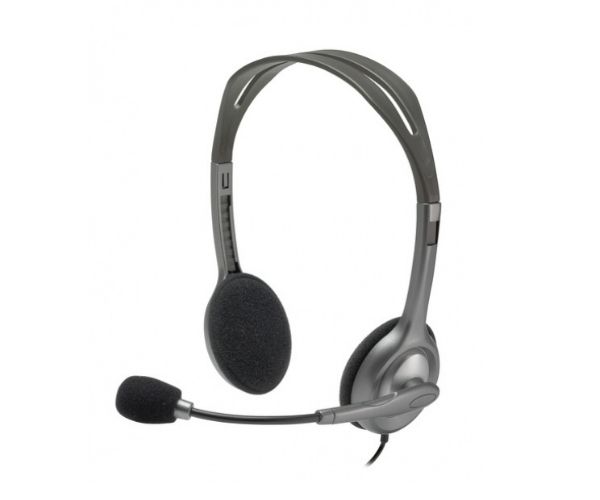
Meet your simple, reliable audio solution for everyday tasks. This BRAND NEW Logitech H111 Stereo Headset is the perfect companion for your voice calls, online meetings, e-learning, and enjoying music on your computer or laptop. Its sturdy yet lightweight design and soft foam ear cups ensure you can wear it comfortably for hours without any strain.
The key feature is the noise-cancelling microphone, which reduces annoying background noise so your voice is heard clearly, whether you're on an important business call in a busy office or attending an online class from home. The microphone boom is also flexible and can be rotated 180° to be worn on either your left or right side, and tucked out of the way when you're not using it.
Getting started is incredibly easy. Simply plug the standard 3.5mm audio jack into your PC, Mac, laptop, or even your tablet or smartphone. There's no software to install – it just works! This makes it a fantastic, no-fuss choice for anyone in Uganda needing a dependable headset for work, school, or leisure.
📖 HOW TO USE
1. Unbox your brand new Logitech H111 headset from its sealed packaging.
2. Plug the single 3.5mm audio jack into your computer's or laptop's headphone/microphone combo port.
3. Adjust the lightweight headband until it fits comfortably on your head.
4. Rotate the microphone boom to your preferred side (left or right) and position it near your mouth.
5. Your device will automatically detect the headset. You are now ready to make calls or listen to audio.
💡 TIPS & CARE
• For the clearest voice pickup, position the microphone about two fingers' width away from your mouth.
• When not on a call, rotate the microphone boom upwards to keep it out of your way.
• To clean, gently wipe the ear pads and plastic parts with a soft, dry cloth.
• Store the headset by loosely coiling the cable to avoid damage and tangles.