Product Description
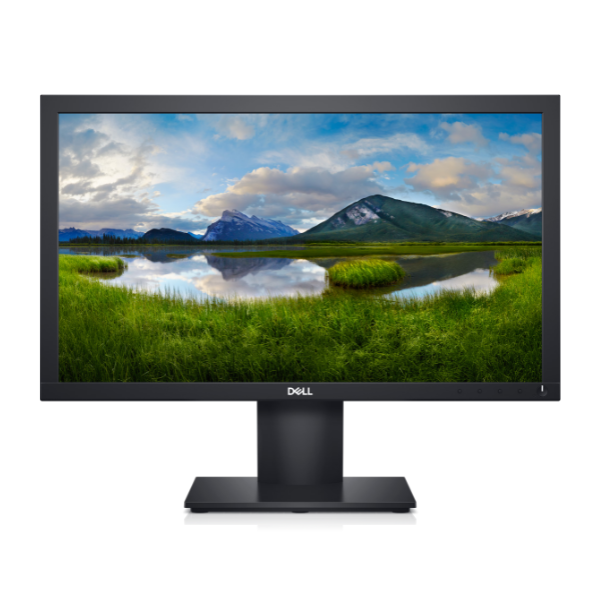
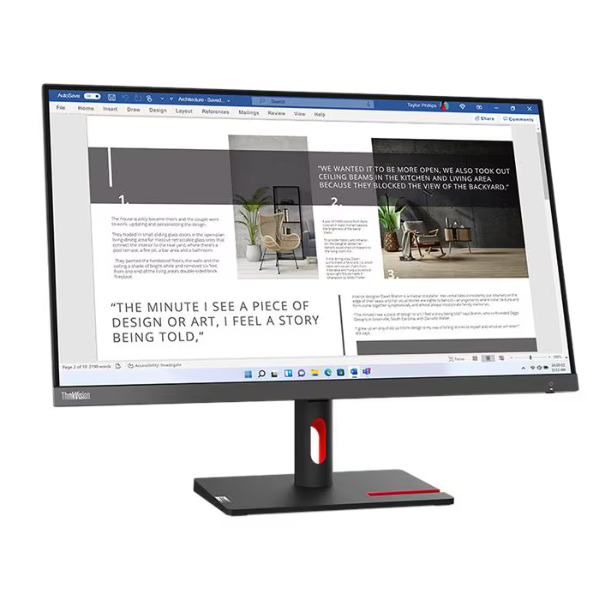
Upgrade your workspace with the BRAND NEW Lenovo ThinkVision S27i-30 Monitor. This 27-inch monitor brings your work and entertainment to life with its stunning Full HD (1920 x 1080) resolution and In-Plane Switching (IPS) panel, which ensures consistent, vibrant colors and wide viewing angles. It's the perfect choice for professionals in Uganda who demand clarity and precision, from editing documents and spreadsheets to graphic design and video calls.
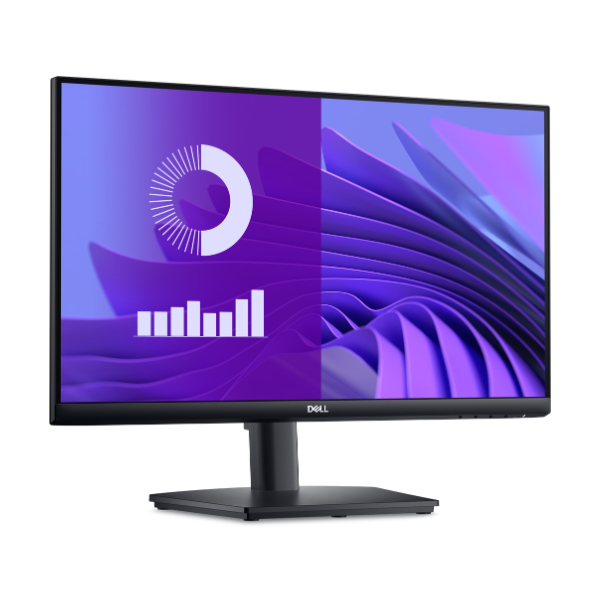
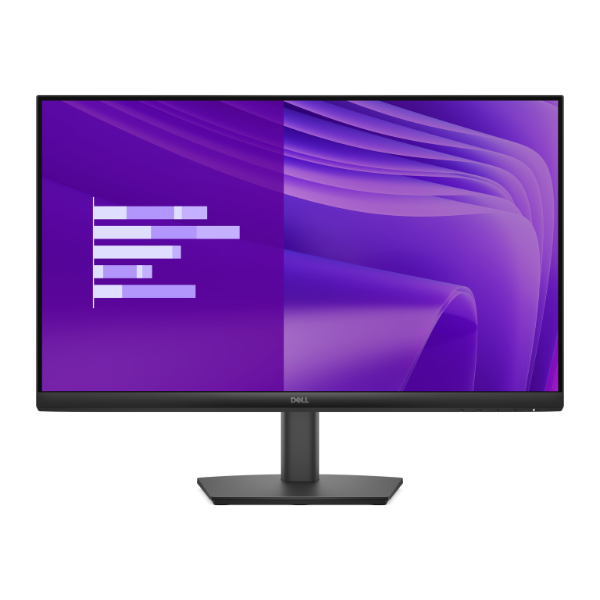
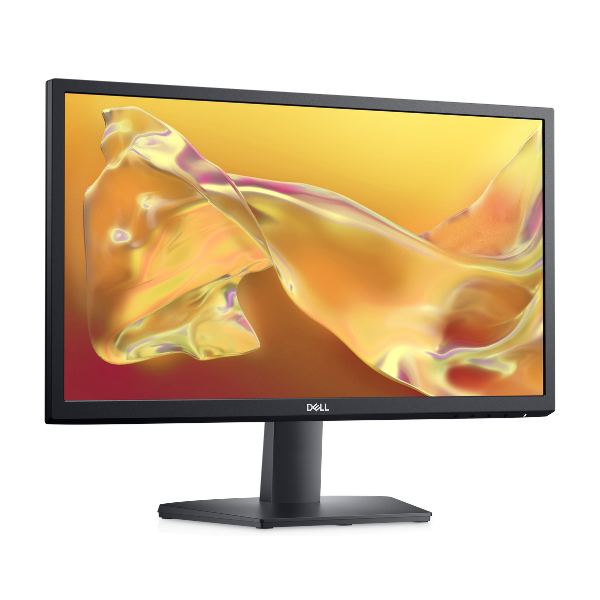
The S27i-30 features a modern, minimalist design with near-edgeless bezels on three sides. This slim profile not only looks great on any desk but is also ideal for creating a seamless multi-monitor setup, boosting your productivity. Connectivity is simple and versatile, with both HDMI and VGA ports to easily connect to your laptop or desktop computer. The built-in cable management system helps you keep your desk tidy and free from clutter.
Designed for long hours of use, this monitor is TÜV Rheinland Eye Comfort certified, reducing harmful blue light and flicker to minimize eye strain. The stand allows you to tilt the screen to find your perfect viewing angle, ensuring ergonomic comfort throughout your day. Whether you're equipping a home office or upgrading your business setup, the Lenovo ThinkVision S27i-30 delivers reliable performance and exceptional visual quality, all in a brand new, sealed package.
📖 HOW TO USE
1. Carefully unbox the monitor and all included components from the sealed packaging.
2. Attach the stand base to the stand neck, and then attach the stand to the back of the monitor.
3. Connect the power cable to the monitor and plug it into a wall socket.
4. Connect the monitor to your computer using the included HDMI cable or a VGA cable.
5. Power on your computer and the monitor. The display should be detected automatically.
💡 TIPS & CARE
• For the best viewing experience, position the top of the monitor screen at or slightly below eye level.
• Enable the Low Blue Light mode in the on-screen display (OSD) menu for extended work sessions.
• Take advantage of the slim bezels by pairing it with another S27i-30 for a productive dual-monitor setup.
• Use the integrated cable management clip on the stand to keep your HDMI and power cables neat and organized.