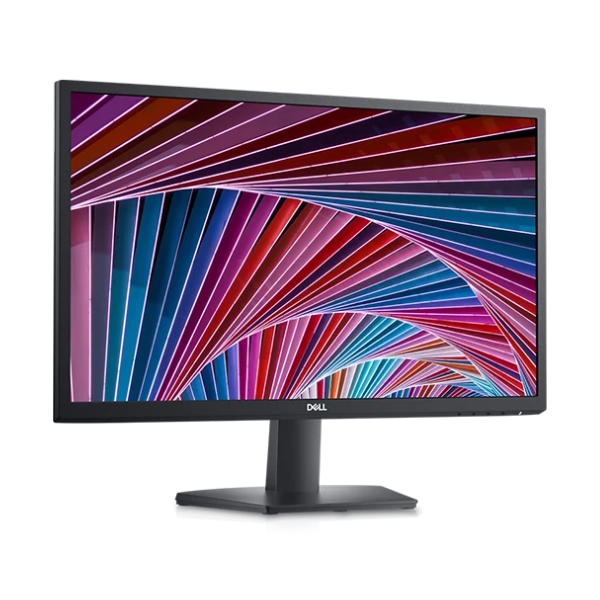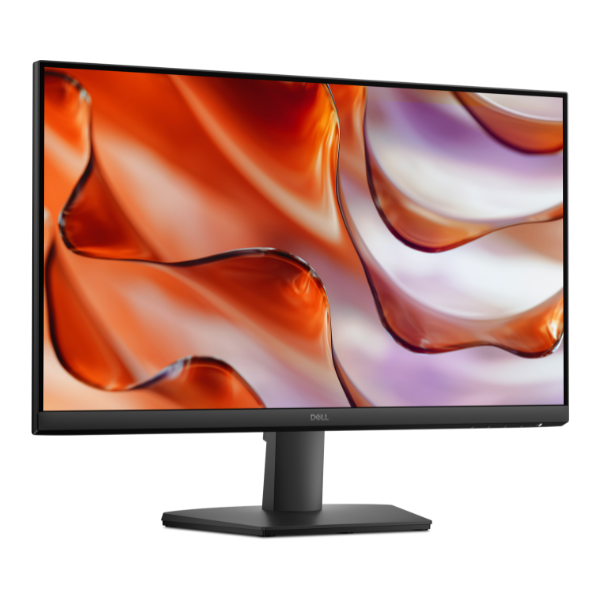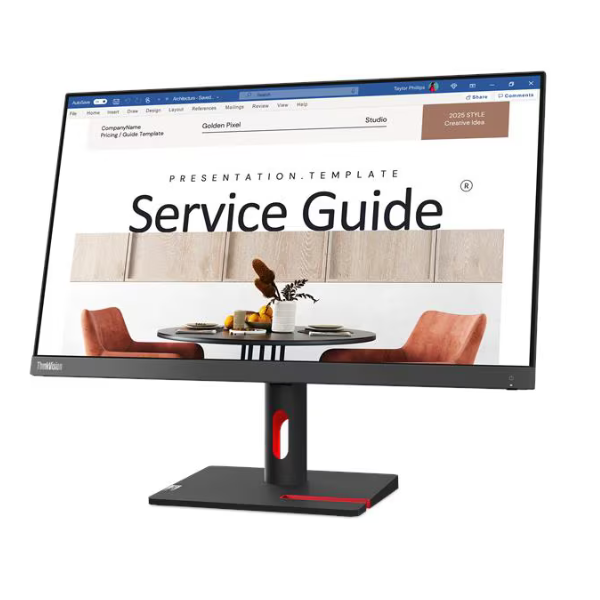
Product Description
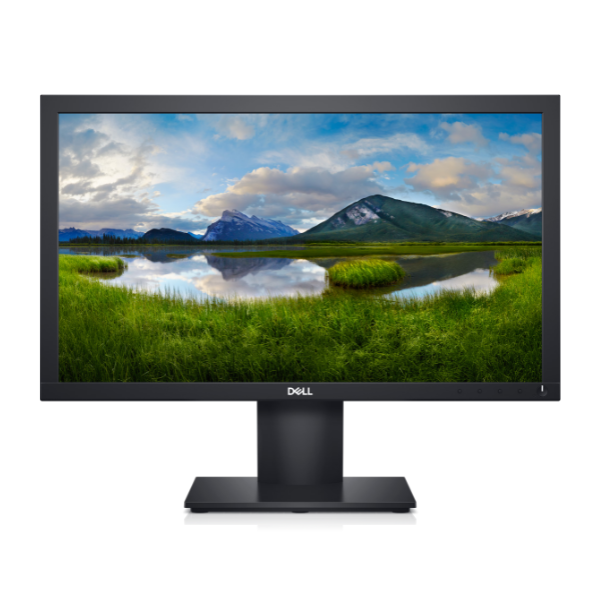
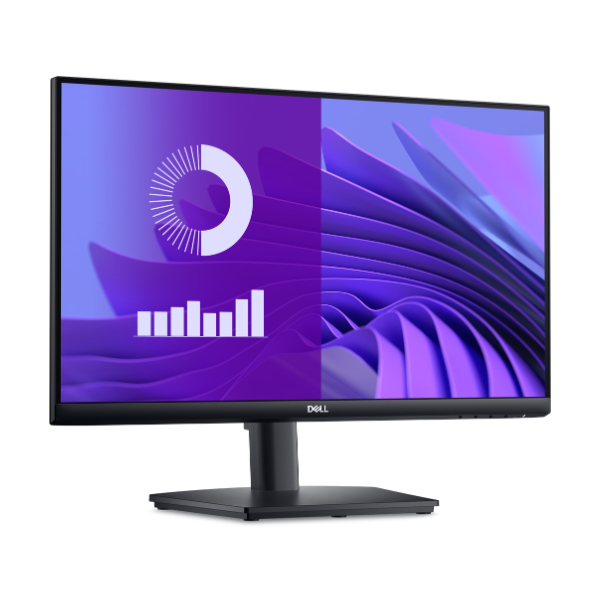
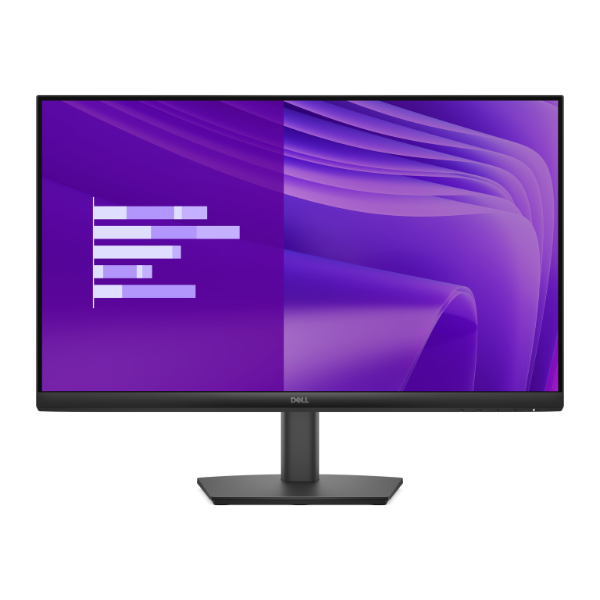
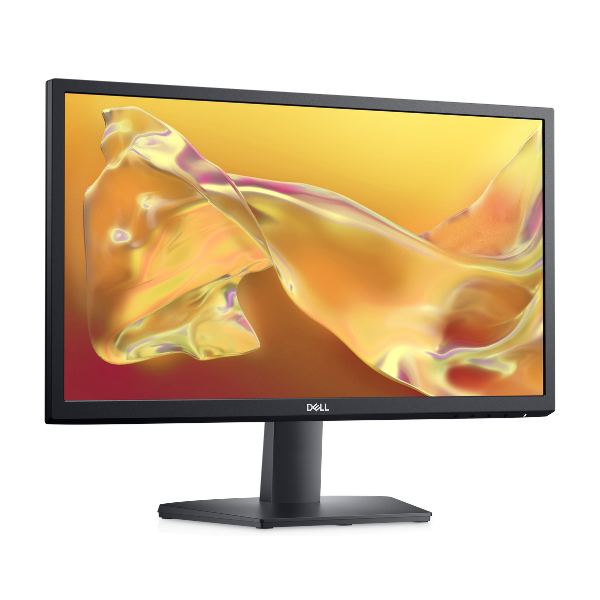
Upgrade your workspace or entertainment setup with the brand new Lenovo ThinkVision S24i-30 monitor. This 23.8-inch monitor delivers exceptional clarity and vibrant colors thanks to its Full HD (1920x1080) resolution and In-Plane Switching (IPS) panel. Whether you're working on spreadsheets, designing graphics, or watching your favorite movies, you'll enjoy crisp details and consistent colors from any viewing angle.
Experience incredibly smooth motion with a 100Hz refresh rate and a quick 4ms response time, which reduces blur and ghosting in fast-paced scenes. This makes it perfect for casual gaming and video playback. The monitor's 99% sRGB color gamut ensures that colors are vivid and accurate, bringing your content to life. Its modern, 3-side NearEdgeless (thin bezel) design not only looks great on any desk but is also ideal for creating a seamless multi-monitor setup, boosting your productivity.
Designed for practicality, the ThinkVision S24i-30 includes both HDMI and VGA ports, ensuring compatibility with a wide range of new and older computers and laptops. The adjustable tilt stand allows you to find the most comfortable viewing position for long hours of work or play. This is the perfect, brand new, all-around monitor for any home or office in Uganda, providing a significant upgrade in visual quality and performance.
📖 HOW TO USE
1. Carefully unpack the monitor, stand base, and stand stem from the box.
2. Attach the stand stem to the back of the monitor, then secure the base to the stem.
3. Connect the included power cable to the monitor and plug it into a power outlet.
4. Use either the HDMI or VGA cable to connect the monitor to your computer's video output port.
5. Power on your computer and the monitor. The display should be automatically detected.
💡 TIPS & CARE
• For the best quality and performance, use the HDMI connection if your computer supports it.
• Go into your computer's display settings to ensure the refresh rate is set to 100Hz.
• Adjust the brightness and contrast settings from the monitor's on-screen menu for your viewing comfort.
• Consider a dual-monitor setup with another S24i-30 for a massive boost in productivity.