Product Description
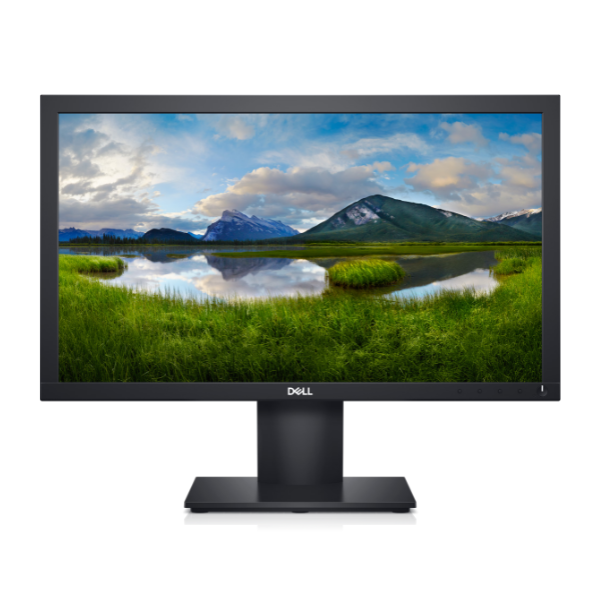
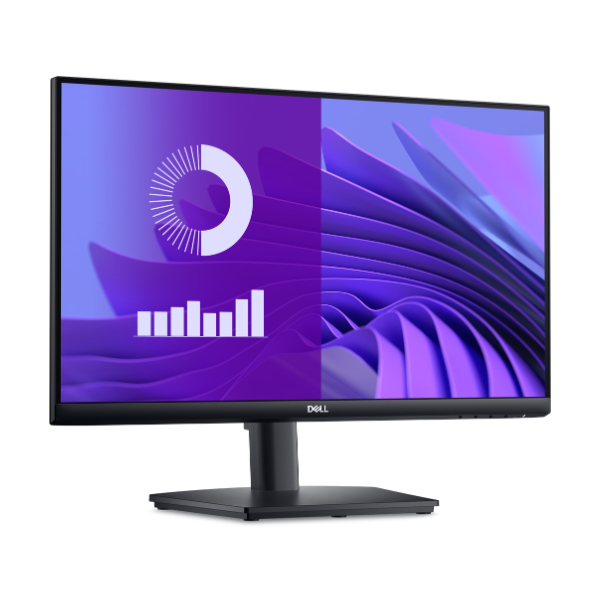
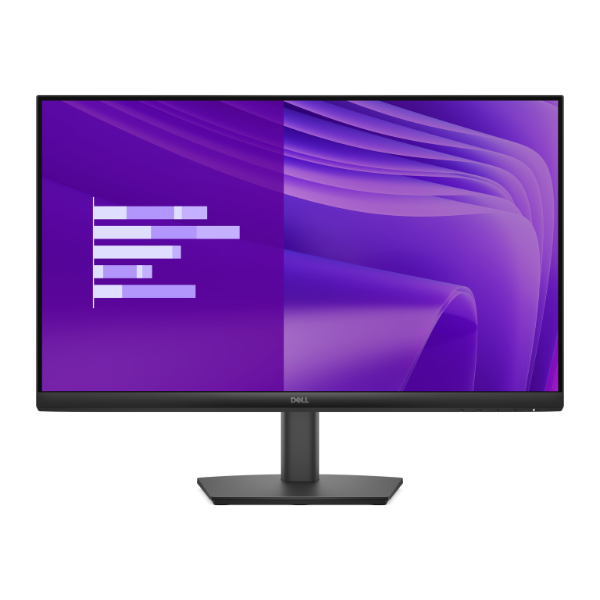
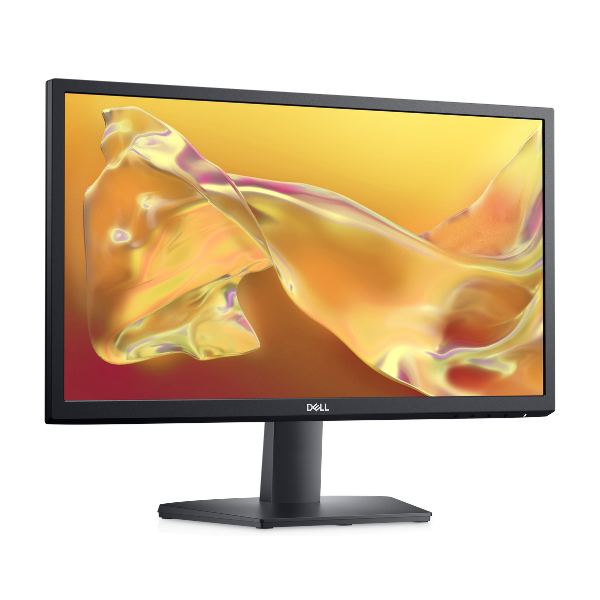
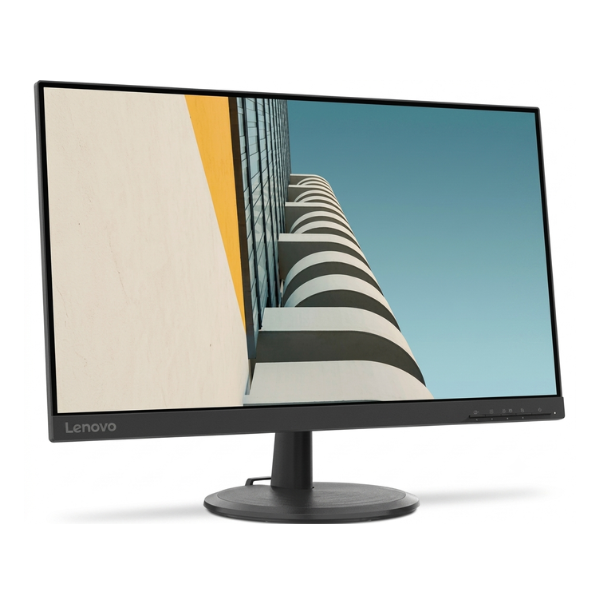
Upgrade your home office or entertainment setup with the BRAND NEW Lenovo C24-20 monitor. This 23.8-inch screen gives you plenty of space to work on spreadsheets, watch your favorite movies, or enjoy casual gaming, all in sharp Full HD 1920x1080 resolution. Its clean, minimalist design with a stable stand fits perfectly on any desk in your Kampala home or office.
Engineered for excellent performance, the C24-20 features a VA (Vertical Alignment) panel which delivers deep, rich blacks and a high contrast ratio, making images pop. With a 75Hz refresh rate and AMD FreeSync™ technology, motion blur and screen tearing are minimized, providing a smoother experience for videos and games. Long hours in front of the screen? The TÜV Rheinland Low Blue Light certification reduces harmful blue light, minimizing eye strain and keeping you comfortable during extended use.
This monitor is built for versatility. It includes both HDMI and VGA ports, ensuring you can connect it to a wide range of new and older laptops or desktop computers. The stand also offers convenient cable management to keep your workspace tidy and organised. It's the perfect, practical choice for anyone needing a reliable and high-quality display for everyday tasks.
📖 HOW TO USE
1. Carefully unbox the monitor, stand base, and stand stem.
2. Attach the stand stem to the back of the monitor panel, then secure the base to the stem.
3. Connect the included power cable to the monitor and plug it into a wall socket.
4. Use either the HDMI or VGA cable to connect the monitor to your computer's video output port.
5. Power on your computer and the monitor. Your computer should automatically detect the new display.
💡 TIPS & CARE
• For the best experience, set your computer's display resolution to 1920x1080 and refresh rate to 75Hz.
• Enable AMD FreeSync in your graphics card settings if you have a compatible AMD GPU for smoother gaming.
• Adjust the brightness and contrast settings in the on-screen menu to match your room's lighting.
• Use a soft, dry microfiber cloth to clean the screen. Avoid using harsh chemicals.