Product Description
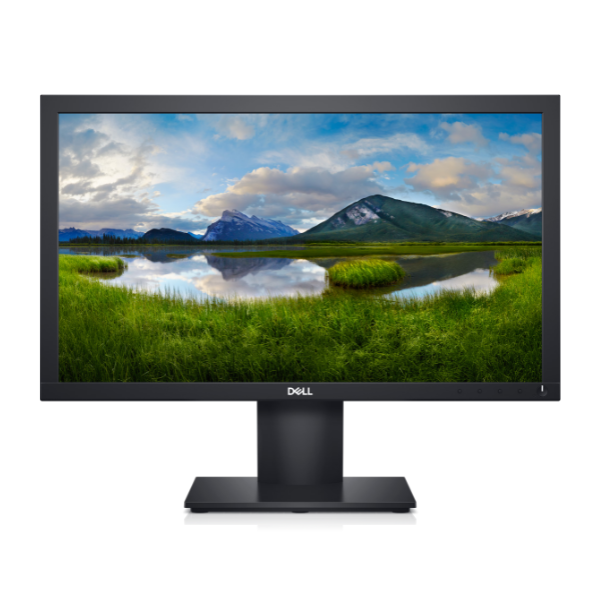
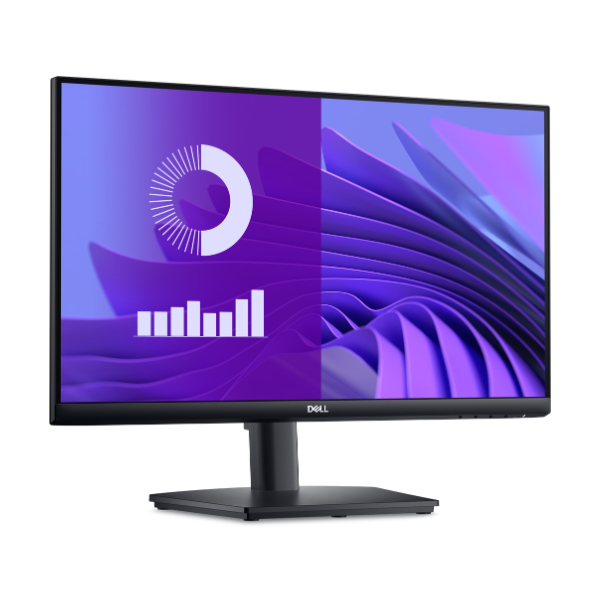
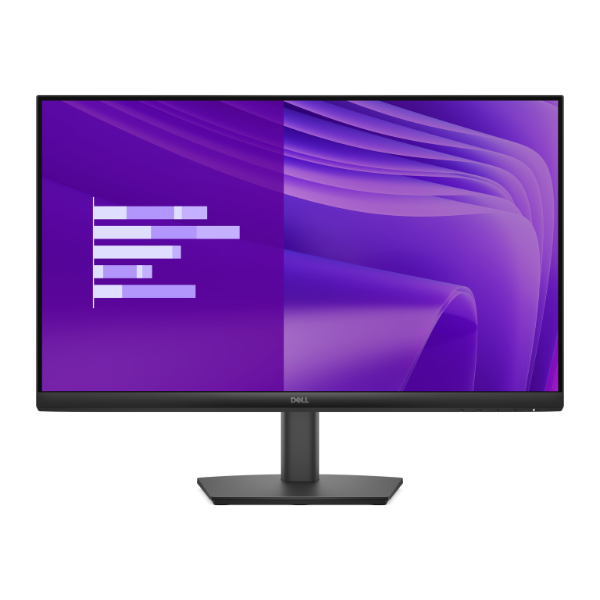
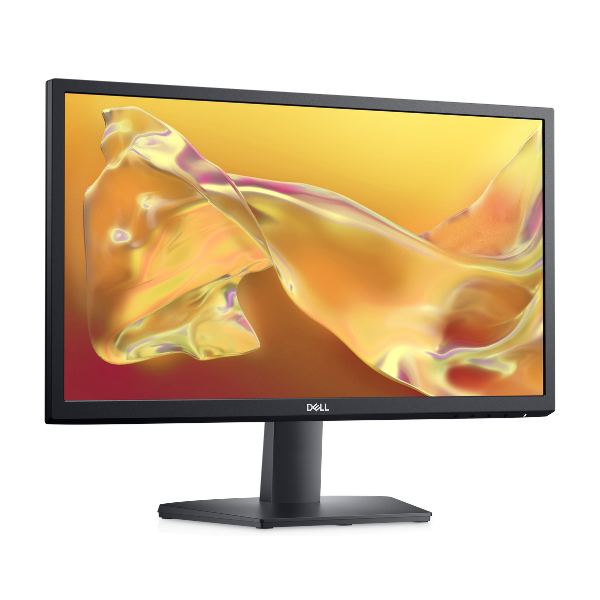
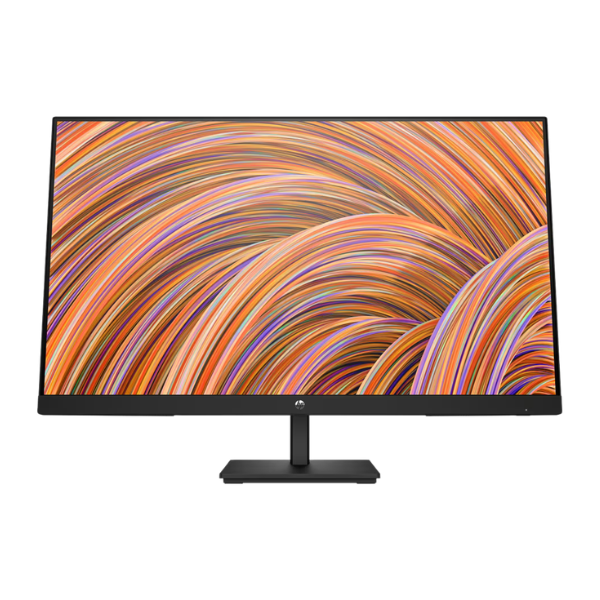
Upgrade your workspace or entertainment setup with the stunning, BRAND NEW HP V27i G5 27-inch Monitor. This large Full HD screen brings your content to life with sharp details and vibrant colors, making it perfect for everything from editing documents and browsing the web to watching your favorite movies and casual gaming. Its modern, slim-bezel design looks great on any desk in your Kampala home or office.
Enjoy an incredibly smooth visual experience thanks to the 75Hz refresh rate, which makes scrolling and video playback noticeably fluid compared to standard 60Hz monitors. For gamers, the built-in AMD FreeSync™ technology is a game-changer, synchronizing the monitor's refresh rate with your graphics card to eliminate screen tearing and stuttering, giving you a competitive edge. The IPS panel technology ensures you get consistent, accurate colors from almost any angle (up to 178°), so the view is great even when you're sharing the screen.
Built for comfort and convenience, this monitor features a low blue light mode that reduces eye strain during long work sessions. Connecting to your laptop or desktop is simple with the included HDMI and VGA ports, offering versatile compatibility. Get this brand new, sealed HP monitor today and see the difference a quality display can make to your daily productivity and entertainment.
📖 HOW TO USE
1. Carefully unbox the monitor and all accessories.
2. Attach the stand base to the neck, then securely attach the stand to the back of the monitor.
3. Place the monitor on a stable, flat surface.
4. Connect the power cord to the monitor and plug it into a power outlet.
5. Connect either the HDMI or VGA cable from your computer to the corresponding port on the monitor.
6. Power on your computer and the monitor. It should be automatically detected.
7. For the best experience, adjust your computer's display settings to '1920 x 1080' resolution and '75Hz' refresh rate.
💡 TIPS & CARE
• Use the HDMI port to ensure you can use the 75Hz refresh rate and AMD FreeSync™.
• Enable AMD FreeSync™ in your graphics card's control panel for the smoothest gaming experience.
• Activate the Low Blue Light mode for late-night work or browsing to reduce eye fatigue.
• Position the top of the screen at or slightly below eye level for ergonomic comfort.