Product Description
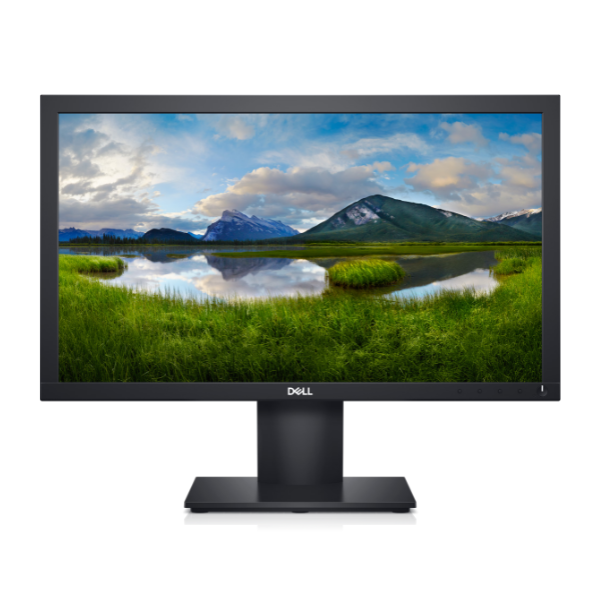
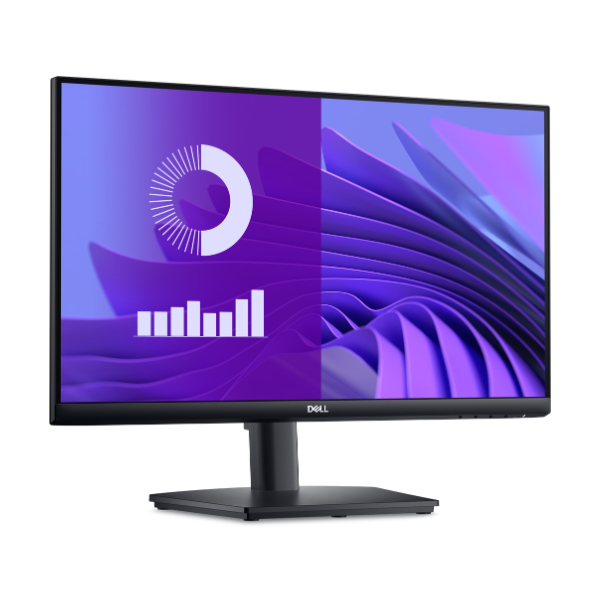
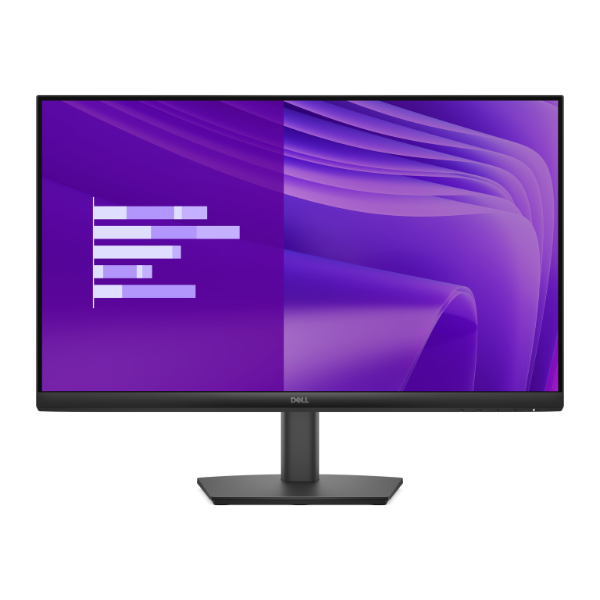
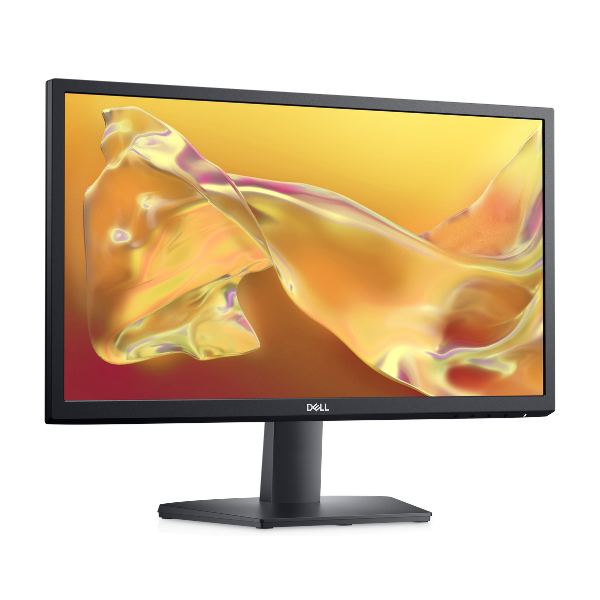
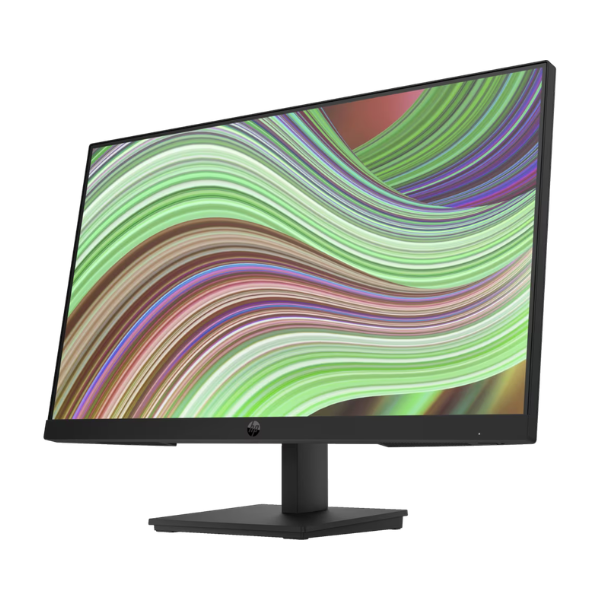
Upgrade your workspace or entertainment setup with the stunning, BRAND NEW HP V24v G5 Monitor. This 23.8-inch screen brings your content to life with its vibrant Full HD (1920 x 1080) resolution, ensuring every detail is sharp and clear, whether you're working on spreadsheets, watching movies, or browsing the web.
Experience a noticeable difference in smoothness thanks to the 75Hz refresh rate, which updates the image more frequently than standard 60Hz monitors. This, combined with AMD FreeSync™ technology, synchronizes the monitor with your graphics card to eliminate screen tearing and stuttering, providing a fluid experience during video playback and gaming. The monitor is built with quality materials and features a slim, modern design that looks great on any desk.
Designed for everyday use, the HP V24v G5 is incredibly versatile. Connect it easily to your laptop or desktop using the included HDMI or VGA ports. For long sessions, activate the Low Blue Light mode to reduce eye strain without sacrificing color quality. It's the perfect all-around monitor for productivity at home or in the office, online learning, and enjoying your favorite digital content in beautiful clarity.
📖 HOW TO USE
1. Carefully unbox the monitor and all its components from the sealed package.
2. Attach the monitor stand to the back of the screen securely.
3. Connect the power cable to the monitor and plug it into a power outlet.
4. Use the included HDMI cable (or a VGA cable, sold separately) to connect the monitor to your computer's video output port.
5. Press the power button on the monitor to turn it on and enjoy your new display.
💡 TIPS & CARE
• For the best experience, set your computer's display resolution to 1920 x 1080.
• To enable the 75Hz refresh rate, go into your computer's display settings and select it.
• If you have an AMD graphics card, enable FreeSync in your graphics card's control panel for tear-free gaming.
• Adjust brightness and contrast settings to match your room's lighting for optimal comfort.