Product Description
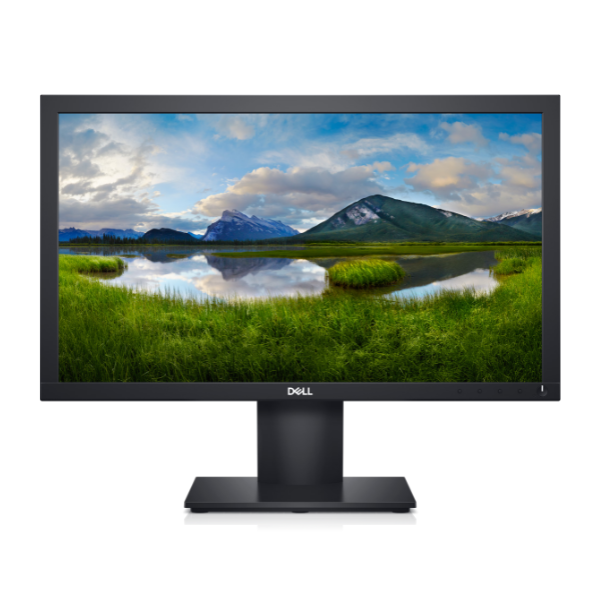
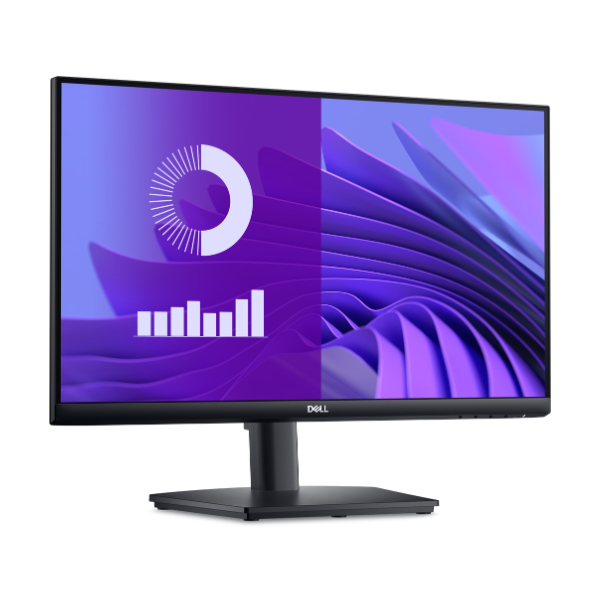
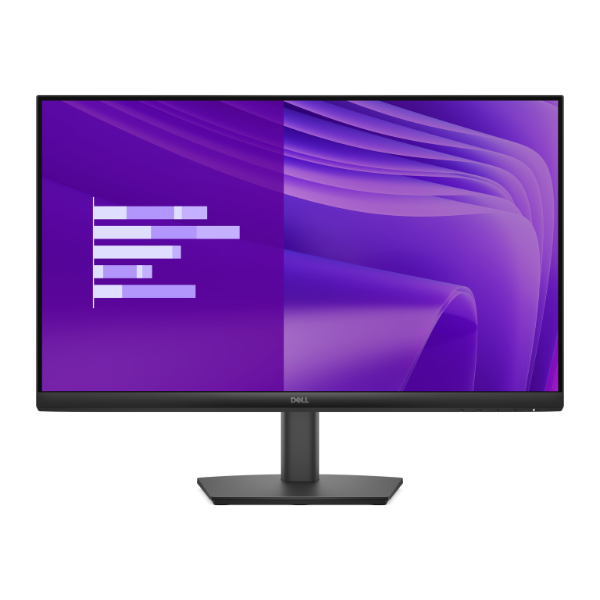
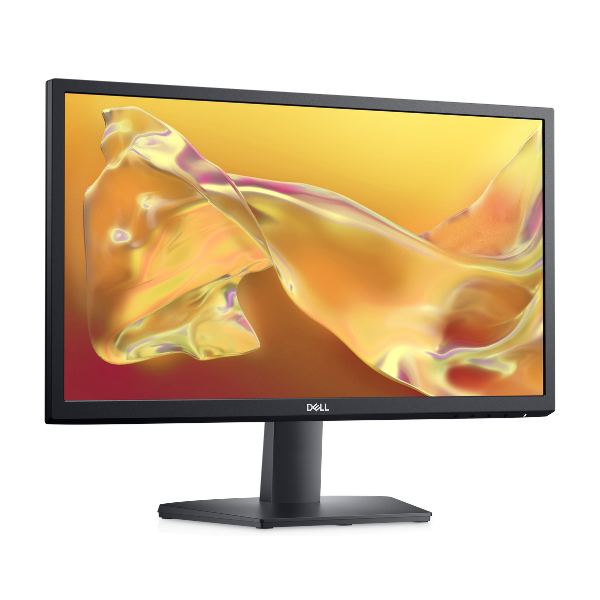
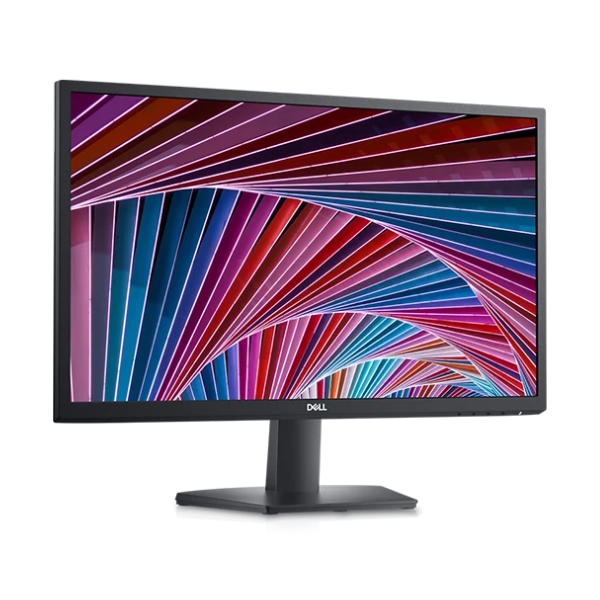
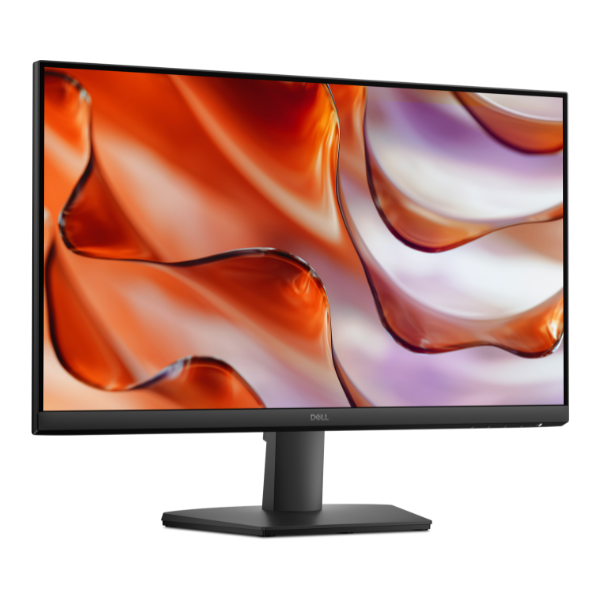
Upgrade your workspace or gaming setup with the brand new HP Series 5 527sf 27-inch Monitor. This large, vibrant display brings your content to life with its crisp Full HD (1920 x 1080) resolution, making everything from spreadsheets to movies look sharp and detailed. The slim-bezel design provides a modern look and is perfect for creating a seamless multi-monitor setup for maximum productivity.
Performance is at the heart of this monitor. A 100Hz refresh rate ensures that motion on screen is incredibly smooth, reducing blur in fast-paced videos and games. Paired with AMD FreeSync™ technology, it synchronizes the monitor's refresh rate with your graphics card to eliminate screen tearing and stuttering for a flawless visual experience. With 99% sRGB color gamut coverage, you can trust the colors to be accurate and lifelike, which is essential for photo editing, graphic design, and enjoying media as the creator intended.
This monitor is designed for comfort and convenience. It includes a Low Blue Light mode to reduce eye strain during long sessions, and versatile connectivity options with both HDMI and DisplayPort™ inputs make it easy to connect to your laptop, desktop, or gaming console. Get this completely new, factory-sealed monitor today and see the difference a high-quality display can make for your daily computing in Uganda.
📖 HOW TO USE
1. Carefully unbox the monitor and all accessories from the sealed package.
2. Attach the stand to the back of the monitor panel and secure it.
3. Place the monitor on a stable, flat surface.
4. Connect the power cable to the monitor and a power outlet.
5. Connect the HDMI or DisplayPort™ cable from your computer or device to the corresponding port on the monitor.
6. Power on your computer and the monitor. If needed, use the monitor's menu buttons to select the correct input source.
💡 TIPS & CARE
• For the best performance, use a DisplayPort™ cable to ensure you can achieve the full 100Hz refresh rate.
• Enable AMD FreeSync™ in your graphics card control panel for tear-free gaming.
• Adjust the brightness and contrast settings to match your room's lighting for comfortable viewing.
• Use the built-in Low Blue Light mode for late-night work or browsing to reduce eye strain.