Product Description
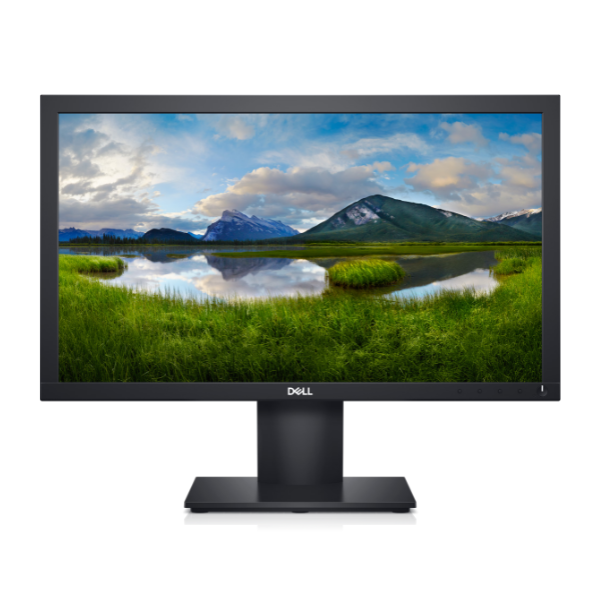
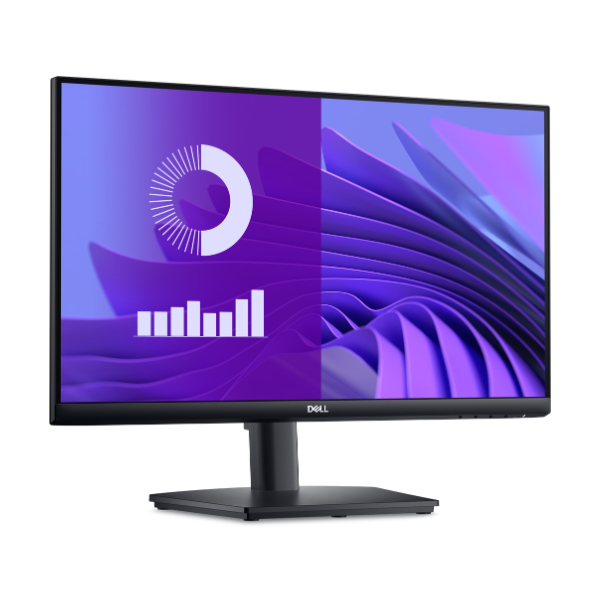
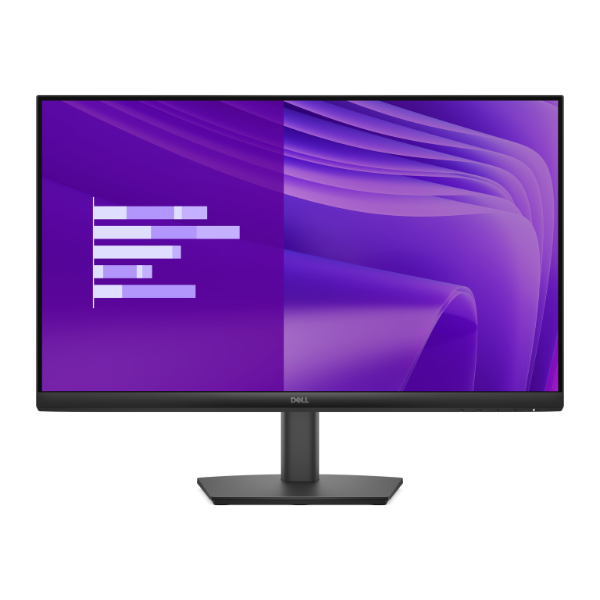
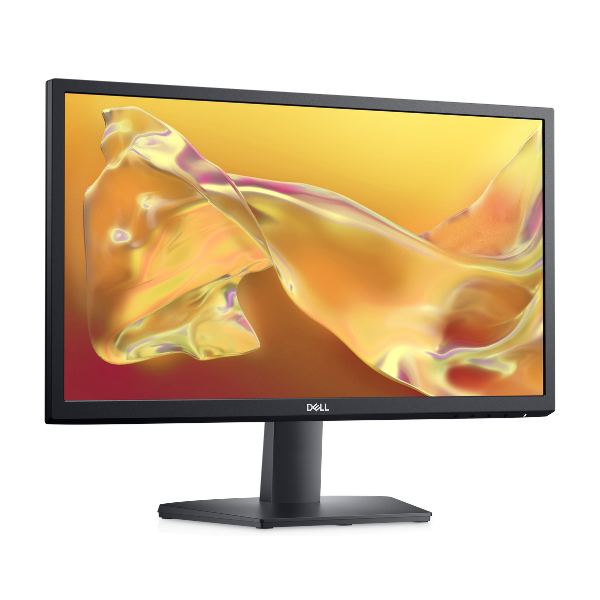
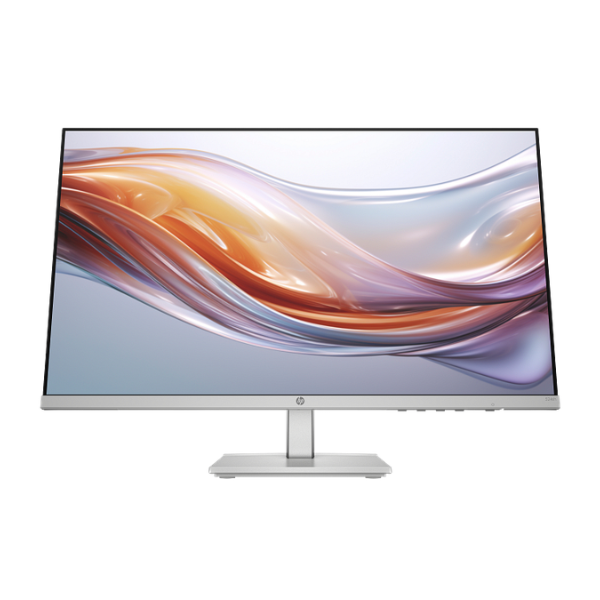
Upgrade your workspace or entertainment setup with the BRAND NEW HP Series 5 524sh Monitor. This 23.8-inch display brings your content to life with crisp Full HD resolution, delivering sharp details and vibrant colors for everything from spreadsheets to movies. With a smooth 100Hz refresh rate, you'll enjoy fluid scrolling and seamless video playback, making it a significant step up from standard 60Hz monitors.
Designed for your comfort, this monitor features a fully ergonomic stand. You can easily adjust the height and tilt to find the perfect viewing angle, reducing strain on your neck and back during long hours of work or gaming. The screen also includes HP Eye Ease technology, a built-in low blue light filter that keeps your eyes comfortable without sacrificing color accuracy. Its thin bezels and modern design make it a stylish addition to any desk in your home or office in Uganda.
Setting up is simple with both HDMI and DisplayPort inputs, ensuring compatibility with a wide range of laptops and desktops. This monitor is perfect for professionals, students, and casual gamers who demand quality, comfort, and performance. Get this factory-sealed, brand new HP monitor today and see the difference it makes to your daily productivity and entertainment.
📖 HOW TO USE
1. Carefully unpack the monitor screen, stand base, and stand neck from the box.
2. Attach the stand neck to the back of the monitor screen until it clicks into place.
3. Secure the stand base to the bottom of the neck, often with a built-in thumbscrew.
4. Connect the power cord to the monitor and a wall outlet, and connect the HDMI or DisplayPort cable from your computer to the monitor.
5. Power on both the monitor and your computer to begin using your new display.
💡 TIPS & CARE
• For the best experience, go to your computer's display settings and ensure the resolution is set to '1920 x 1080' and the refresh rate is set to '100Hz'.
• Adjust the monitor's height so the top of the screen is at or slightly below your eye level.
• Use the built-in cable management features on the stand to keep your desk tidy.
• Enable the Low Blue Light mode in the monitor's on-screen menu for more comfortable viewing during late-night sessions.