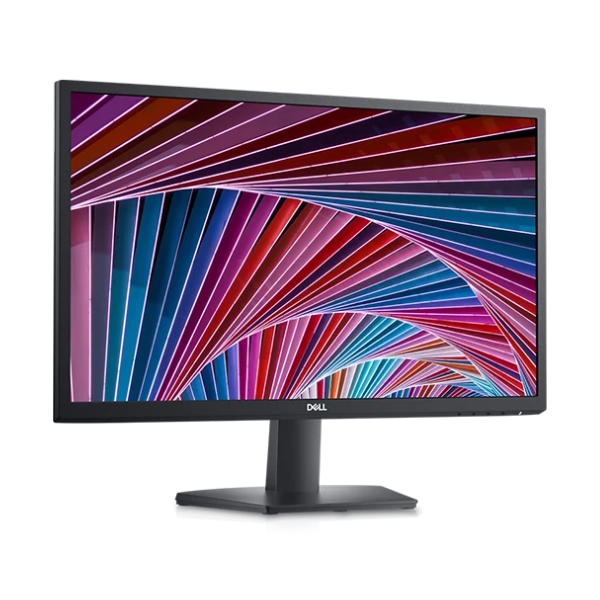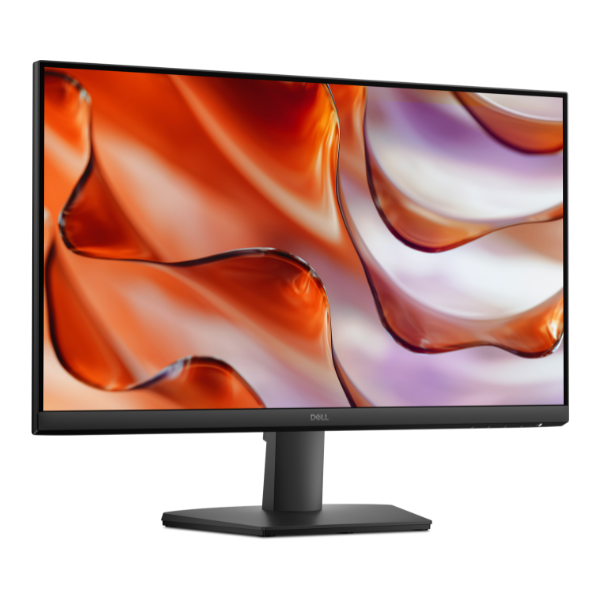
Product Description
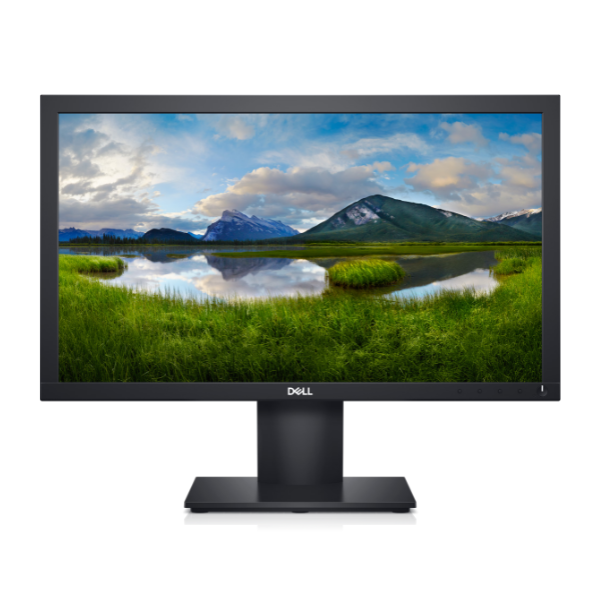
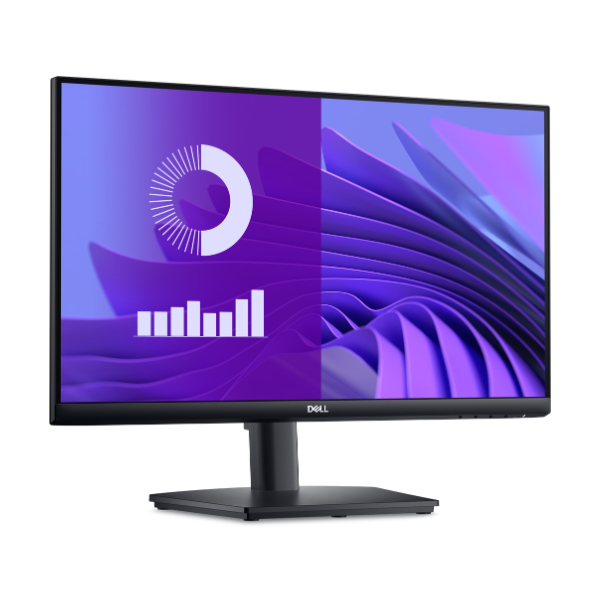
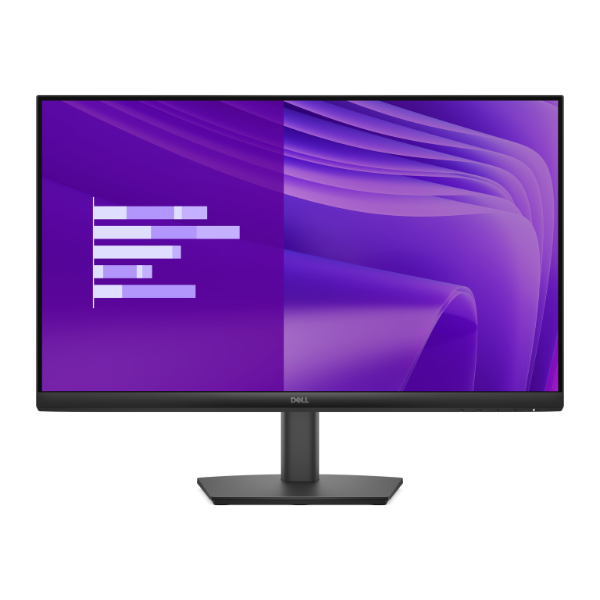
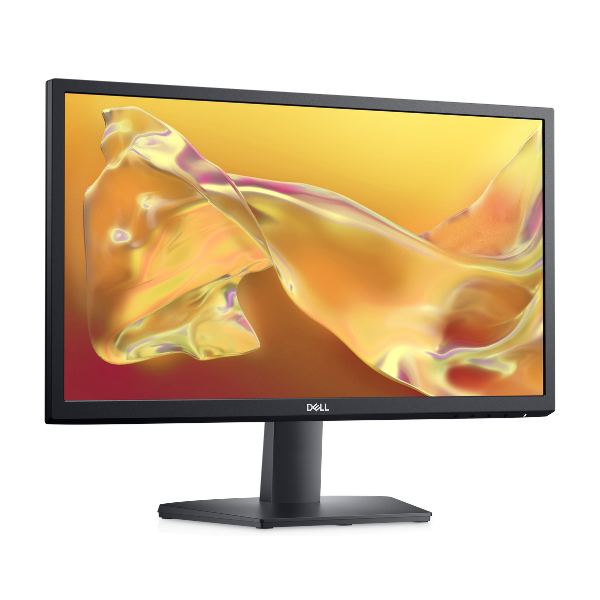
Upgrade your workspace or entertainment setup with the brand new HP Series 5 524sf Monitor. This 23.8-inch display brings your content to life with its sharp Full HD resolution, making everything from spreadsheets to movies look incredibly clear. Its modern, slim-bezel design not only looks great on any desk in Kampala but is also perfect for creating a seamless dual-monitor setup for maximum productivity.
This monitor is built for performance and comfort. The 100Hz refresh rate provides noticeably smoother motion compared to standard 60Hz monitors, reducing blur when you're scrolling, watching videos, or enjoying casual gaming. For creative professionals and content creators, the 99% sRGB color gamut ensures that the colors you see on screen are accurate and vibrant, making your photos and designs look exactly as intended. It's a true workhorse that delivers on all fronts.
Getting started is simple with versatile connectivity options, including HDMI and DisplayPort, ensuring you can easily connect to your laptop, desktop, or other devices. This isn't just a monitor; it's an investment in better productivity and a more enjoyable viewing experience. Whether you're working from home, studying, or relaxing with a movie, this brand new, sealed HP monitor is the perfect choice for a clear, smooth, and colorful display.
📖 HOW TO USE
1. Carefully unbox the monitor and all included components.
2. Attach the stand to the back of the monitor panel until it clicks securely.
3. Connect the power adapter to the monitor and plug it into a power outlet.
4. Use the included HDMI or a DisplayPort cable to connect the monitor to your computer.
5. Power on the monitor and your computer. The display should be detected automatically.
💡 TIPS & CARE
• For the best experience, go to your computer's display settings and ensure the refresh rate is set to 100Hz.
• Use the on-screen display buttons on the monitor to adjust brightness, contrast, and color settings to your preference.
• Position the top of the screen at or slightly below eye level to maintain good posture and reduce neck strain.
• Take advantage of the slim bezels by placing two monitors side-by-side for an expanded, immersive workspace.