Product Description
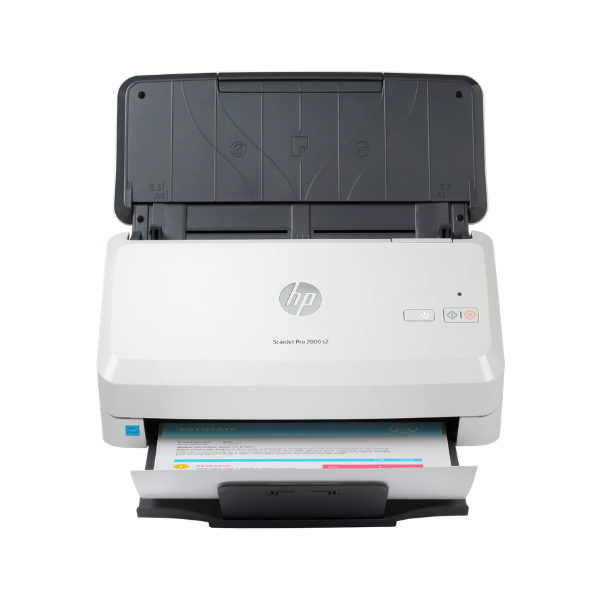
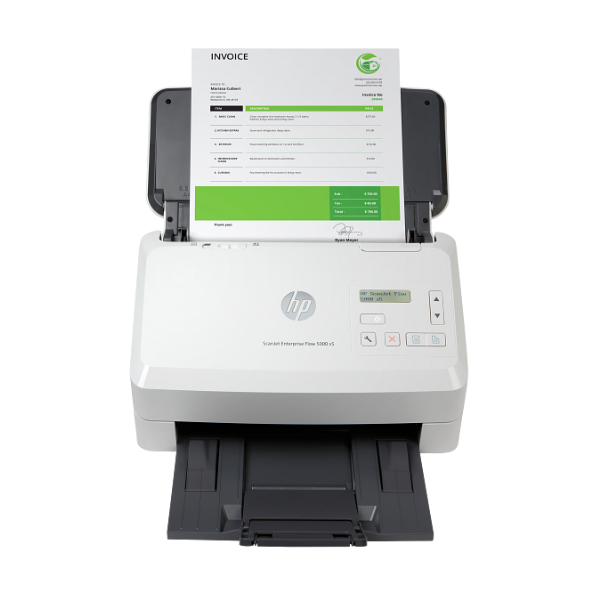
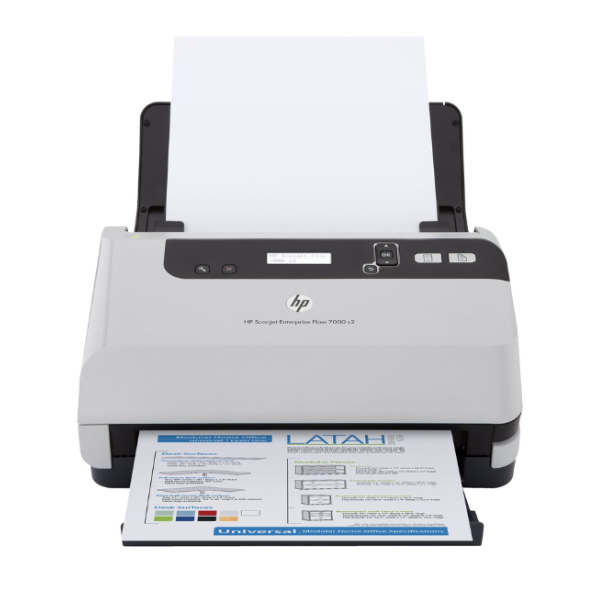
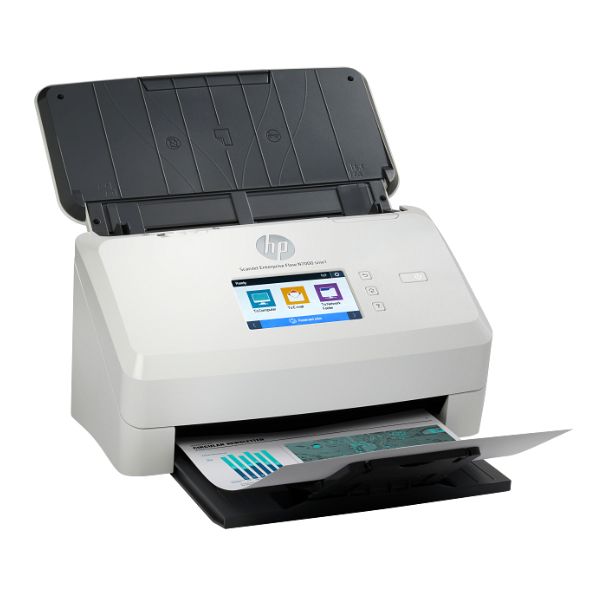
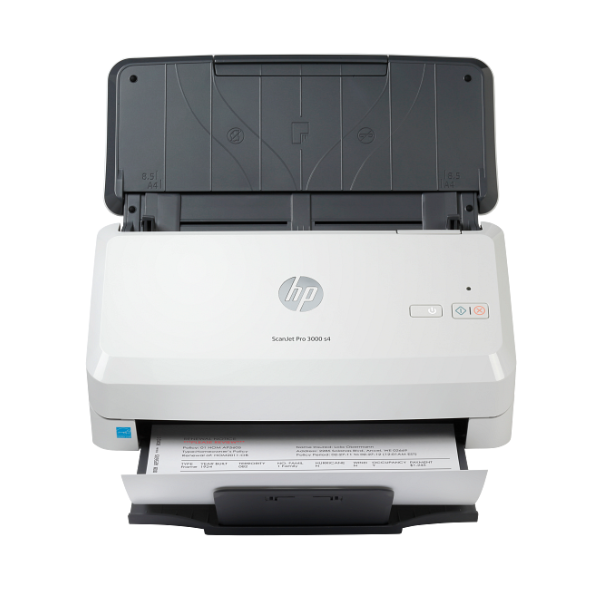
Transform your document management with the BRAND NEW HP Scanjet Pro 3000 S4 Sheetfeed Scanner. Designed for the modern Ugandan office, this powerful scanner eliminates paper clutter and streamlines your workflow. Its compact design fits perfectly on any desk, while its robust performance handles demanding scanning tasks with ease.
Achieve incredible efficiency with scanning speeds of up to 40 pages per minute (80 images per minute for two-sided scans). The 50-sheet Automatic Document Feeder (ADF) lets you load a stack of documents and walk away, saving you valuable time. Capture every detail with an optical resolution of up to 600 dpi, ensuring your digital copies of contracts, invoices, and records are sharp and legible. With one-pass duplex scanning, you can capture both sides of a page simultaneously, doubling your productivity.
Setting up the HP Scanjet Pro 3000 S4 is simple with its plug-and-play USB 3.0 connectivity. It's built to last, with a recommended daily duty cycle of 4,000 pages, making it a reliable partner for businesses of all sizes. By digitizing your paperwork, you can easily organize, share, and secure your important information, making your office more efficient and organised.
📖 HOW TO USE
1. Unbox the scanner and remove all packaging materials.
2. Connect the power adapter to the scanner and a wall outlet.
3. Connect the included USB 3.0 cable from the scanner to your computer.
4. Install the latest HP Scan software and drivers from the official HP support website for best performance.
5. Load your documents into the Automatic Document Feeder, ensuring they are properly aligned.
6. Launch the HP Scan software, choose your desired settings (e.g., PDF, JPG, resolution), and press the scan button.
💡 TIPS & CARE
• For best results, fan the stack of papers before loading them into the ADF to prevent misfeeds.
• Regularly clean the scanner's rollers and glass with a soft, lint-free cloth to maintain scan quality.
• Use the 'Searchable PDF' setting to create documents that you can easily search for text within.
• Adjust the resolution based on your needs: 300 dpi is great for standard documents, while 600 dpi is better for photos or detailed graphics.