Product Description
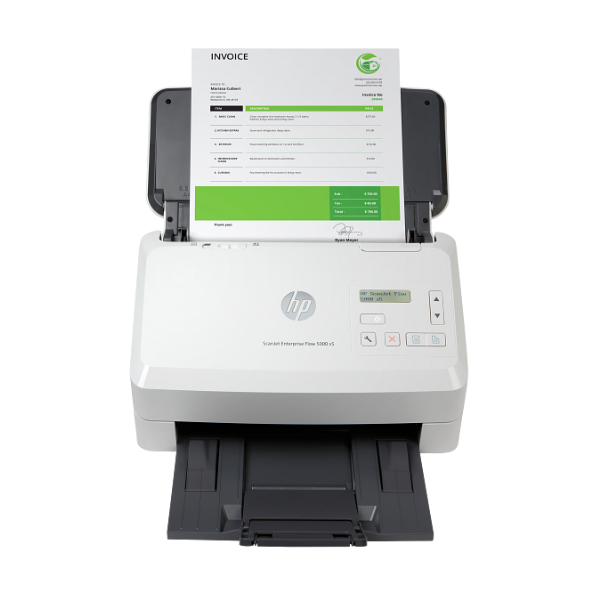
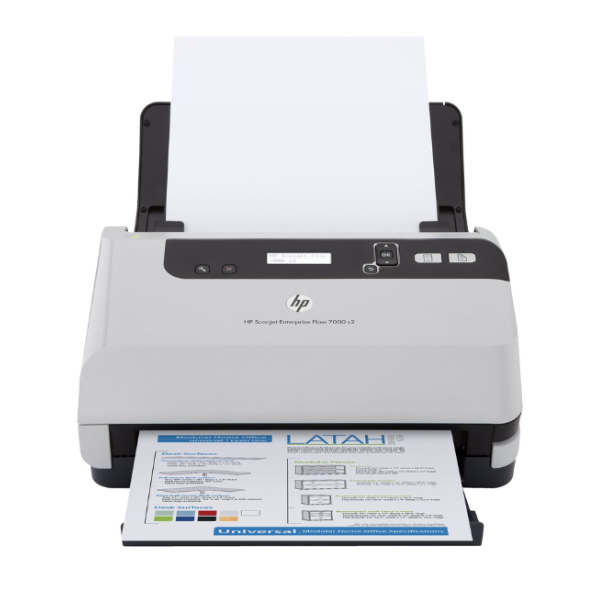
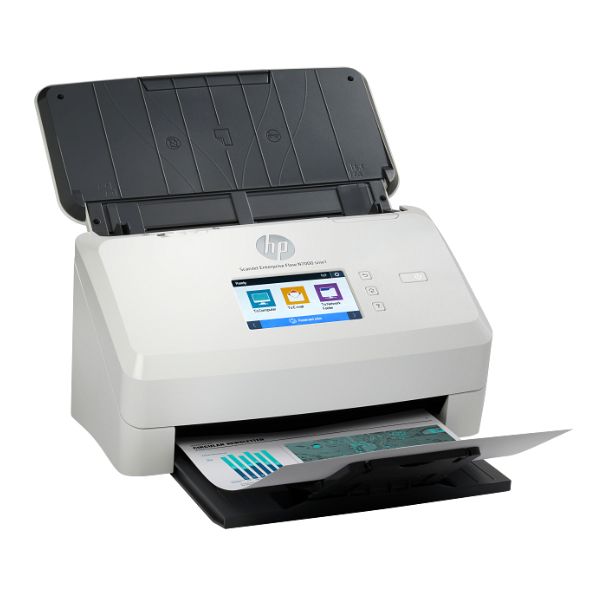
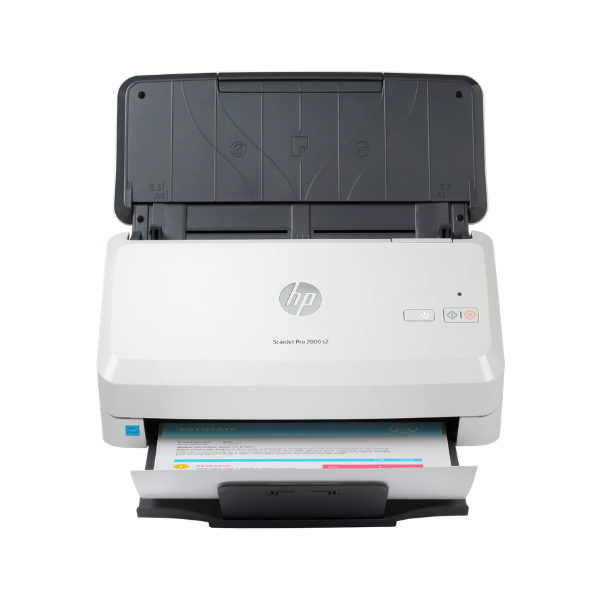
Transform your paper documents into manageable digital files with the powerful and efficient HP Scanjet Pro 2000 s2 Sheet-feed Scanner. This BRAND NEW device is engineered to handle the demands of a busy Ugandan office, helping you save time, reduce clutter, and secure your important records. Its compact design fits perfectly on any desk without taking up much space.
Experience incredible speed and clarity. The Scanjet 2000 s2 captures both sides of a page in a single pass (duplex scanning) at speeds of up to 35 pages per minute or 70 images per minute. With an optical resolution of up to 600 dpi, every detail, from fine print to signatures, is captured with exceptional sharpness. The 50-sheet Automatic Document Feeder (ADF) lets you load a stack of documents and walk away, freeing you up for other important tasks.
- Fast Two-Sided Scanning: Scans both sides of the page at once to save you valuable time.
- High Capacity Feeder: The 50-sheet ADF handles multi-page documents effortlessly.
- Sharp Image Quality: 600 dpi resolution ensures your digital copies are clear and professional.
- Simple Connectivity: Connects easily to your computer via a fast and reliable USB 3.0 connection.
- Reliable Performance: Built to handle up to 3,500 pages per day, making it a true workhorse for your business.
Whether you're archiving invoices, digitizing client files, or creating electronic copies of reports, this scanner is the perfect tool. It simplifies your workflow, allowing you to easily create searchable PDFs and organize your digital office. Get this brand new, sealed HP scanner today and take the first step towards a more organized and efficient workspace.
📖 HOW TO USE
1. Unbox the scanner and remove all protective tapes and packaging.
2. Connect the power adapter to the scanner and plug it into a power outlet.
3. Connect the included USB 3.0 cable from the scanner to your computer.
4. Go to the HP support website to download and install the latest drivers and scanning software.
5. Load your documents into the automatic document feeder tray, aligning them with the paper guides.
6. Launch the HP Scan software on your computer, choose your settings, and press 'Scan' to begin.
💡 TIPS & CARE
• For best results, fan the stack of paper before loading it into the feeder to prevent pages from sticking together.
• Regularly clean the scanner's glass and rollers with a soft, lint-free cloth to maintain high scan quality.
• Use the included software to create searchable PDFs, which makes finding information much easier.
• Adjust the resolution settings based on your needs: use 300 dpi for general documents and 600 dpi for photos or detailed graphics.