Scanners
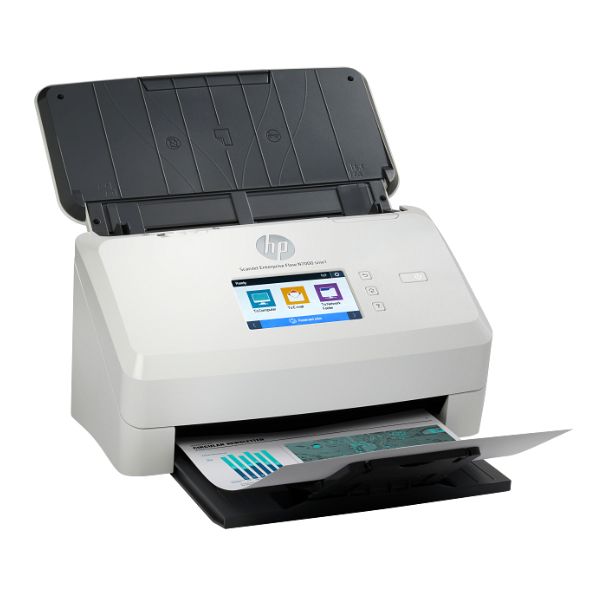
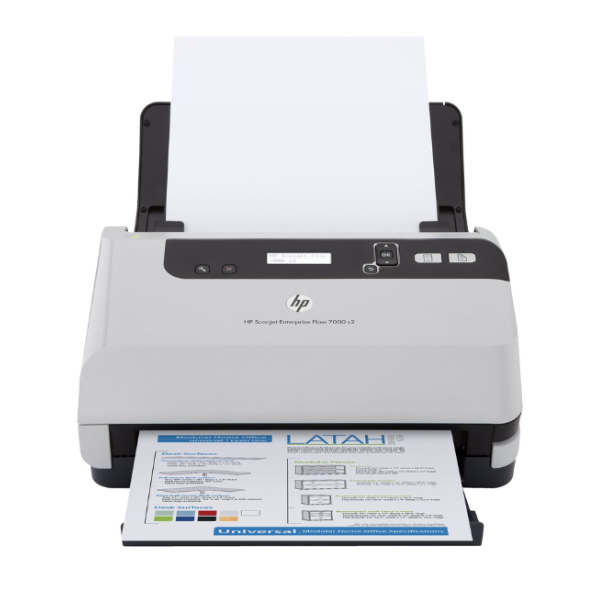
HP ScanJet Enterprise Flow 7000 s2 Sheet-feed Scanner 45ppm Duplex ADF
Scan Speed: Up to 45 pages per minute (ppm) / 90 images per minute (ipm) | Resolution: Up to 600 dpi for sharp, clear scans | Automatic Document Feeder (ADF): 50-sheet capacity | Duplex Scanning: Scans both sides of a page in a single pass | Connectivity: High-Speed USB 2.0 and Ethernet Network Port
No reviews yet
Out of Stock
Chat on WhatsApp| Specification | Details | More Info | Remarks |
|---|---|---|---|
| Color | White / Light Grey | ||
| Scan Speed (ADF, A4) | Up to 45 ppm / 90 ipm | ||
| Duplex Scanning | Yes, single-pass | ||
| Automatic Document Feeder (ADF) Capacity | 50 sheets | ||
| Supported Media Types | Paper (plain, inkjet), envelopes, labels, cards (business, plastic ID) | ||
| Condition | Brand New, Sealed | ||
| Connectivity | Hi-Speed USB 2.0, Gigabit Ethernet | ||
| Product Name | HP ScanJet Enterprise Flow 7000 s2 Sheet-feed Scanner | ||
| Warranty | 1 Year | ||
| Scanner Type | Sheet-feed | ||
| Scan Resolution, Optical | Up to 600 dpi | ||
| Recommended Daily Duty Cycle | Up to 3,000 pages |