Product Description
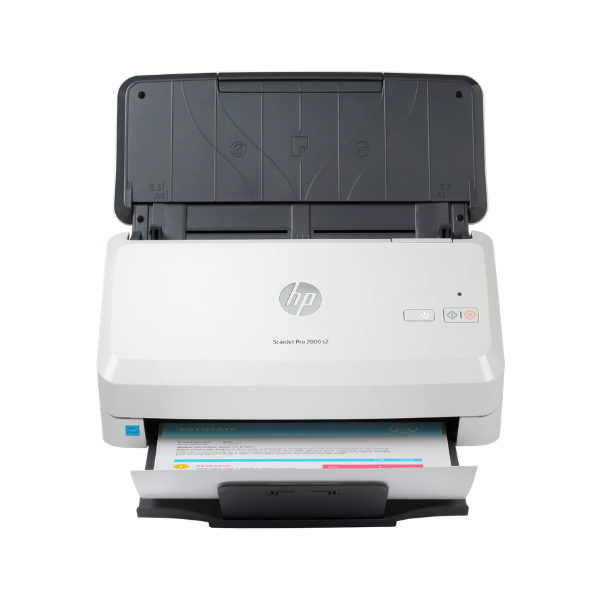
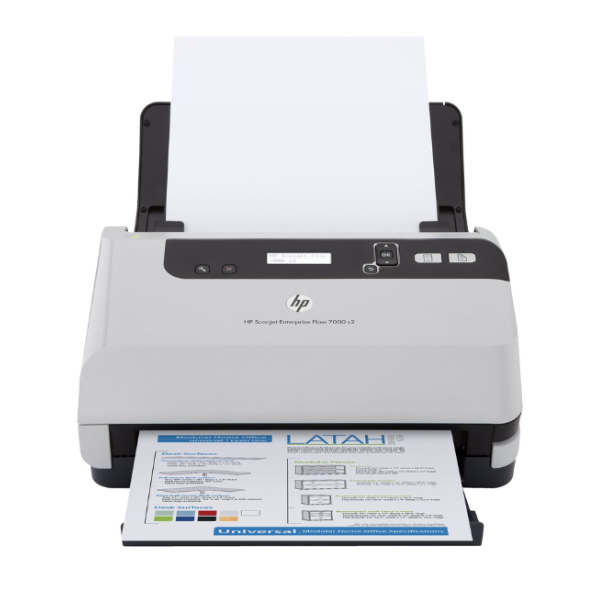
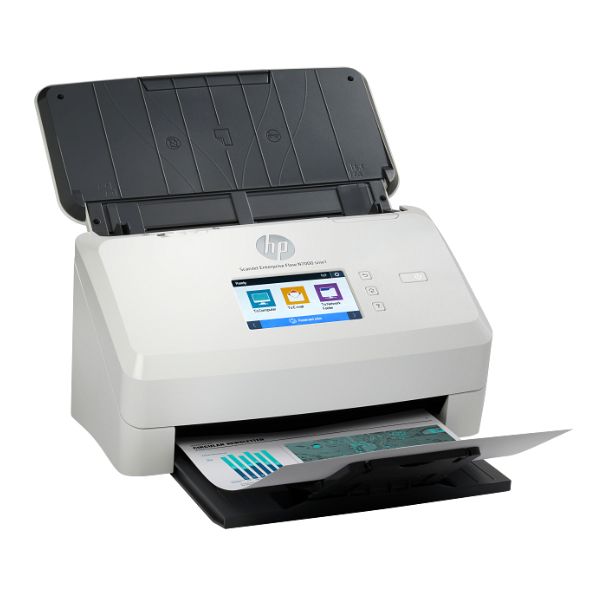
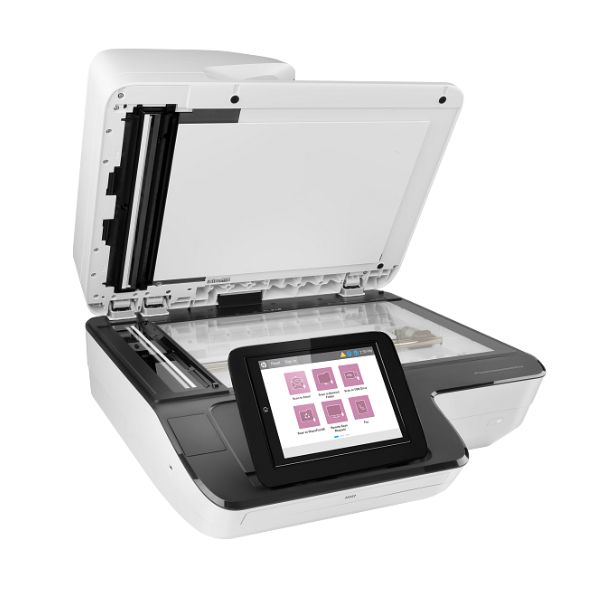
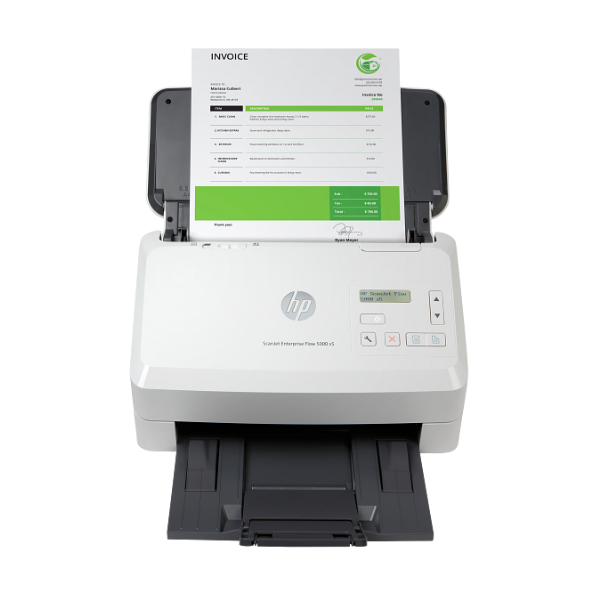
Transform your document management with the BRAND NEW HP Scanjet Enterprise Flow 5000 S5. Designed for demanding Ugandan offices, this sheet-feed scanner delivers incredible speed and reliability. Say goodbye to slow, manual scanning and piles of paper. With speeds of up to 65 pages per minute (130 images per minute with two-sided scanning), you can process large batches of documents in a fraction of the time, freeing up your team for more important tasks.
This scanner is built for performance and convenience. The robust 80-sheet Automatic Document Feeder (ADF) handles mixed stacks of paper, from business cards to long documents, with ease. HP EveryPage technology ensures that every page is fed smoothly, preventing misfeeds and jams. Capture crisp, clear digital copies with up to 600 dpi resolution, making sure every detail is preserved. You can easily create searchable PDFs, editable text files, and various image formats directly from the scanner, streamlining your entire workflow.
Whether you're a law firm, a clinic, a school, or any business dealing with heavy paperwork, the HP Scanjet 5000 S5 is your perfect partner for going digital. Archive important records, process invoices, digitize client files, and create a secure, searchable digital archive. Its compact design fits neatly on any desk, and its simple USB 3.0 connection makes setup quick and easy. Invest in efficiency and bring your office into the modern age with this powerful, brand new HP scanner.
📖 HOW TO USE
1. Carefully unbox the scanner and remove all protective tape and packaging.
2. Connect the power adapter to the scanner and plug it into a power outlet.
3. Connect the included USB 3.0 cable from the scanner to your computer.
4. Visit the HP support website to download and install the latest software and drivers for the Scanjet 5000 S5.
5. Load your documents into the automatic document feeder, adjust the paper guides, and launch the HP Scan software to begin scanning.
💡 TIPS & CARE
• For the best performance, periodically clean the scanner's rollers and glass with a soft, lint-free cloth.
• Fan the stack of papers before loading them into the ADF to prevent pages from sticking together.
• Use the included software to create scan profiles for your most common jobs (e.g., 'Scan to PDF', 'Scan to Email') to save time.
• Enable OCR (Optical Character Recognition) in the software to create searchable PDFs, making it easy to find information later.