Product Description
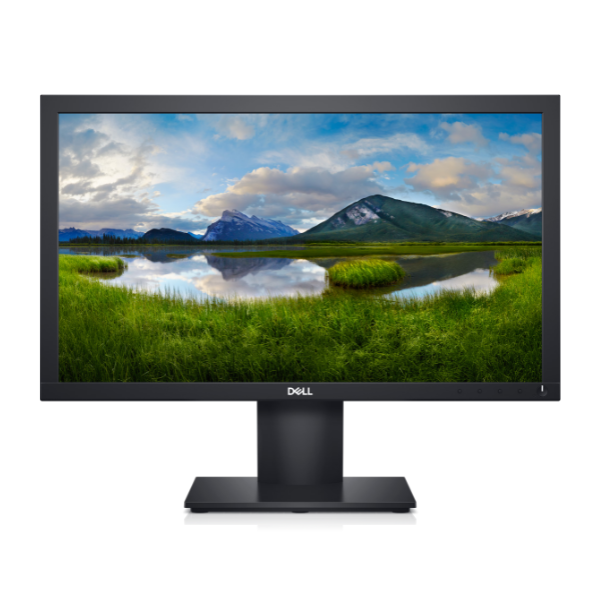
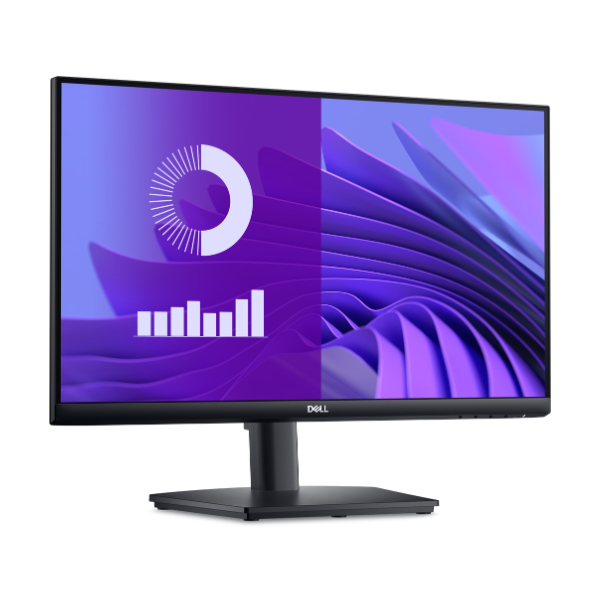
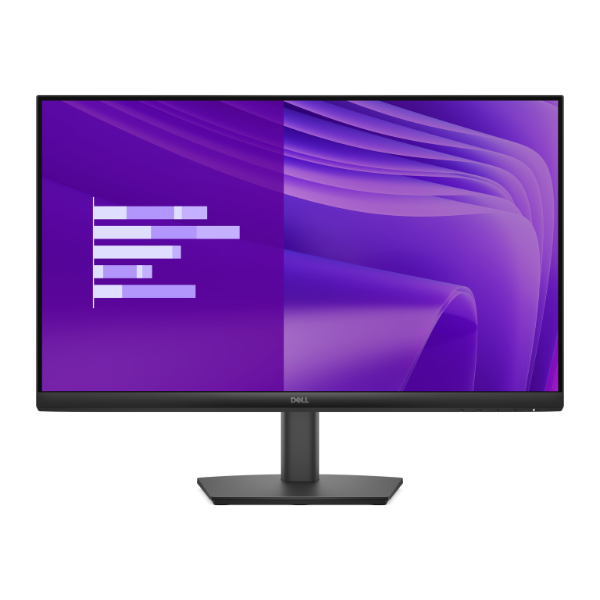
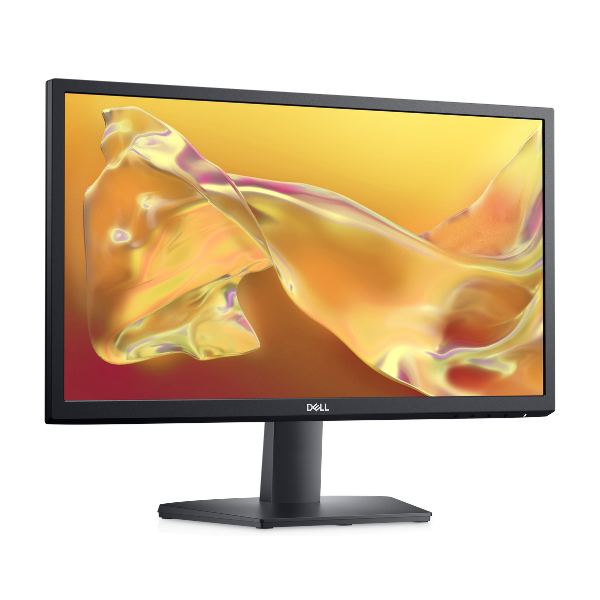
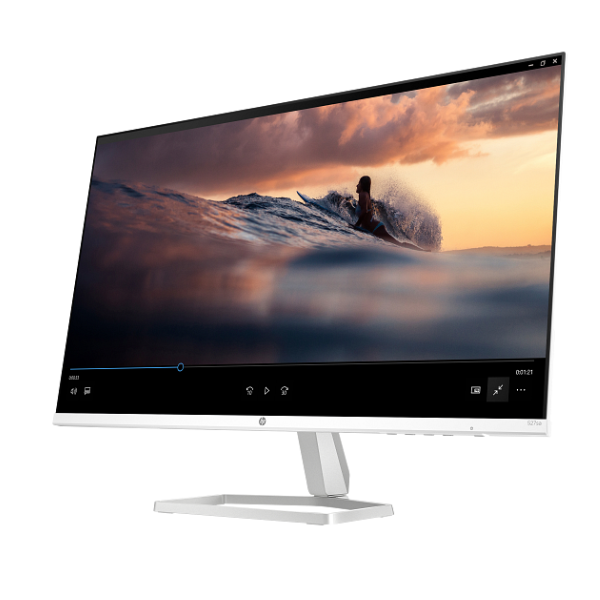
Upgrade your workspace or entertainment setup with the stunning, brand new HP S5 527sa 27-inch monitor. This display brings your content to life with its vibrant Full HD (1920 x 1080) resolution on a high-quality IPS panel, ensuring you get accurate colors and wide 178-degree viewing angles. Whether you're working on spreadsheets, editing photos, or watching movies, every detail looks sharp and clear.
Experience a new level of smoothness with the 100Hz refresh rate, which makes scrolling through websites, gaming, and watching videos feel incredibly fluid and responsive, reducing motion blur. Combined with a 5ms response time, you get crisp visuals even in fast-paced scenes. This monitor isn't just about visuals; it comes with built-in dual 2W speakers, providing clear audio for video calls and casual entertainment without the need for external speakers, keeping your desk clutter-free.
Designed for modern connectivity, the HP S5 527sa includes two HDMI ports and one VGA port, allowing you to easily connect your laptop, desktop PC, and even a gaming console simultaneously. Its sleek, minimalist design with thin bezels fits perfectly into any home or office environment. This is a brand new, factory-sealed unit, ready to provide a superior viewing experience right out of the box.
📖 HOW TO USE
1. Carefully unbox the monitor, stand, and cables.
2. Attach the stand to the back of the monitor panel securely.
3. Connect the power adapter to the monitor and plug it into a wall socket.
4. Use the included HDMI cable to connect the monitor to your computer's HDMI port.
5. Power on both your computer and the monitor. Your computer should automatically detect the new display.
💡 TIPS & CARE
• To enjoy the 100Hz refresh rate, make sure to select it in your computer's display settings.
• Use the dual HDMI ports to connect a laptop and a gaming console for easy switching between work and play.
• Adjust the monitor's on-screen display (OSD) settings for brightness and color to suit your viewing environment.
• For the best audio experience, ensure the correct audio output device is selected in your computer's sound settings.