Product Description
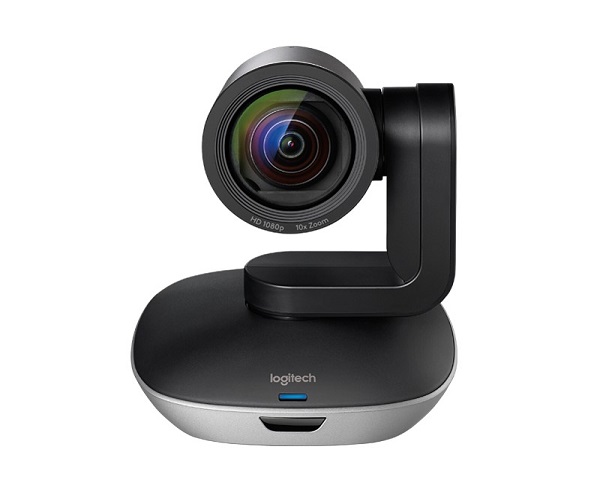
Transform your meeting rooms into professional collaboration hubs with the brand new Logitech GROUP Video Conferencing System. Designed for groups of 14–20 people, this system makes it incredibly simple to conduct high-quality video meetings. Say goodbye to choppy video and muffled audio; with GROUP, every participant will feel like they're in the same room, whether they are in Kampala or across the globe.
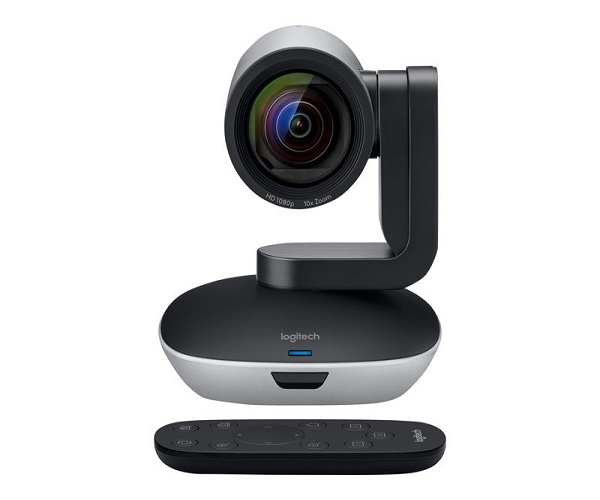
The system features a premium camera with smooth, motorized pan, tilt, and a powerful 10x lossless HD zoom, ensuring you can focus on presenters, whiteboards, or specific details with exceptional clarity. The full-duplex speakerphone is a masterpiece of audio engineering, delivering sound that is crisp, clear, and free from echo or background noise. Its four omni-directional microphones have a generous 6-meter pickup range, making sure every voice is captured perfectly.
Setting up the Logitech GROUP is as easy as plug-and-play. Simply connect it to your meeting room PC or laptop via USB, and it's ready to work with all popular video conferencing applications like Zoom, Microsoft Teams, Skype for Business, and Google Meet. This system is a smart investment for any Ugandan business looking to reduce travel costs, improve team collaboration, and present a professional image to clients and partners. It's brand new, sealed, and ready to elevate your meetings from day one.
📖 HOW TO USE
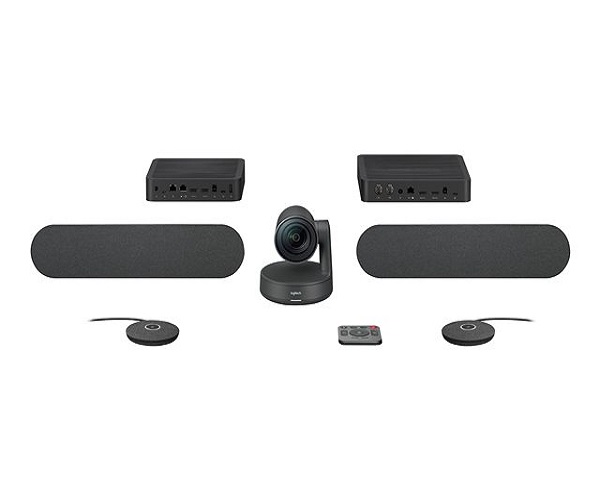
1. Unbox all components: camera, speakerphone, hub, remote, and all connecting cables.
2. Place the camera on a table or mount it near your display screen.
3. Connect the camera and the speakerphone to the central hub using the provided cables.
4. Connect the hub to a power outlet and then connect the hub to your meeting room computer via the main USB cable.
5. Start your video conferencing software (e.g., Zoom, Teams) and select 'Logitech GROUP' as your video and audio device in the settings.
💡 TIPS & CARE
• For very large rooms, purchase the optional Logitech GROUP Expansion Mics to extend the audio pickup range to 8.5 meters.
• Position the camera at eye level for the most engaging and professional meeting experience.
• Ensure your meeting room has good, even lighting to achieve the best possible video quality.
• Keep the remote control easily accessible to manage camera controls and call functions during the meeting.