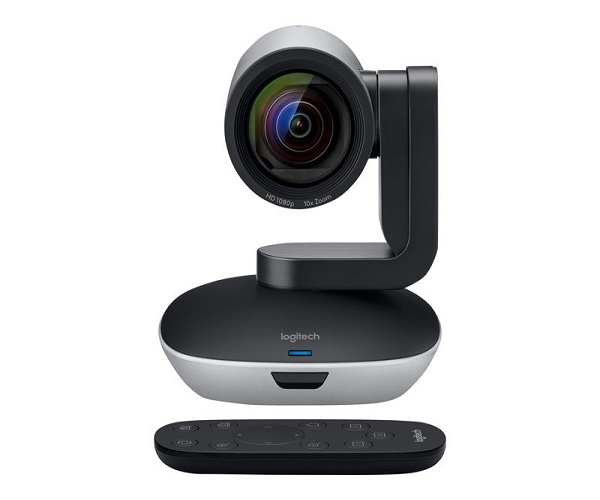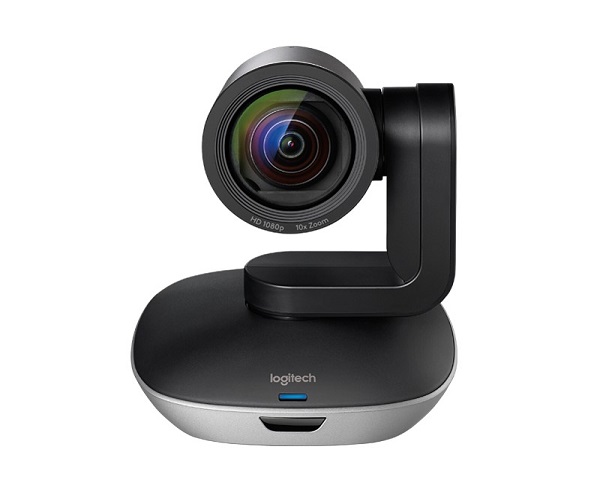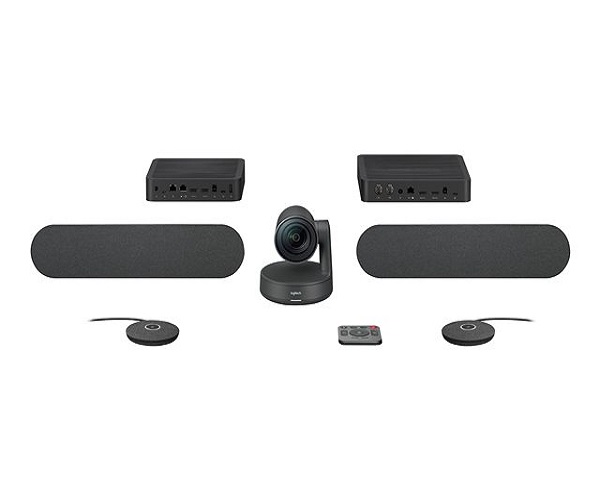
Product Description
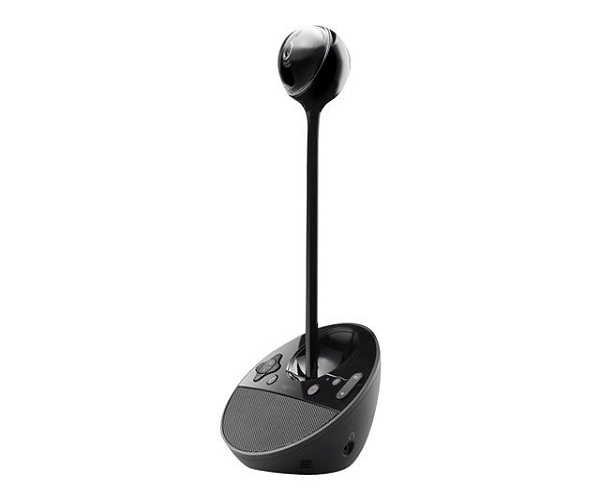
Upgrade your team meetings from your laptop's basic webcam to a professional video conferencing experience with the brand new Logitech BCC950 ConferenceCam. Designed specifically for small groups and huddle rooms, this all-in-one device makes it easy for everyone to be seen and heard, ensuring your meetings are more productive and engaging.
The BCC950 features a high-quality, motorized camera that delivers crisp, Full HD 1080p video, so your team looks sharp and professional. With its remote-controlled pan, tilt, and zoom functions, you can easily adjust the camera to frame everyone in the room perfectly. The integrated, full-duplex speakerphone boasts an omni-directional microphone with an 8-foot range and noise-cancelling technology, ensuring that every word is captured with outstanding clarity, eliminating annoying echoes and background noise.
Setting up the Logitech BCC950 is incredibly simple. Its plug-and-play USB connectivity means you just connect it to your PC or Mac and it's ready to go—no special software or drivers needed. It's fully compatible with popular video conferencing applications like Zoom, Microsoft Teams, Skype for Business, Google Meet, and more. This brand new, sealed unit is the perfect, affordable solution for small businesses in Uganda looking to improve their virtual collaboration.
📖 HOW TO USE
1. Unbox your brand new Logitech BCC950 and all its accessories.
2. Connect the power adapter to the camera and plug it into a wall socket.
3. Connect the USB cable from the camera to an available USB port on your computer.
4. Position the camera on your desk or monitor. Use the included extender stem for eye-level placement.
5. Open your preferred video conferencing application (like Zoom or Teams) and select the BCC950 as your camera and audio device.
💡 TIPS & CARE
• For the best audio quality, ensure you are within the 8-foot microphone pickup range.
• Position the camera in a well-lit room, avoiding strong backlighting from windows.
• Use the included remote control to easily pan, tilt, and zoom to frame your team perfectly during meetings.
• Keep the camera lens clean with a soft, dry microfiber cloth for the clearest picture.