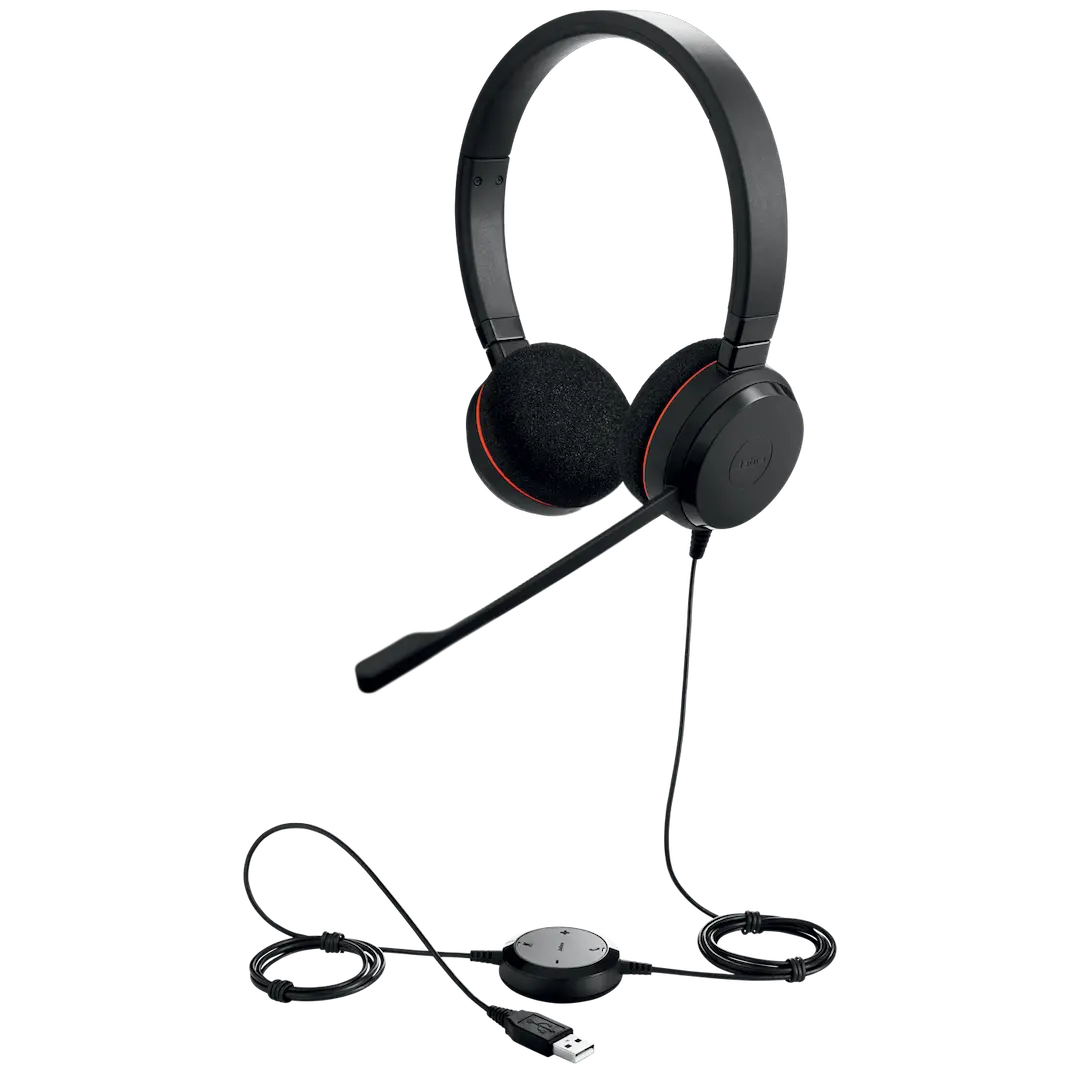
Product Description
Unlock your focus and boost your productivity with the brand new Jabra Evolve 75 SE Wireless Headset. Designed for the modern professional in Uganda, this headset is the ultimate tool for concentration in open offices, co-working spaces, or even when working from home. Say goodbye to distracting background noise and hello to crystal-clear conversations.
This headset is packed with powerful features to enhance your workday. The superior Active Noise Cancellation (ANC) filters out unwanted low-frequency sounds, like air conditioning or the hum of traffic, at the touch of a button. Your callers will hear you perfectly thanks to the world-class speakers and HD voice, while the noise-cancelling boom microphone eliminates background chatter. With an incredible 18-hour battery life and a 30-meter wireless range, you have the freedom to move around your workspace without ever dropping a call or your connection.
Comfort is key for all-day use, and the Jabra Evolve 75 SE delivers. It features a comfortable on-the-ear design with soft, leather-feel ear cushions. A brilliant integrated busylight acts as a 'do not disturb' sign, automatically turning red when you're on a call to let colleagues know you're busy. This brand new, sealed headset is your key to a more focused and professional communication experience.
📖 HOW TO USE
1. Unbox your brand new headset and accessories.
2. Charge the headset fully using the provided USB cable.
3. For instant connection to your computer, plug in the pre-paired Jabra Link 370 USB adapter.
4. To pair with your mobile phone, press and hold the Bluetooth button on the earcup and select 'Jabra Evolve 75' in your phone's Bluetooth menu.
5. Press the ANC button on the left earcup to activate noise cancellation and focus on your work.
💡 TIPS & CARE
• Connect to both your computer and your phone at the same time and seamlessly switch between them.
• Lift the microphone boom-arm upwards to mute the microphone, and lower it to unmute.
• Use the integrated busylight to signal to colleagues when you are on a call to avoid interruptions.
• Download the Jabra Direct software for your PC to keep your headset's firmware updated.