Product Description
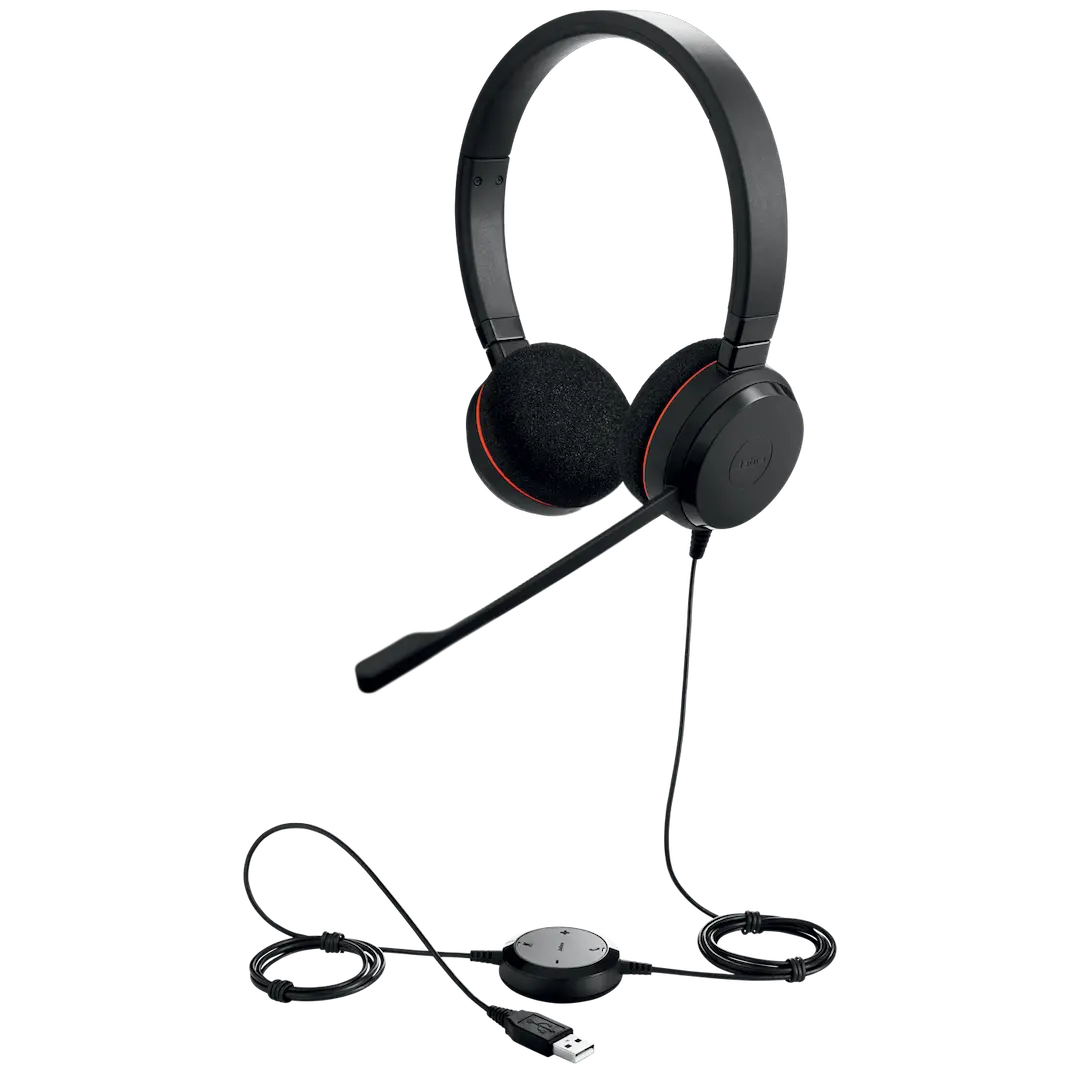
Upgrade your professional communication with the BRAND NEW Jabra Evolve 40 MS Stereo Headset. Designed for the modern Ugandan professional, this headset helps you focus and have crystal-clear conversations, whether you're in a busy office in Kampala or working from home. It's certified for Microsoft Teams, ensuring a seamless plug-and-play experience for all your important calls and meetings.
This headset is built to eliminate distractions. The special ear cushions provide excellent passive noise cancellation, blocking out high-frequency sounds like office chatter or nearby traffic, so you can concentrate on your work. A key feature is the integrated busy light that automatically turns red when you're on a call, acting as a polite 'do not disturb' sign for your colleagues. The flexible microphone boom arm ensures your voice is picked up clearly, and can be neatly tucked away into the headband when you're just listening to music.
Versatility is at the core of the Evolve 40. You can connect to your PC or laptop via the USB controller for advanced call control features, or unplug the 3.5mm jack to connect directly to your smartphone or tablet. Made with comfortable, high-quality materials, this headset is perfect for all-day wear. Get this brand new, sealed unit today and instantly boost your productivity and call quality.
📖 HOW TO USE
1. Unbox your brand new Jabra Evolve 40 headset from its sealed packaging.
2. For PC/Laptop use: Connect the headset's 3.5mm jack to the USB controller, then plug the USB cable into your computer.
3. For Mobile/Tablet use: Detach the 3.5mm jack from the USB controller and plug it directly into your device's headphone port.
4. Position the flexible microphone boom arm near your mouth for the best voice quality.
5. Use the intuitive in-line controller to answer/end calls, adjust speaker volume, and mute the microphone.
💡 TIPS & CARE
• Download the Jabra Direct software on your computer to keep your headset's firmware updated for the best performance.
• When not on a call, you can clip the microphone into the headband groove for a streamlined look.
• The busy light turns on automatically during a call, but you can also activate it manually to signal you need to focus.
• Use the included soft pouch to protect your headset from scratches when carrying it in your bag.