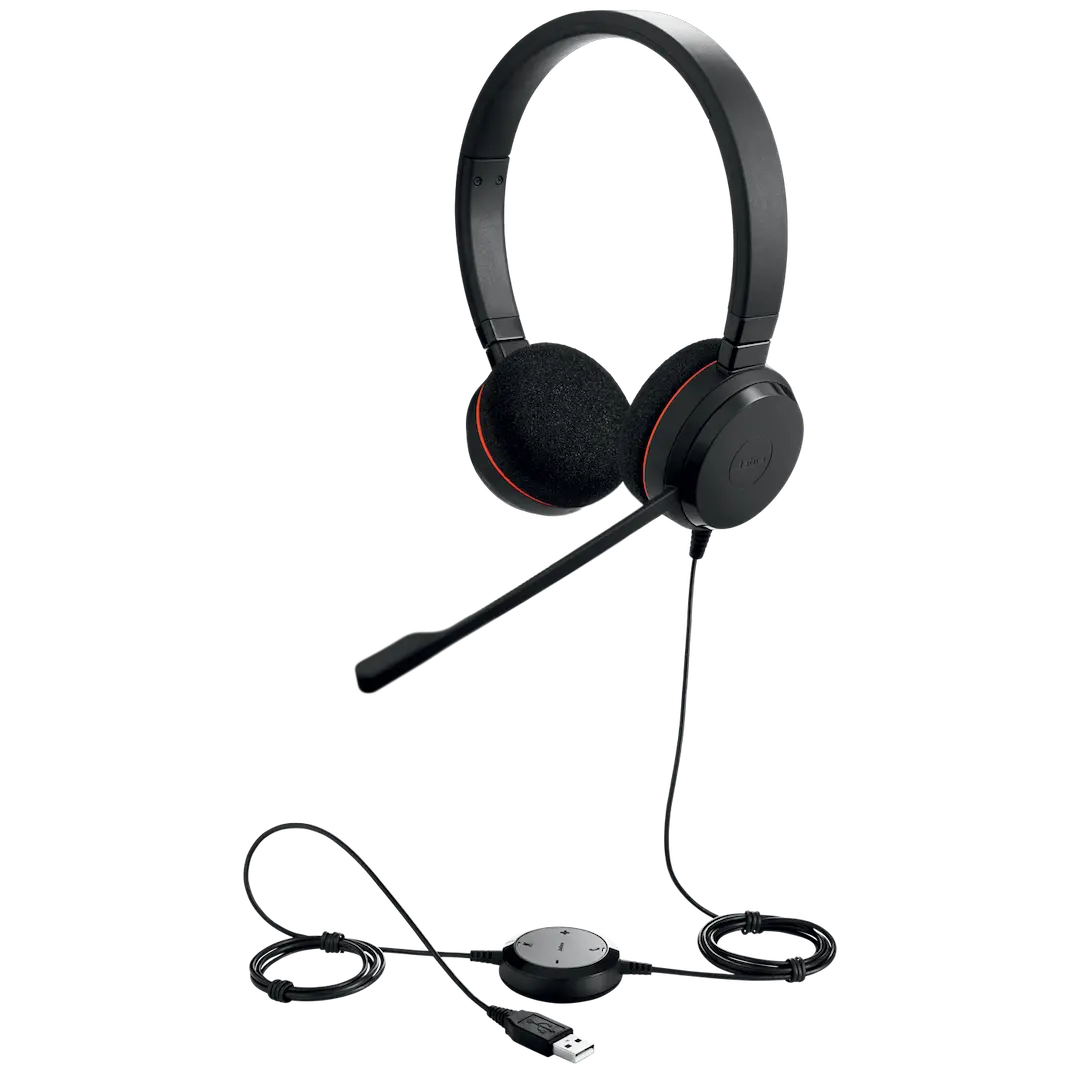
Product Description
Upgrade your professional communication with the brand new Jabra Biz 2300 USB-A MS Stereo Headset. Designed for the modern Ugandan professional who spends a lot of time on calls, this headset delivers outstanding audio quality and all-day comfort. Whether you're in a busy call center, a noisy open office, or working from home, this headset ensures you and your clients can hear each other perfectly.
The standout feature is its state-of-the-art, noise-cancelling microphone that filters out background noise, so your voice is the only thing that's heard. Paired with HD Voice and wideband audio, conversations sound vibrant and clear, reducing misunderstandings and fatigue. The headset is built to last, with a Kevlar-reinforced cord and a 360° rotating boom arm that won't break, ensuring a long-term investment for your business.
Getting started is simple. Just plug the USB-A connector into your PC or Mac, and you're ready to go. This model is fully certified for Microsoft Skype for Business (Lync), providing seamless integration and call control. Its lightweight and ergonomic design means you can wear it comfortably for hours, improving focus and productivity throughout your workday. This is a brand new, sealed product, ready to transform your professional calls.
📖 HOW TO USE
1. Unpack your brand new Jabra headset from its sealed box.
2. Plug the USB-A connector directly into an available USB port on your laptop or desktop computer.
3. Your computer's operating system will automatically detect and install the necessary drivers.
4. Open your communication software (e.g., Microsoft Teams, Skype for Business) and select 'Jabra Biz 2300' as your audio input and output device in the settings.
5. Adjust the headband for a secure fit and position the microphone boom arm about two fingers' width from your mouth.
💡 TIPS & CARE
• For the clearest audio, ensure the microphone is pointed towards your mouth, not directly in front of it.
• Use the inline call control unit for quick access to mute and volume adjustments without needing to use your mouse.
• Regularly wipe the ear cushions with a dry cloth to keep them clean.
• When not in use, avoid wrapping the cord tightly around the headset to protect the Kevlar reinforcement.