Product Description
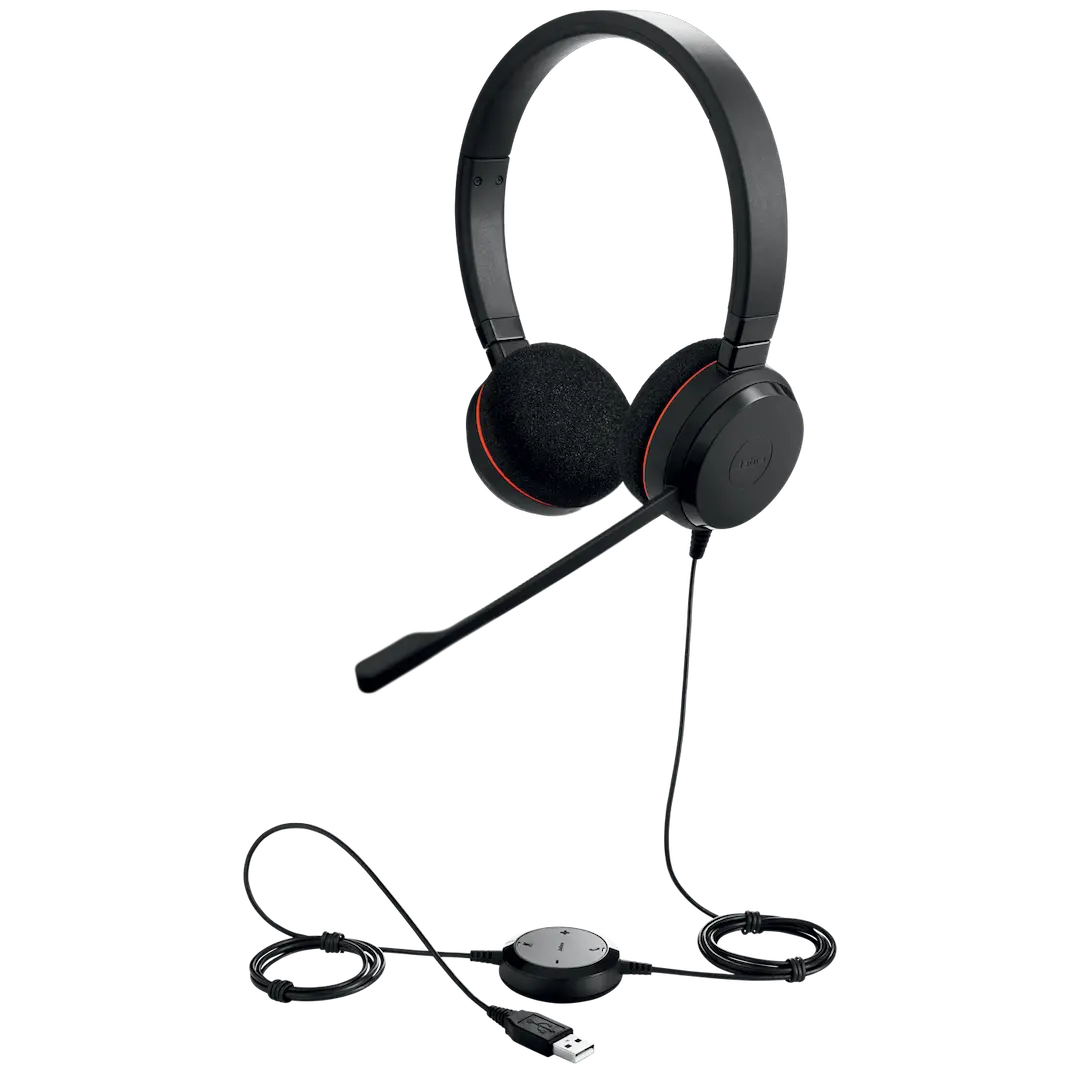
Step up your productivity with the BRAND NEW Jabra Evolve 20 MS Stereo USB-C Headset, the perfect tool for professionals in Uganda who demand clarity and convenience. Designed for the modern workplace, whether you're in a busy office in Kampala or working from home, this headset ensures you can focus on your conversations without distractions.
This headset is engineered for crystal-clear communication. The state-of-the-art, noise-cancelling microphone eliminates background noise, so your voice is always heard loud and clear. The stereo speakers deliver rich, immersive audio, making it great not just for calls but for listening to music or media during your breaks. With the intuitive in-line control unit, you can easily answer or end calls, mute your microphone, and adjust the volume at the touch of a button.
Getting started is effortless thanks to the simple plug-and-play USB-C connection. Just plug it into your laptop or computer, and you're ready to go. As a Microsoft Teams certified device, it integrates seamlessly for a flawless user experience. The lightweight design and soft foam ear cushions provide all-day comfort, making it ideal for long hours of use. This is a brand new, sealed product, ready to boost your professional communication from day one.
📖 HOW TO USE
1. Unbox your brand new Jabra headset.
2. Plug the USB-C connector directly into an available USB-C port on your computer or laptop.
3. Your computer will automatically detect and install the necessary drivers.
4. Put on the headset and adjust the headband for a comfortable fit.
5. Use the in-line controller to manage your calls: answer/end, adjust volume, and mute the microphone.
💡 TIPS & CARE
• Position the microphone boom arm approximately 2-3 cm from your mouth for the best voice clarity.
• Ensure the headset is selected as the default audio device in your communication software (e.g., Microsoft Teams, Zoom).
• Keep the foam ear cushions clean for better hygiene and comfort.
• When not in use, store the headset carefully to avoid cable damage.