Product Description
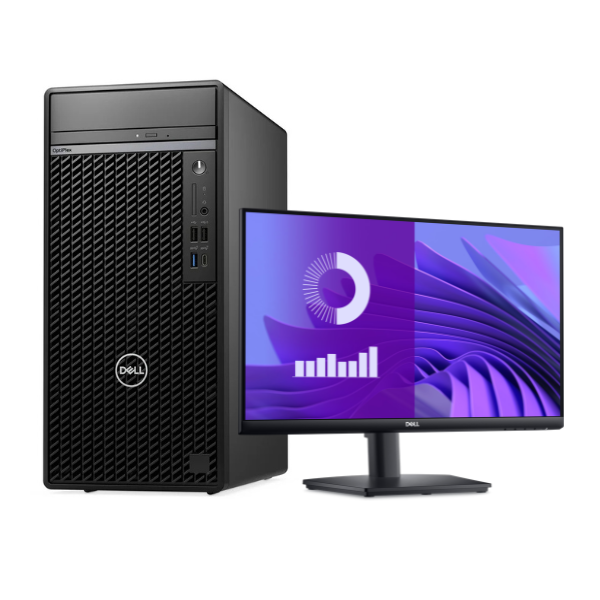
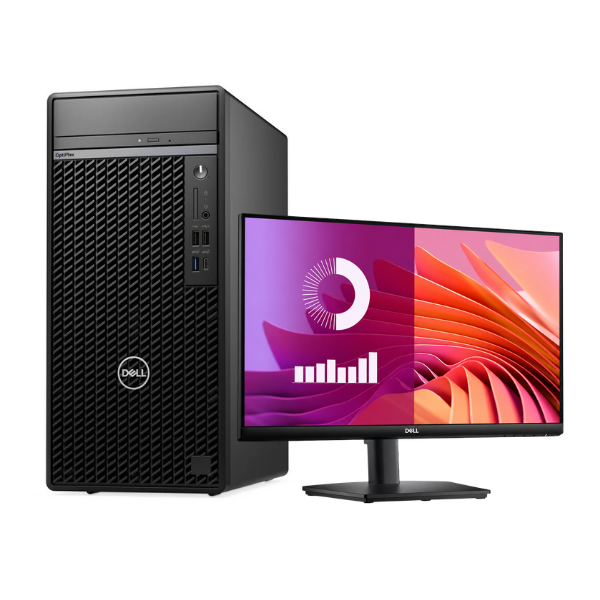
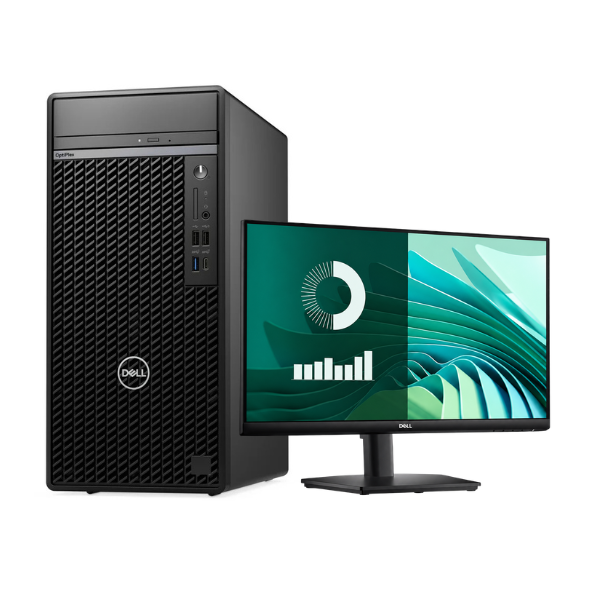
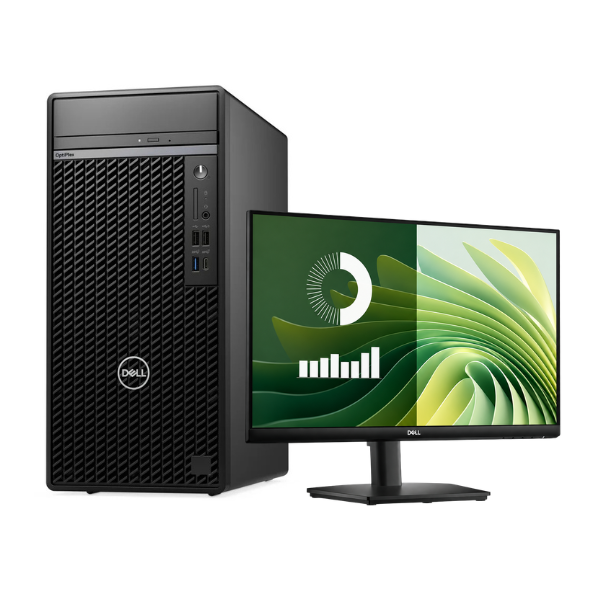
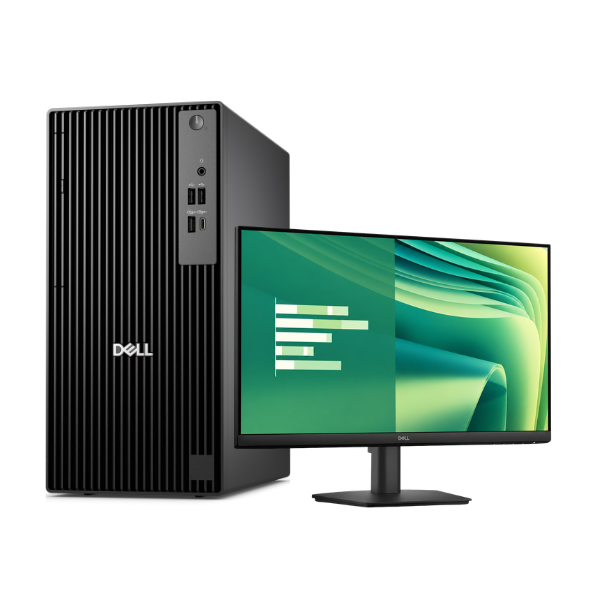
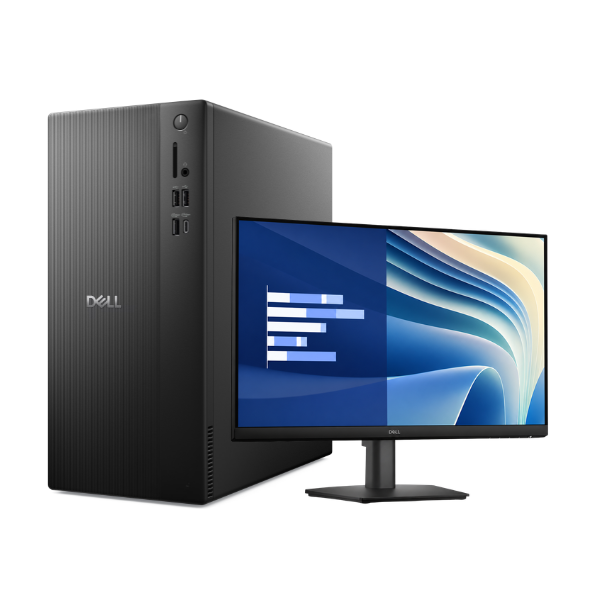
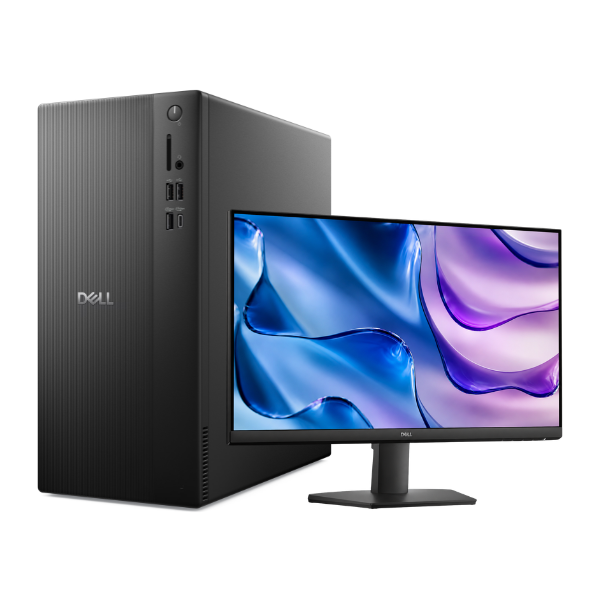
Unlock new levels of productivity with this BRAND NEW DELL Tower ECT1250 Desktop bundle, designed for performance and reliability. Whether for your growing business, home office, or student needs in Uganda, this complete setup provides everything you need to get started right out of the box. Built with Dell's renowned quality, this machine is ready to handle your daily tasks with ease.
Experience incredible speed and responsiveness. The heart of this PC is the latest 14th Generation Intel Core i3-14100 processor, which makes multitasking smooth and efficient. Paired with 8GB of RAM and a super-fast 512GB NVMe Solid State Drive (SSD), you'll enjoy near-instant boot times, quick application loading, and seamless file transfers. Say goodbye to waiting and hello to getting more done.
This is more than just a tower; it's a full workstation. The bundle includes a clear and bright 20-inch monitor, providing ample screen space for your documents, spreadsheets, and browsing. It comes pre-installed with Ubuntu, a secure, powerful, and user-friendly operating system that is perfect for developers, businesses, and anyone looking for a cost-effective alternative to Windows. Just plug it in, and you are ready to go!
📖 HOW TO USE
1. Carefully unbox the tower, monitor, keyboard, mouse, and power cables.
2. Place the tower and monitor on your desk, ensuring good ventilation for the tower.
3. Connect the monitor to the tower using the included HDMI or DisplayPort cable.
4. Plug in the USB keyboard and mouse into the ports on the back of the tower.
5. Connect the power cords to both the tower and the monitor, then plug them into a power outlet or UPS.
6. Press the power button on the front of the tower to start the computer and follow the on-screen Ubuntu setup instructions.
💡 TIPS & CARE
• Invest in a UPS (Uninterruptible Power Supply) to protect your new computer from sudden power cuts and surges, which are common in Uganda.
• Regularly check for and install Ubuntu software updates to keep your system secure and running smoothly.
• For heavy multitasking or more demanding software, consider upgrading the RAM to 16GB in the future.
• Use an external hard drive or a cloud storage service to back up your important files and documents.