Product Description
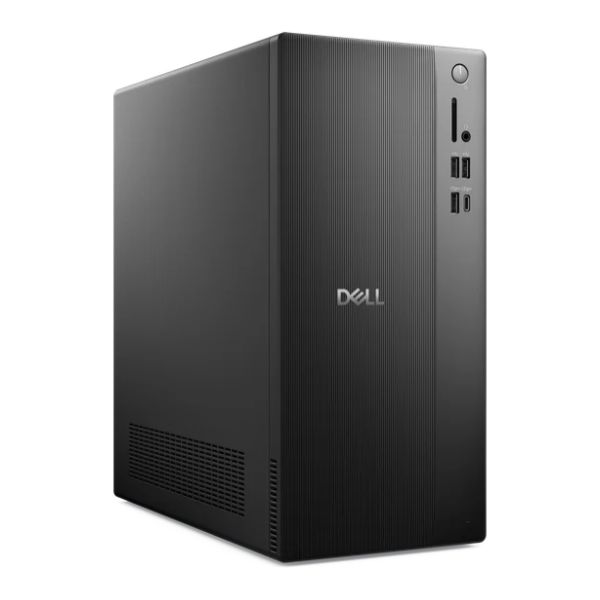
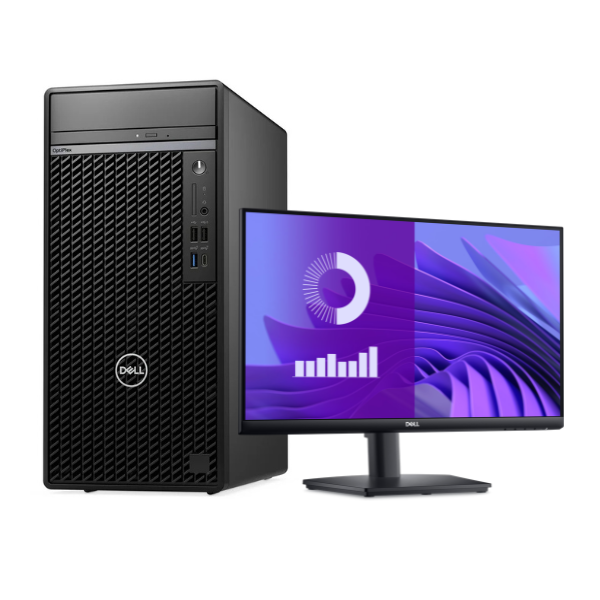
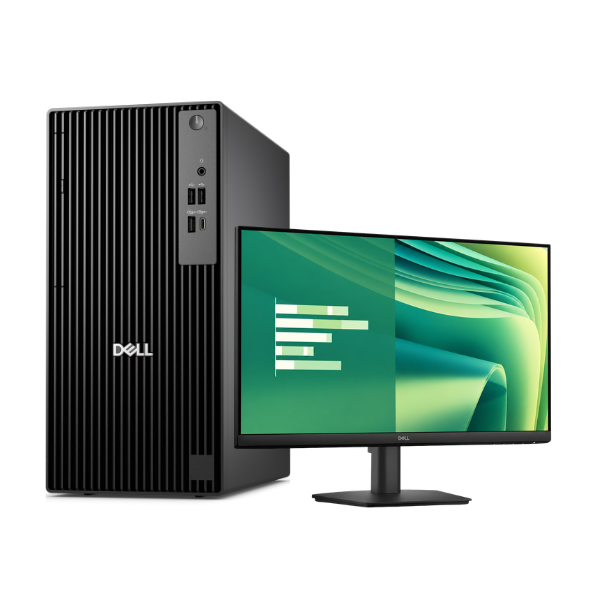
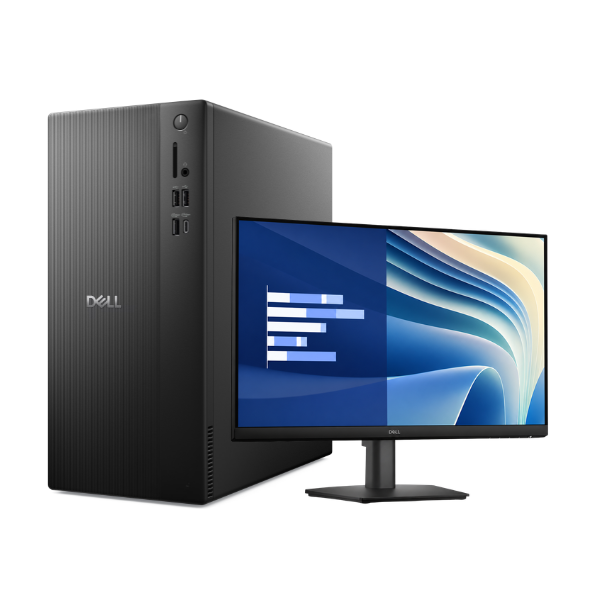
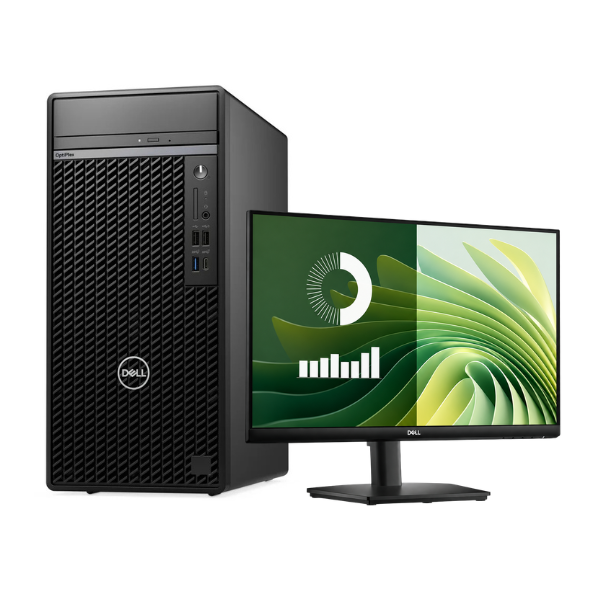
Unleash powerful performance and productivity for your business or home office in Uganda with the BRAND NEW Dell OptiPlex 7020 MT Plus desktop. Engineered for demanding tasks, this machine is powered by the latest 14th Generation Intel Core i7-14700 processor, making it perfect for complex spreadsheets, video editing, software development, and heavy multitasking. Say goodbye to lag and hello to seamless efficiency.
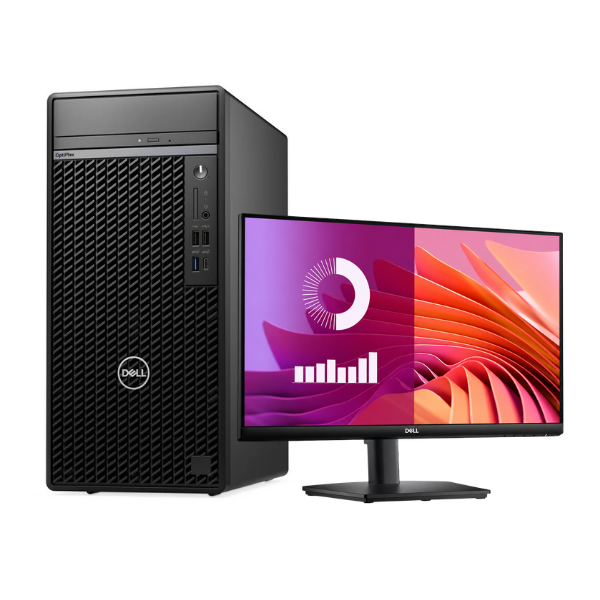
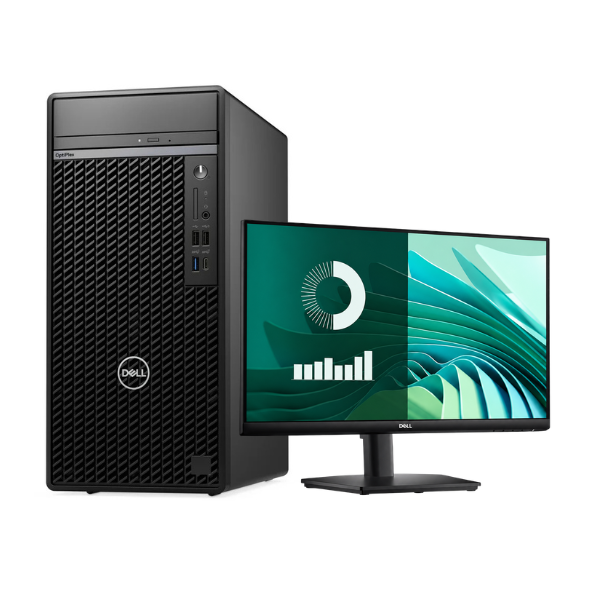
This complete desktop package is built for speed from the ground up. With 16GB of modern DDR5 RAM, you can run multiple applications simultaneously without a slowdown. The super-fast 1TB NVMe SSD drastically reduces boot times and application loading, allowing you to access your files and programs in an instant. This bundle includes a crisp 20-inch Dell monitor, a keyboard, and a mouse, so you have everything you need to get started right out of the box. Its Mini Tower (MT) design also offers excellent ventilation and ample room for future upgrades.
Built with Dell's renowned reliability, the OptiPlex 7020 is a smart investment for any professional. It comes pre-installed with Windows 11 Pro, offering advanced security and management features. Whether you're upgrading your office computers or setting up a powerful workstation at home, this brand new, sealed desktop provides the performance, reliability, and expandability you need to succeed.
📖 HOW TO USE
1. Carefully unbox the desktop tower, monitor, keyboard, and mouse.
2. Connect the monitor to the desktop tower using the provided DisplayPort or HDMI cable.
3. Plug the keyboard and mouse into the USB ports on the back of the tower.
4. Connect the power cords for both the desktop tower and the monitor to a power outlet.
5. Press the power button on the front of the tower to turn on the computer and follow the on-screen Windows 11 Pro setup instructions.
💡 TIPS & CARE
• Install a reliable antivirus program to protect your data.
• Regularly update Windows and your drivers for optimal performance and security.
• Use a surge protector to safeguard your new computer from power fluctuations.
• Take advantage of the multiple display outputs to connect a second monitor for increased productivity.