Product Description
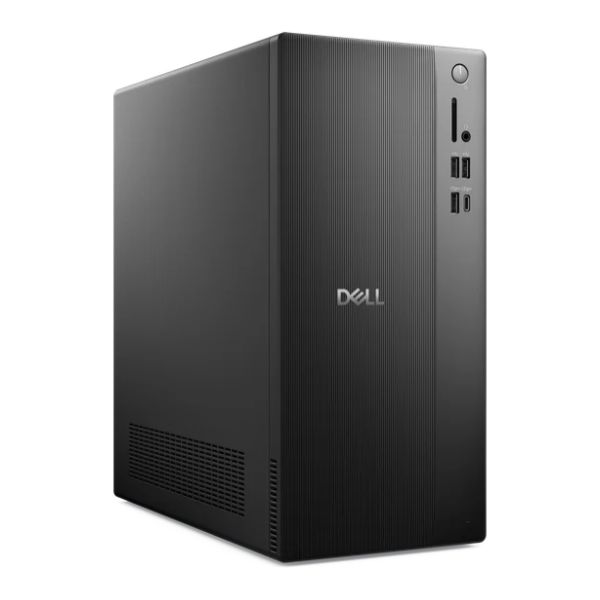
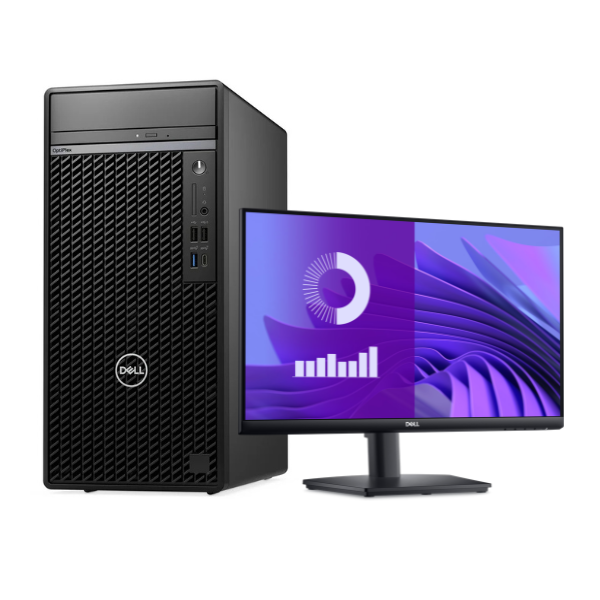
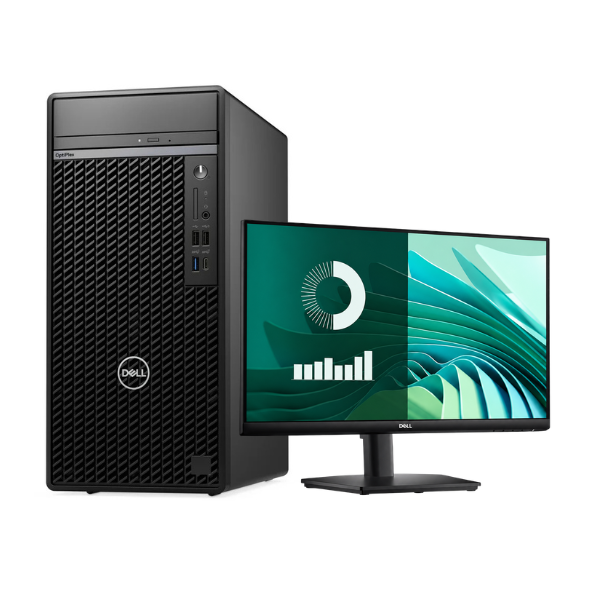
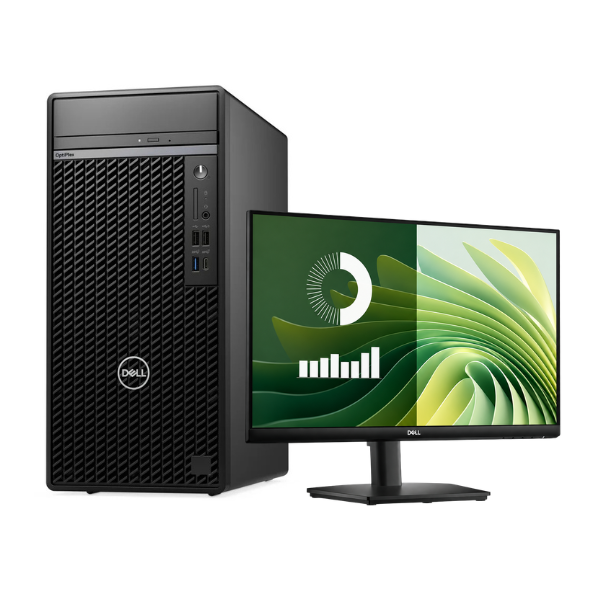
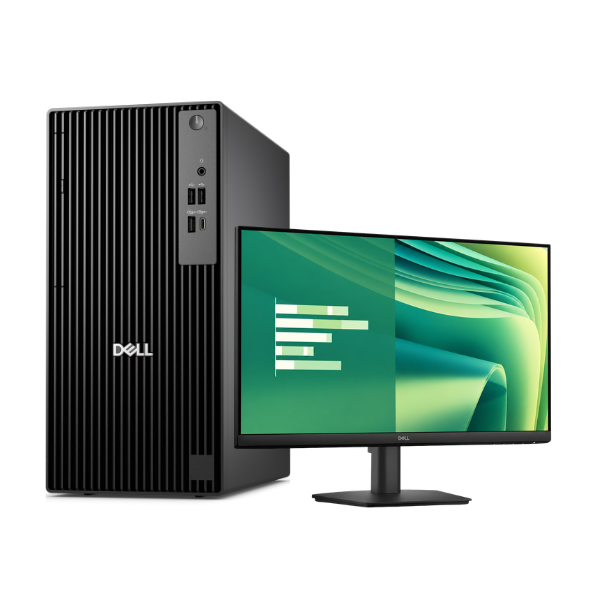
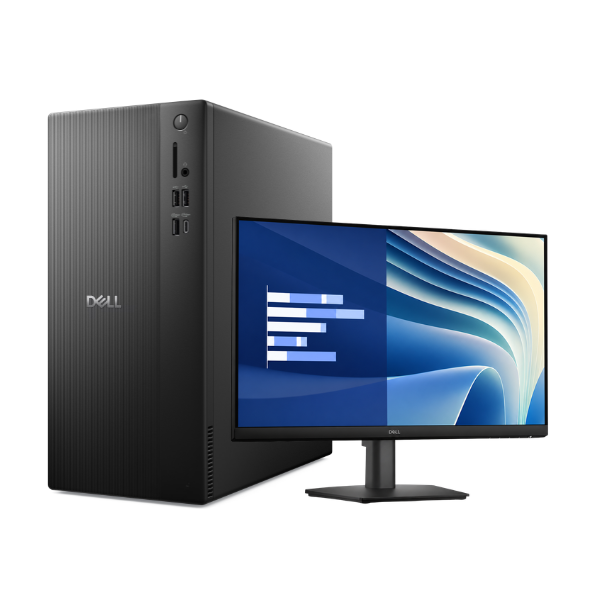
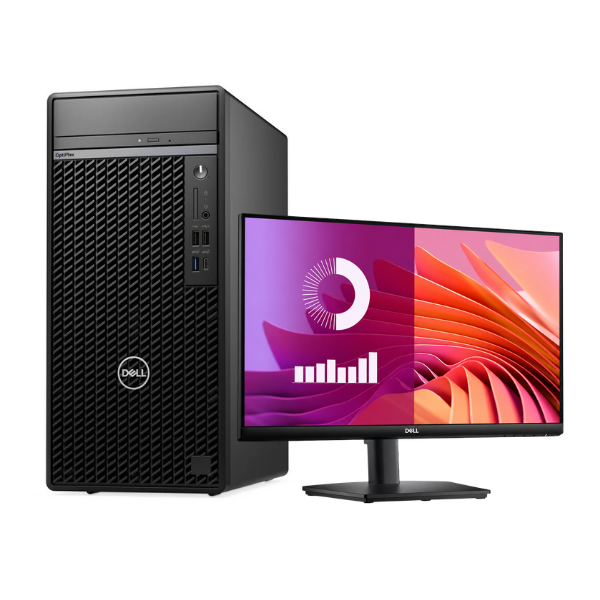
Unleash your productivity with this BRAND NEW Dell OptiPlex 7020 Desktop computer bundle. Designed for performance and reliability, this machine is the perfect choice for any demanding office or home environment in Uganda. Right out of the box, you get a complete, ready-to-use setup that won't let you down.
At its heart is a powerful Intel Core i5 processor, paired with a massive 16GB of RAM. This means you can multitask with ease – run multiple applications, have dozens of browser tabs open, and work on complex spreadsheets without any slowdown. The super-fast 1TB Solid State Drive (SSD) dramatically reduces boot times and makes applications load in a flash, saving you valuable time every day. This isn't just a computer; it's a productivity powerhouse.
This bundle includes everything you need to get started immediately: the powerful Dell OptiPlex tower, a crisp 20-inch monitor for a comfortable viewing experience, a durable Dell keyboard, and a responsive optical mouse. Whether you're running a business, managing accounts, studying for exams, or just browsing the web, this brand new, complete desktop solution provides the power and dependability you need to succeed.
📖 HOW TO USE
1. Carefully unpack the CPU tower, monitor, keyboard, mouse, and all cables from the box.
2. Place the tower and monitor on your desk, ensuring there is good ventilation around the tower.
3. Connect the monitor to the CPU tower using the provided VGA or DisplayPort cable.
4. Plug the keyboard and mouse into the USB ports on the back of the tower.
5. Connect the power cables to the back of the tower and the monitor, then plug them into a surge-protected power outlet.
6. Press the power button on the front of the tower to turn on the computer and follow the on-screen Windows setup guide.
💡 TIPS & CARE
• Always use a surge protector to safeguard your computer from power fluctuations.
• Ensure the air vents on the tower are not blocked to maintain optimal cooling.
• Regularly perform software updates for Windows and other applications to keep the system secure and running smoothly.
• Install a reputable antivirus program to protect your data from malware.