Product Description
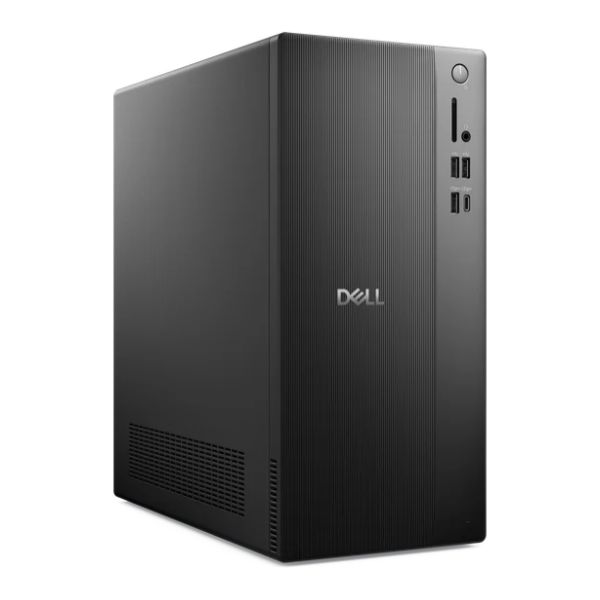
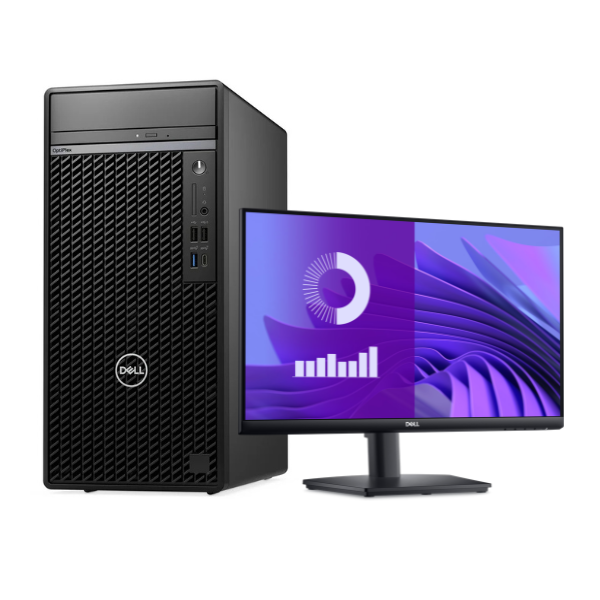
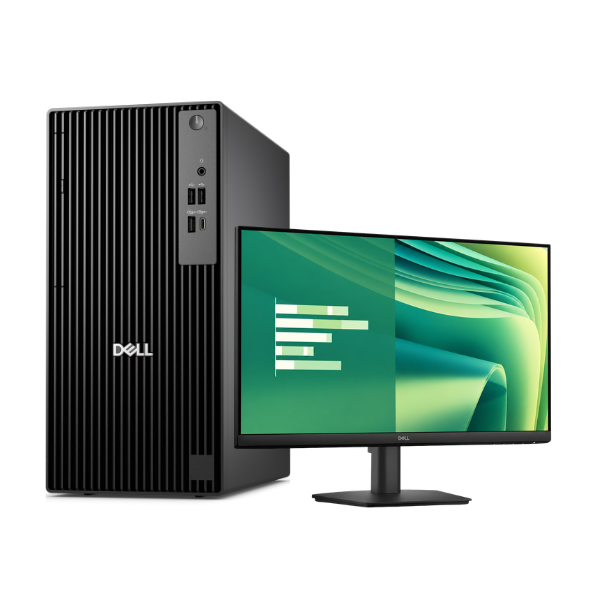
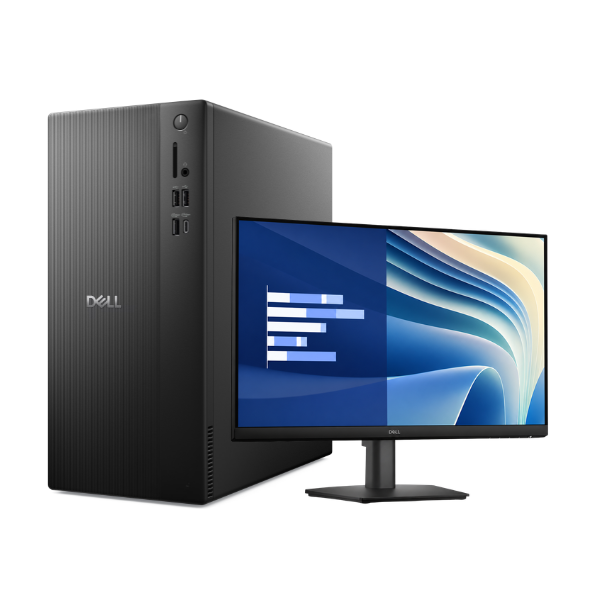
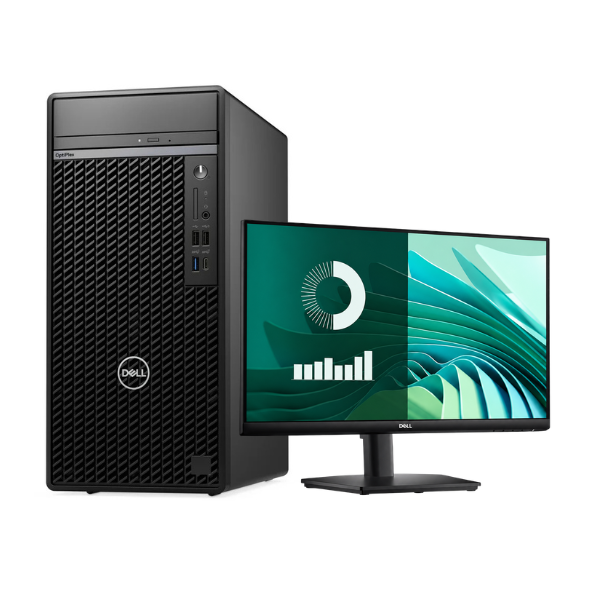
Unlock superior productivity with the Dell OptiPlex 7020 Desktop, a powerhouse designed for the demanding needs of modern businesses and power users in Uganda. This is a BRAND NEW, factory-sealed computer, ready to deliver top-tier performance right out of the box. It combines robust processing power with smart design, making it a reliable foundation for your daily tasks, from complex spreadsheets to multitasking across multiple applications.
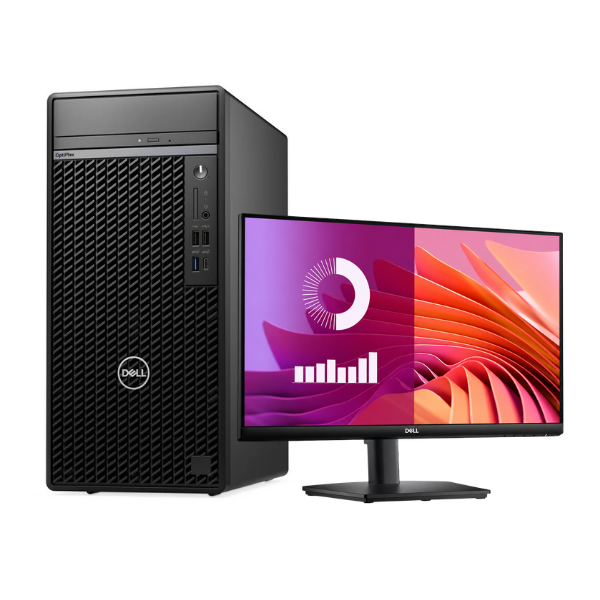
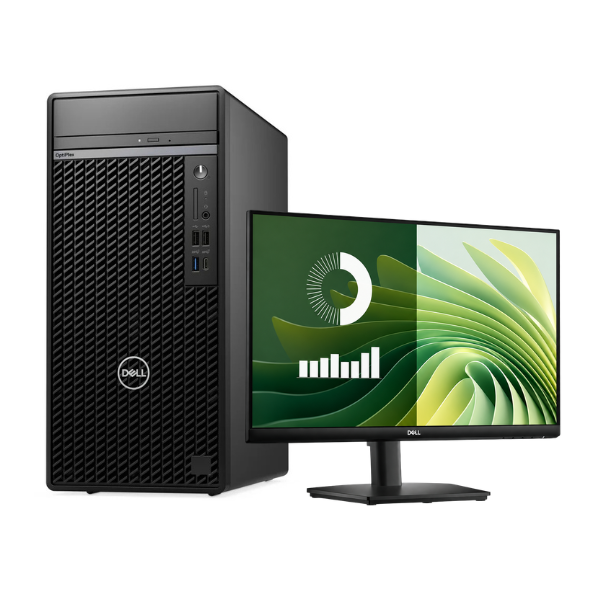
At its heart is a formidable Intel Core i7 processor, paired with 8GB of RAM to ensure smooth, lag-free operation. The real game-changer is the 512GB Solid State Drive (SSD), which provides lightning-fast boot times, rapid application loading, and quick file access, significantly boosting your workflow efficiency compared to traditional hard drives. The package includes a crisp 19.5-inch monitor, giving you a complete, ready-to-use setup without needing to purchase separate components.
Built for security and manageability, the OptiPlex 7020 is a smart investment. It offers ample connectivity with multiple USB 3.0 and 2.0 ports, DisplayPort, and VGA outputs to connect all your essential peripherals. Whether you're running a small business, managing office tasks, or need a dependable computer for your home, this brand new Dell OptiPlex 7020 provides the performance and reliability you can count on for years to come.
📖 HOW TO USE
1. Carefully unbox the desktop tower and monitor.
2. Connect the monitor to the tower using the provided VGA or DisplayPort cable.
3. Plug in the keyboard, mouse, and any other USB devices.
4. Connect the power cords for both the tower and the monitor to a wall outlet or surge protector.
5. Press the power button on the tower to turn it on and follow the on-screen Windows setup instructions.
💡 TIPS & CARE
• Use a surge protector to safeguard the computer from power fluctuations.
• For critical work, connect the PC to an Uninterruptible Power Supply (UPS) to prevent data loss during power cuts.
• Keep Windows and security software updated to protect against threats.
• Regularly back up your important files to an external drive or cloud storage.