Product Description
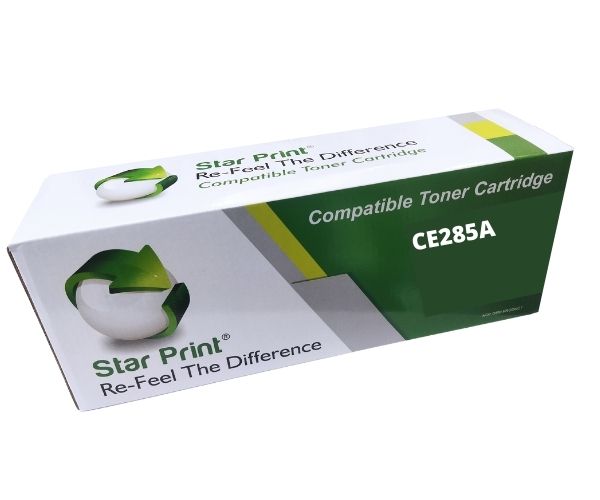
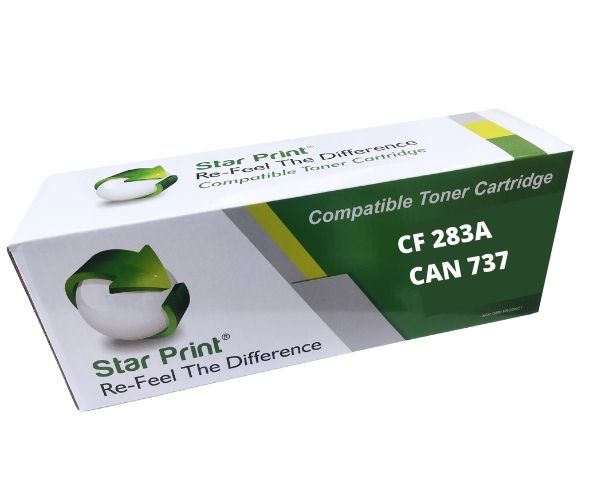
Tired of overpaying for original printer cartridges? The BRAND NEW Star Print Universal Compatible Toner Cartridge is the perfect, budget-friendly solution for your home or office in Uganda. This high-quality cartridge is engineered to deliver outstanding results, giving you sharp, professional-looking documents every single time, from the first page to the last.
This isn't a refill or a remanufactured product; it's a brand new, sealed cartridge built for reliability and performance. Its key advantage is its incredible versatility. Why stock multiple different toner models when this one cartridge works perfectly across a wide range of popular HP LaserJet printers? It simplifies inventory for offices and ensures you always have the right toner on hand.
Key Features & Benefits:
- Wide Printer Compatibility: This single cartridge replaces HP 78A (CE278A), 85A (CE285A), 35A (CB435A), 36A (CB436A), and 88A (CC388A) models, making it ideal for various HP LaserJet printers.
- Consistent High Quality: Enjoy crisp, dark text and clear graphics for all your printing needs, whether it's for business reports, invoices, school assignments, or everyday documents.
- High Page Yield: Get more printing done with an impressive yield of up to 1,600 pages (at 5% coverage), lowering your overall cost per page.
- Seamless Installation: Designed to be a perfect drop-in replacement. Just unbox, remove the protective seals, and install it in seconds without any mess or fuss.
Whether you're running a small business, managing office supplies, or a student printing assignments, the Star Print universal toner provides the perfect balance of quality, reliability, and affordability. Make the smart choice for your printing needs today!
📖 HOW TO USE
1. Open the top cover of your laser printer.
2. Carefully remove the old toner cartridge by pulling it towards you.
3. Unpack the new Star Print toner cartridge from its box and protective bag.
4. Gently shake the new cartridge from side to side 5-6 times to distribute the toner evenly.
5. Remove the protective plastic strip or sealing tape completely.
6. Insert the new cartridge into the printer, ensuring it clicks securely into place.
7. Close the printer cover and run a test print.
💡 TIPS & CARE
• For best results, store the cartridge in a cool, dry place and keep it in its original packaging until use.
• Always shake the cartridge before installation to ensure optimal print quality from the start.
• To extend the life of your toner, consider using your printer's 'Toner Save' or 'Draft' mode for non-essential documents.
• Keep a spare cartridge on hand to avoid work interruptions when the current one runs out.