Product Description
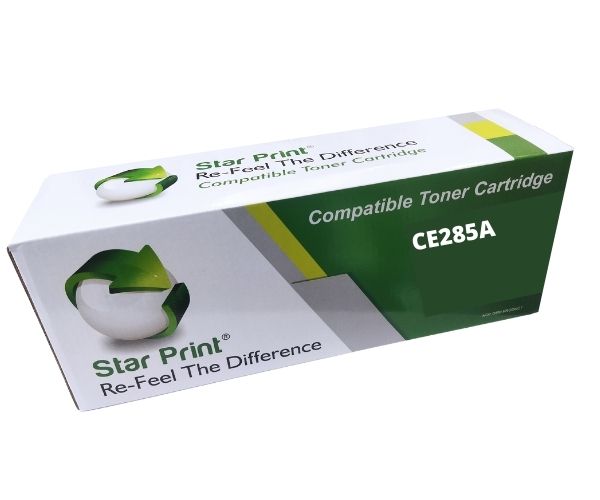
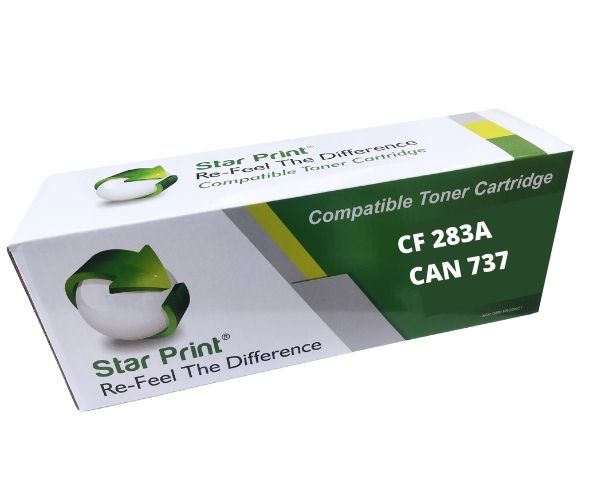
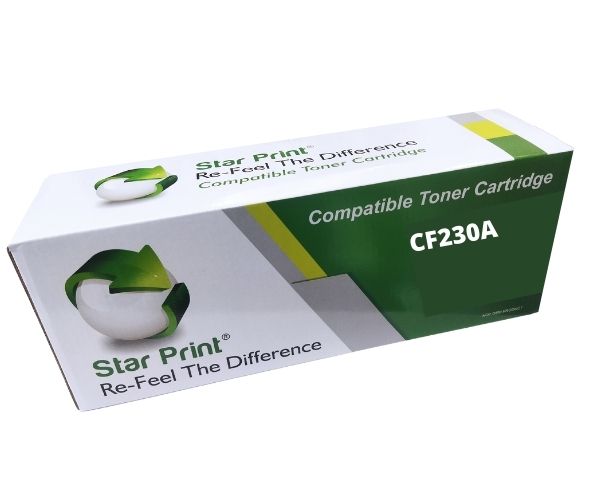
Stop overpaying for original printer cartridges! Introducing the BRAND NEW Star Print CF226A / 052 Universal Compatible Toner Cartridge, the perfect, budget-friendly solution for your printing needs in Uganda. This high-quality cartridge is engineered to work seamlessly with a wide range of popular HP LaserJet Pro and Canon i-SENSYS printers, delivering crisp, clear, and consistent results from the first page to the last.
Whether you're printing important business documents, school assignments, or everyday reports, this toner ensures professional-grade quality every time. The fine toner powder produces sharp black text and bold graphics, making your documents easy to read and visually impressive. With a high page yield of approximately 3,100 pages, you'll spend less time replacing cartridges and more time being productive, making it ideal for busy homes and small offices.
This is a brand new, sealed product, not a refill or a remanufactured one. It's designed for easy, hassle-free installation – just unpack, shake, remove the protective seals, and insert it into your printer. Enjoy the peace of mind that comes with reliable performance and significant savings, without compromising on print quality.
- Wide Compatibility: Works perfectly with models like HP LaserJet Pro M402d, M426dn and Canon i-SENSYS LBP212dw, LBP214dw, and more.
- High Page Yield: Prints up to 3,100 pages (at 5% coverage), offering excellent value and reducing replacement frequency.
- Professional Quality: Delivers sharp, dark text and clear images for all your documents.
- Cost-Effective: Get the performance of an original cartridge for a fraction of the price.
📖 HOW TO USE
1. Carefully unpack the new toner cartridge from its box and protective bag.
2. Gently shake the cartridge horizontally 5-6 times to distribute the toner powder evenly.
3. Remove all protective orange or black plastic tabs and the sealing tape completely.
4. Open your printer's front cover, remove the old, used cartridge.
5. Slide the new toner cartridge into the printer until it clicks securely into place, then close the cover.
💡 TIPS & CARE
• Store cartridges in a cool, dry place and avoid exposure to direct sunlight or extreme temperatures.
• To prevent damage to the imaging drum, do not touch its green or blue surface with your hands.
• For best results, use high-quality paper suitable for laser printers.
• If your first print is streaky, run a few more prints as the toner may need to settle.