Product Description
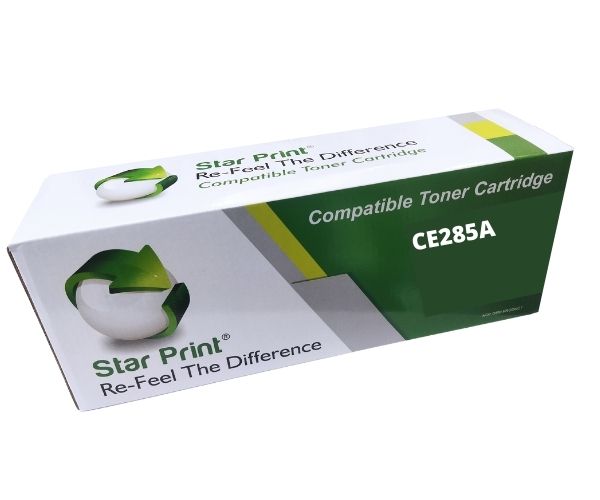
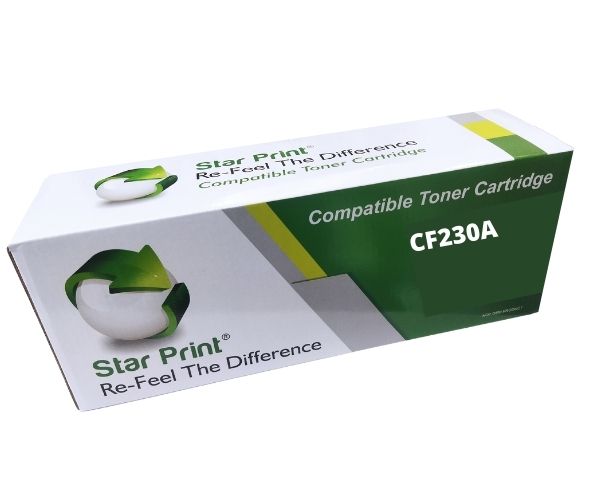
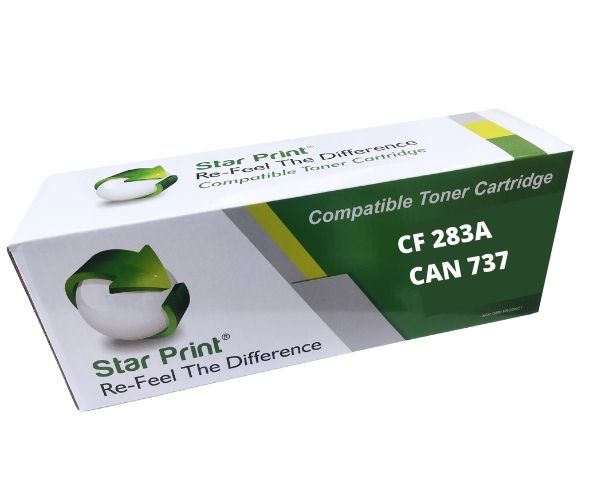
Stop overpaying for original cartridges! Get the same sharp, professional-quality printing for your office or home with our brand new Star Print CF283A/CAN737 Universal Compatible Toner Cartridge. This is a high-quality, reliable alternative that delivers excellent results from the first page to the last, helping you save money without sacrificing quality.
This cartridge is built to meet or exceed original specifications, ensuring it fits perfectly and works flawlessly with your printer. Whether you are printing important business documents, school assignments, or everyday reports, you can count on consistent, dark black text and clear graphics every time. It's the smart choice for anyone in Uganda looking for affordable and dependable printing solutions.
- Wide Compatibility: Designed to work perfectly with a range of popular HP LaserJet Pro printers, including the M201dw, M201n, MFP M125a, MFP M127fn, and MFP M225dn.
- High Page Yield: Print up to 1,500 pages (at 5% coverage), making it ideal for both small office and home use with moderate printing needs.
- Excellent Print Quality: Produces deep blacks and crisp text for all your professional and personal documents.
- Easy to Install: Simply unbox, remove the protective seals, and insert it into your printer. You'll be back to printing in minutes!
📖 HOW TO USE
1. Carefully unpack the new toner cartridge from its box and protective bag.
2. Gently shake the cartridge horizontally 5-6 times to distribute the toner evenly inside.
3. Remove the protective plastic cover and pull out the entire sealing tape.
4. Open your printer's cover, remove the old, used toner cartridge.
5. Slide the new toner cartridge into the printer until it clicks securely into place, then close the printer cover.
💡 TIPS & CARE
• Store unopened cartridges in a cool, dry place away from direct sunlight.
• For best results, use high-quality printing paper.
• After installing, print a test page to ensure the cartridge is seated correctly.
• To maximize cartridge life, enable 'Toner Save' mode on your printer for draft documents.