Product Description
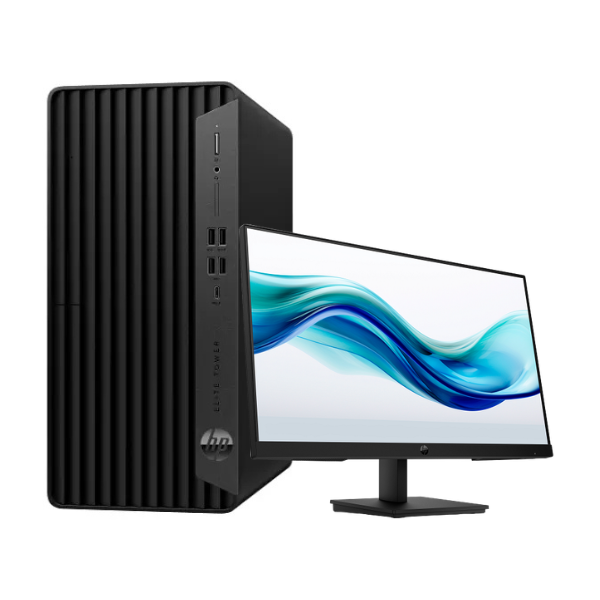
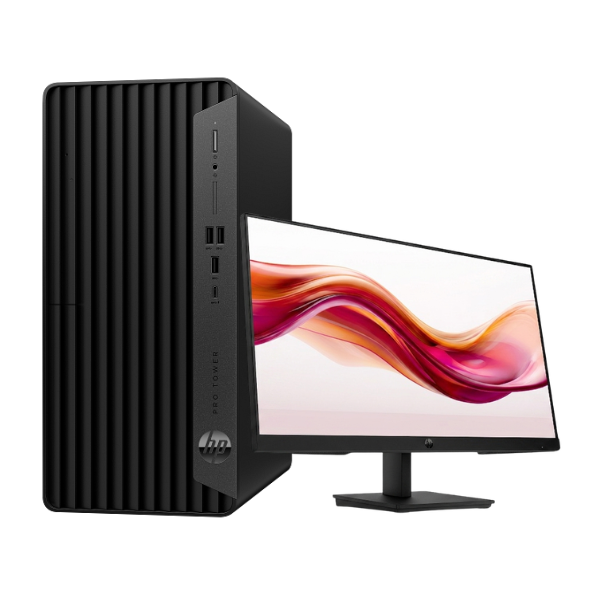
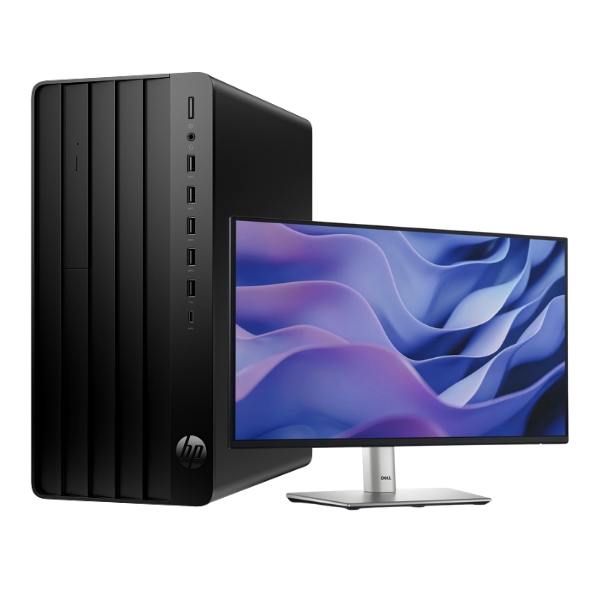
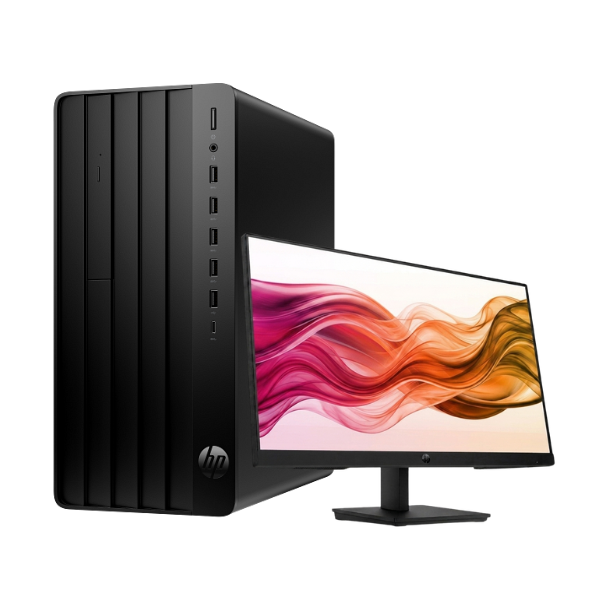
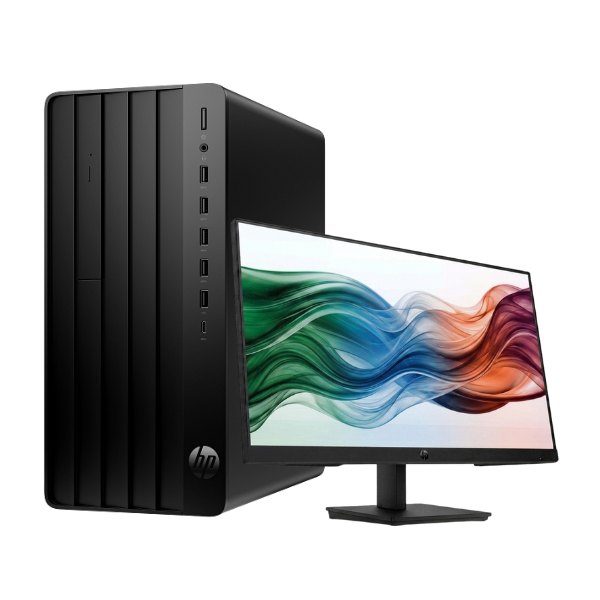
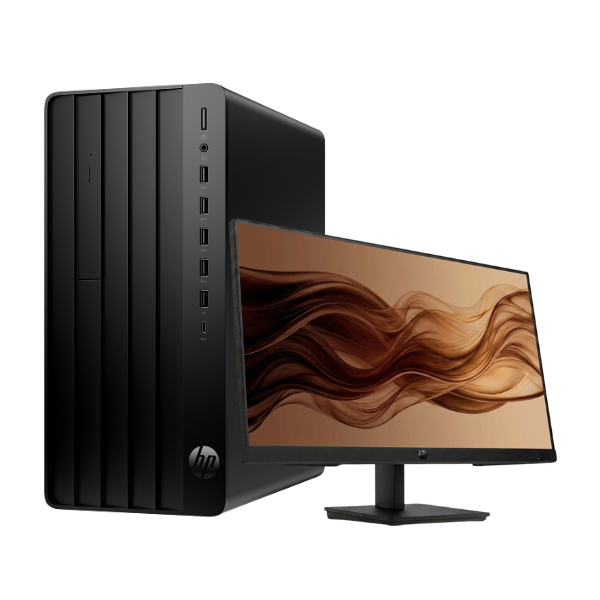
Experience a new level of performance and reliability with the brand new HP Pro Tower 290 G9 Desktop PC. This complete bundle is the perfect solution for your growing business or demanding home office needs in Uganda. Powered by the latest 14th Generation Intel Core i5 processor and equipped with 8GB of DDR4 RAM, this machine is built to handle your daily tasks with speed and efficiency. Say goodbye to long loading times; the ultra-fast 512GB NVMe SSD ensures your system boots up in seconds and applications launch instantly.
This is not just a tower; it's a complete, ready-to-use workstation. The package includes a vibrant 21.45-inch Full HD monitor, delivering sharp, clear visuals for everything from spreadsheets and documents to video calls and web browsing. With its professional black finish, the HP Pro Tower fits perfectly into any office environment. It's designed for productivity with a range of essential ports, allowing you to connect all your peripherals like printers, external drives, and more with ease.
Investing in this brand new HP desktop means investing in peace of mind. Built with trusted HP quality and reliability, it’s a durable and secure machine for all your important work. Whether you're running accounting software, managing inventory, or multitasking across multiple applications, the HP Pro Tower 290 G9 provides the stable and powerful performance you need to succeed. It comes ready for you to install your preferred operating system, giving you full control over your software environment.
📖 HOW TO USE
1. Carefully unpack the tower, monitor, keyboard, mouse, and power cables from the box.
2. Connect the monitor to the tower's video port using the included HDMI or VGA cable.
3. Plug the wired keyboard and mouse into the USB ports on the back of the tower.
4. Connect the tower and the monitor to a reliable power source using their respective power cables.
5. Press the power button on the front of the tower to turn it on and begin installing your operating system (e.g., Windows or Linux).
💡 TIPS & CARE
• Use a surge protector to safeguard your new computer from unpredictable power fluctuations.
• Install a genuine copy of Windows or your preferred operating system for full functionality and security.
• Consider upgrading the RAM to 16GB in the future for even better multitasking performance.
• Regularly back up your important data to an external hard drive or a cloud service.