Product Description
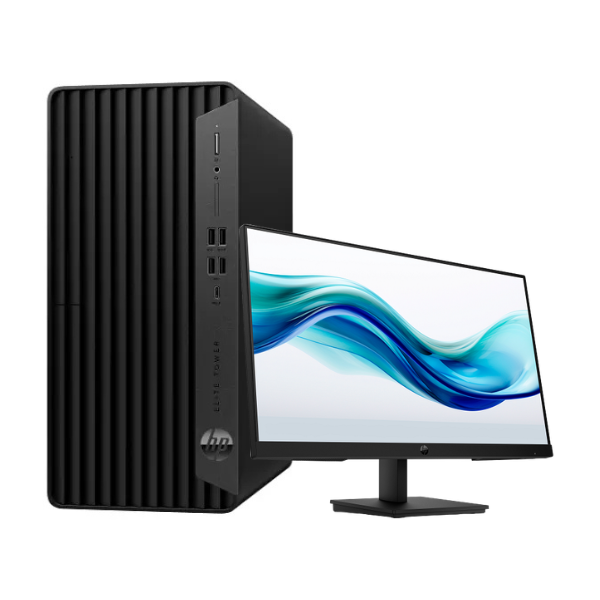
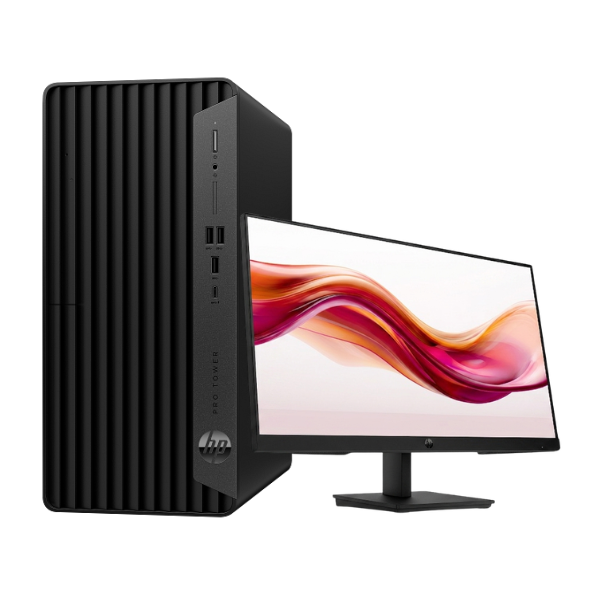
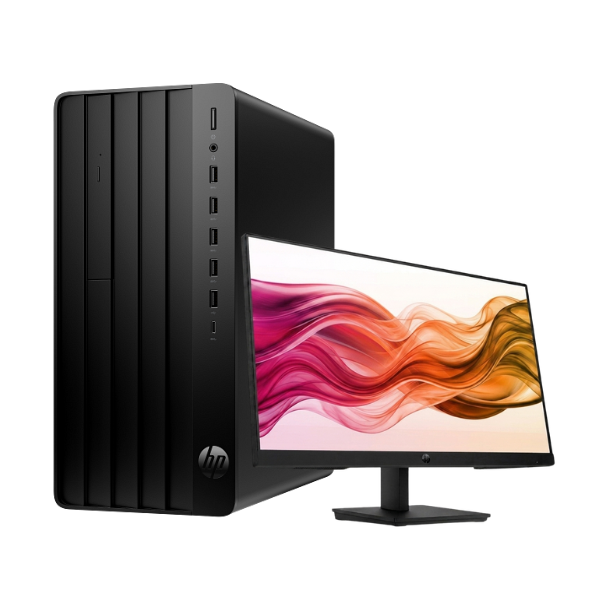
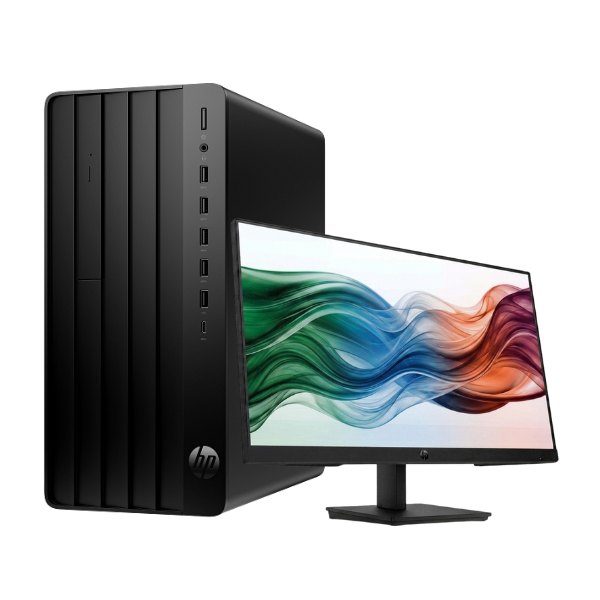
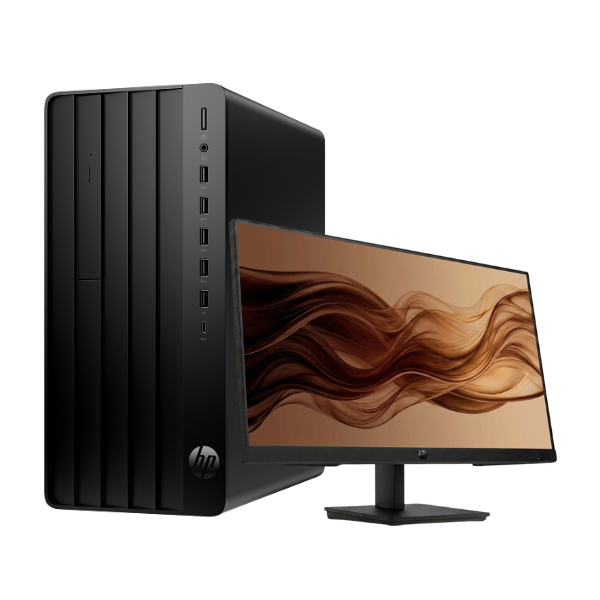
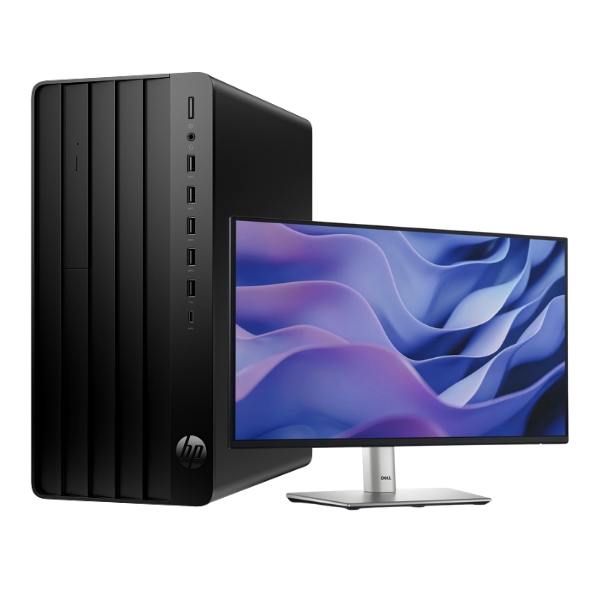
Unleash your business potential with the brand new HP Pro Tower 290 G9 Desktop PC. This machine is engineered for productivity, delivering the reliable performance modern Ugandan businesses need to thrive. Powered by the latest 14th Generation Intel Core i7-14700 processor, it handles everything from complex spreadsheets and database management to graphic design software with incredible speed and efficiency. Say goodbye to lag and hello to seamless multitasking.
This desktop comes equipped with 8GB of DDR4 RAM, allowing you to run multiple applications simultaneously without a hitch. The real game-changer is the 512GB NVMe Solid State Drive (SSD). It provides lightning-fast boot times, rapid file access, and quick application loading, dramatically boosting your daily workflow. This means less waiting and more doing, whether you're starting your day or accessing critical client files. The tower's professional black chassis is not only sleek but also designed for easy access and future upgrades, making it a smart, long-term investment for your office.
Connectivity is never an issue with a wide array of ports, including HDMI, VGA, multiple USB ports, and an RJ-45 Ethernet port for stable internet connections. This brand new, sealed unit is ready to be the powerhouse of your office. It provides a solid foundation for your business operations, ensuring reliability and performance day in and day out. Get the competitive edge you need with a desktop built for the future of work.
📖 HOW TO USE
1. Carefully unbox the HP Pro Tower and all included accessories.
2. Place the tower in a well-ventilated area, connect your monitor, keyboard, and mouse to the appropriate ports.
3. Connect the included power cable to the tower and plug it into a power outlet.
4. Press the power button to turn on the computer.
5. Follow the on-screen prompts to install your preferred operating system (e.g., Windows 11, Ubuntu) as the PC comes with FreeDOS.
💡 TIPS & CARE
• Install a genuine copy of Windows or your preferred operating system for full functionality.
• Use a surge protector or an Uninterruptible Power Supply (UPS) to safeguard against power fluctuations common in Uganda.
• Consider upgrading the RAM to 16GB in the future if you plan on heavy multitasking or using memory-intensive software.
• Regularly back up your important business data to an external drive or cloud storage.