Product Description
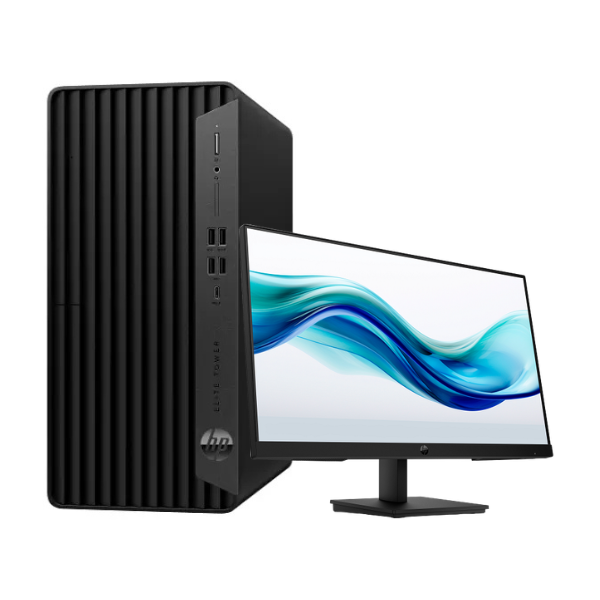
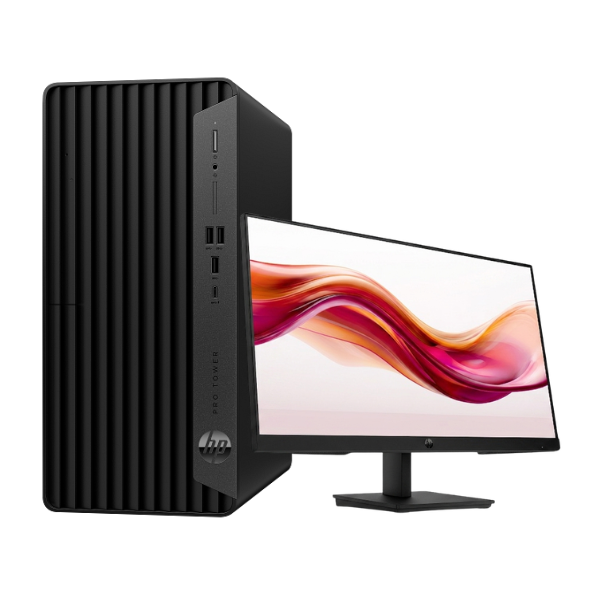
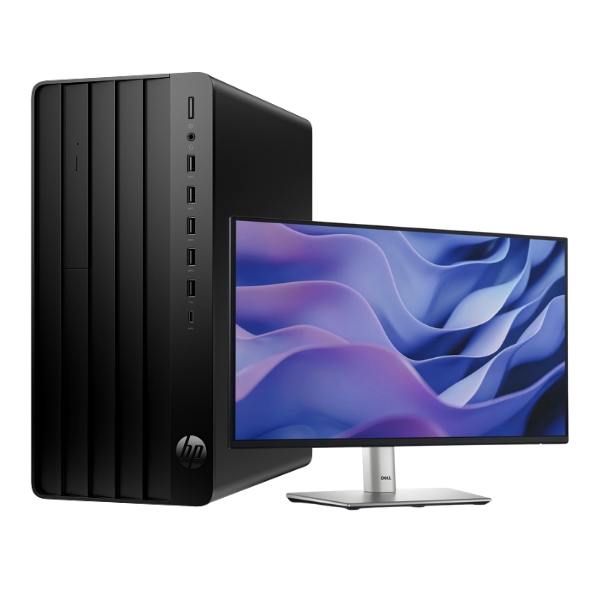
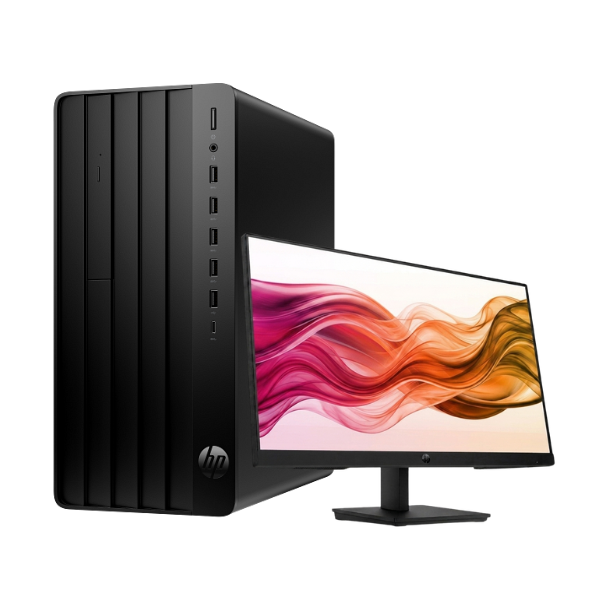
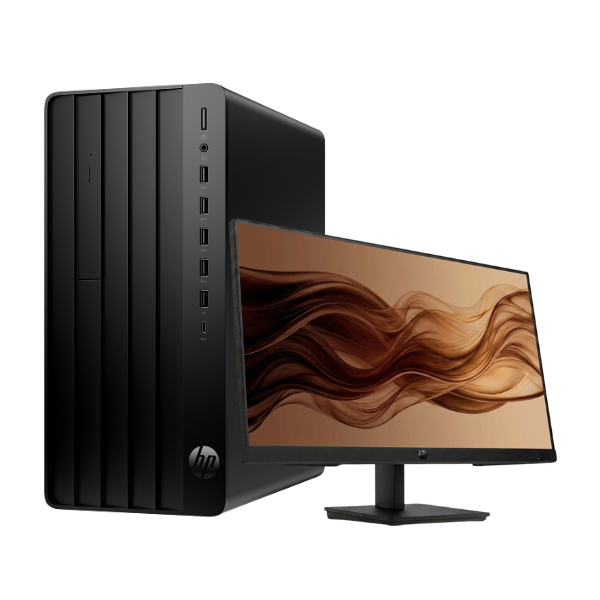
Unleash your business potential with the BRAND NEW HP Pro Tower 290 G9 Desktop PC. This machine is engineered for performance and reliability, making it the perfect choice for offices, businesses, and power users across Uganda. It comes ready to tackle your daily tasks with its powerful components and professional design, ensuring you stay productive and efficient.
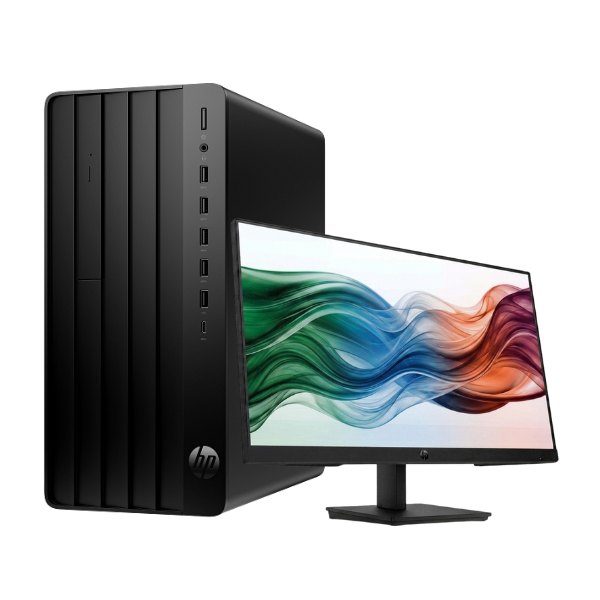
At the heart of this tower is the formidable 13th Generation Intel® Core™ i5-13500 processor, which provides incredible speed and responsiveness for multitasking. Paired with 8GB of DDR4 RAM, you can run multiple applications like accounting software, web browsers, and office suites smoothly without slowdowns. The super-fast 512GB NVMe SSD drastically reduces boot-up times and makes loading files and programs feel instant, saving you valuable time. This complete package includes a crisp 21.5-inch Full HD monitor, so you have everything you need to get started right away.
Built for the modern workplace, the HP Pro Tower 290 G9 is a smart investment. Its compact and professional design fits into any office space, while its array of ports allows for easy connection to all your essential peripherals. Whether you're managing inventory, creating reports, or communicating with clients, this brand new desktop provides the dependable performance you need to grow your business. Get a fresh start with a machine that is built to last.
📖 HOW TO USE
1. Carefully unbox the tower, monitor, and accessories.
2. Connect the keyboard, mouse, and monitor to the appropriate ports on the back of the tower.
3. Plug the power cords for both the tower and the monitor into a surge-protected power outlet.
4. Press the power button on the front of the tower to turn it on.
5. Follow the on-screen instructions to complete the initial Windows 11 Pro setup.
💡 TIPS & CARE
• Use a reliable surge protector to safeguard your new PC from power fluctuations.
• Install a trusted antivirus software to protect your data from threats.
• Regularly check for and install Windows and HP software updates for the best performance and security.
• For heavy multitasking or more demanding software, consider upgrading the RAM in the future.