Product Description
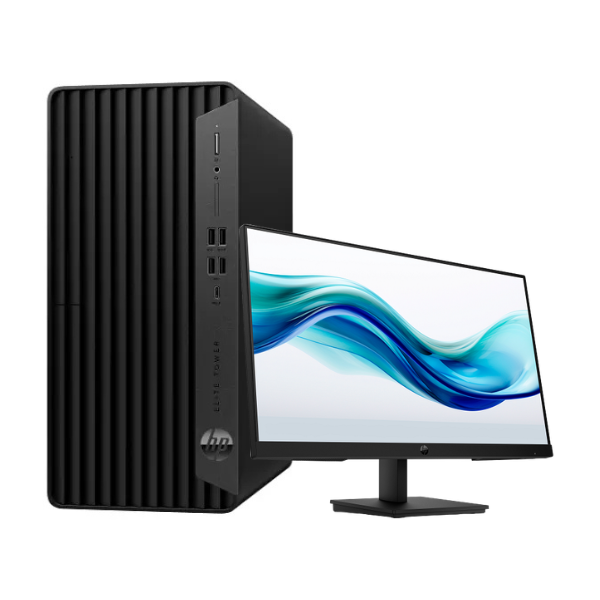
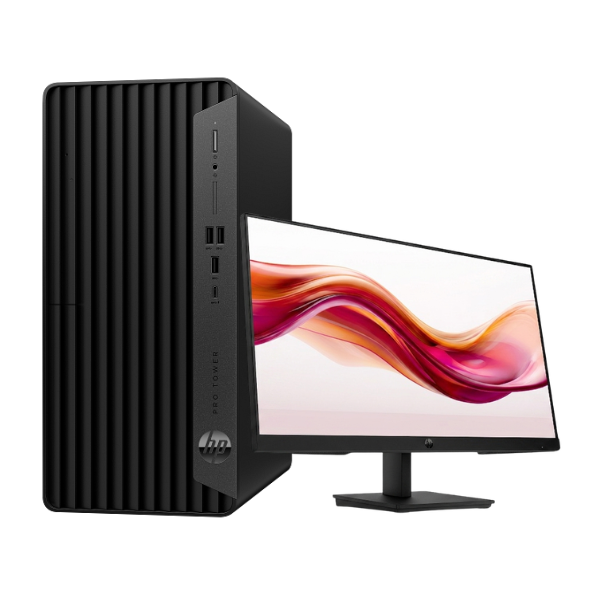
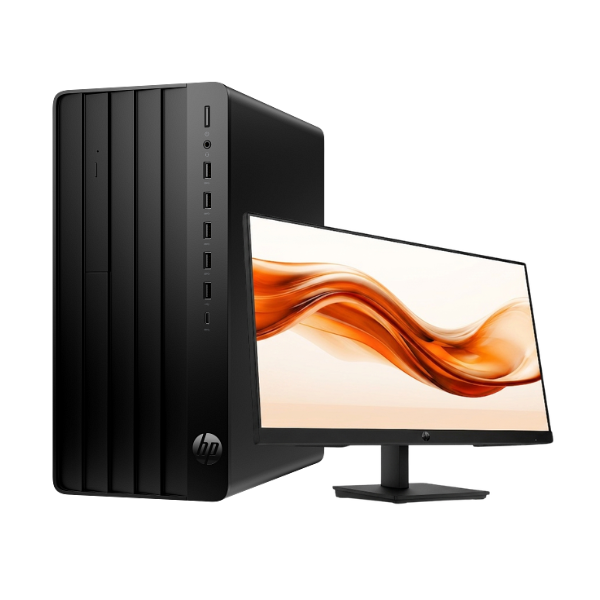
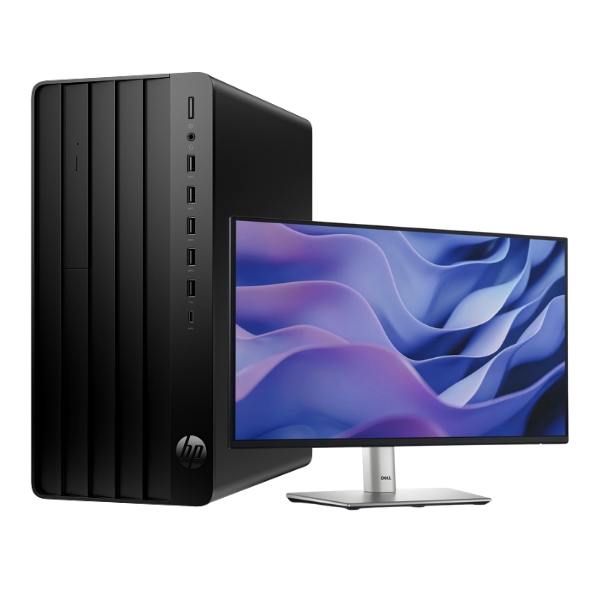
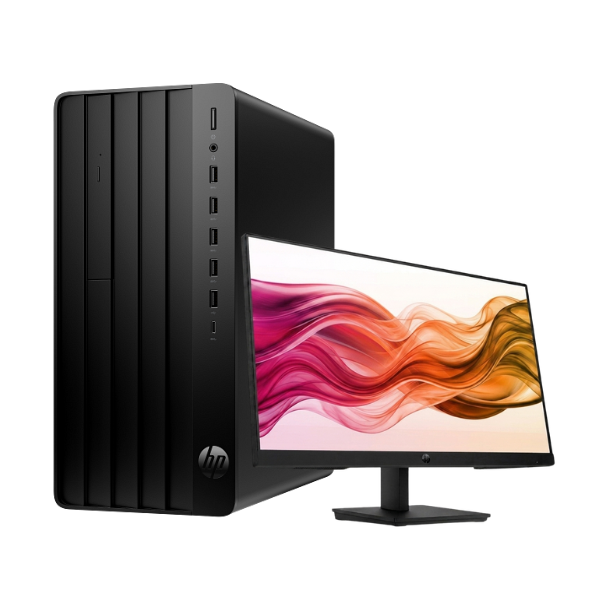
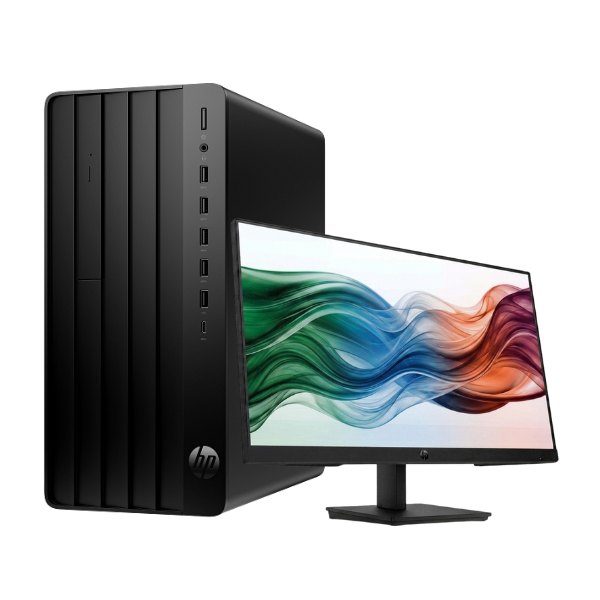
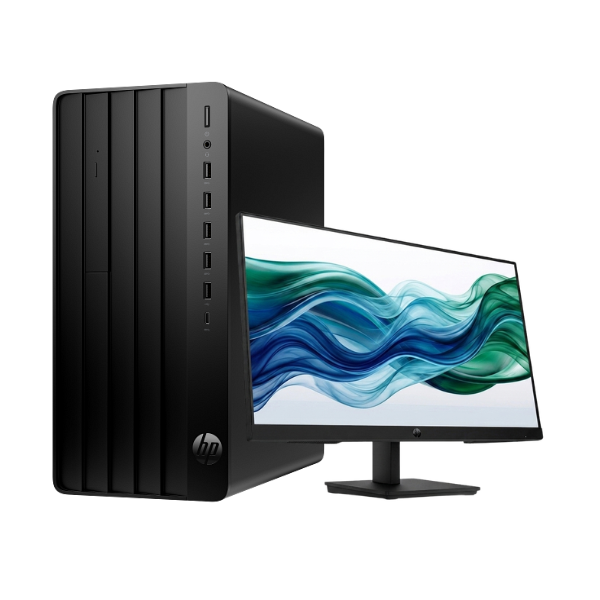
Unleash your productivity with the BRAND NEW HP Pro Tower 290 G9 Desktop PC. Engineered for the modern Ugandan workplace, this machine delivers exceptional performance and reliability. Powered by the latest 13th Generation Intel Core i7-13700 processor, it handles demanding applications, complex spreadsheets, and multitasking with incredible speed and efficiency. This is not a used computer; it's a factory-sealed unit ready to power your success from day one.
This powerful desktop is equipped with essential features for maximum productivity:
- Blazing-Fast Storage: The 1TB NVMe Solid State Drive (SSD) provides lightning-fast boot times, rapid file access, and quick application loading, so you spend less time waiting and more time working.
- Seamless Multitasking: With 16GB of high-speed DDR4 RAM, you can run multiple programs simultaneously without any slowdown. Switch between your browser, accounting software, and communication tools effortlessly.
- Complete Setup: This bundle comes complete with a crisp 21.5-inch Full HD monitor, providing vibrant colours and sharp details for all your tasks. It's a full desktop solution right out of the box.
Perfect for small businesses, corporate offices, and power users, the HP Pro Tower 290 G9 is a smart investment. Its robust build quality ensures long-term durability, while its range of connectivity ports, including USB, HDMI, and VGA, allows you to connect all your essential peripherals. Upgrade your workspace with this brand new, powerful, and secure desktop computer today and experience a new level of professional performance.
📖 HOW TO USE
1. Carefully unbox the tower, monitor, and accessories.
2. Connect the keyboard, mouse, and other peripherals to the USB ports on the tower.
3. Connect the monitor to the tower using the included HDMI or VGA cable.
4. Plug both the tower and the monitor into a stable power source.
5. Press the power button on the tower to start the computer and begin your operating system installation.
💡 TIPS & CARE
• Install a genuine version of Windows or your preferred Linux distribution for the best experience.
• Protect your investment by connecting the PC to a surge protector or UPS.
• Ensure the tower is placed in a well-ventilated area to maintain optimal performance.
• Install a reliable antivirus software to protect your data and privacy.