Gaming Laptops
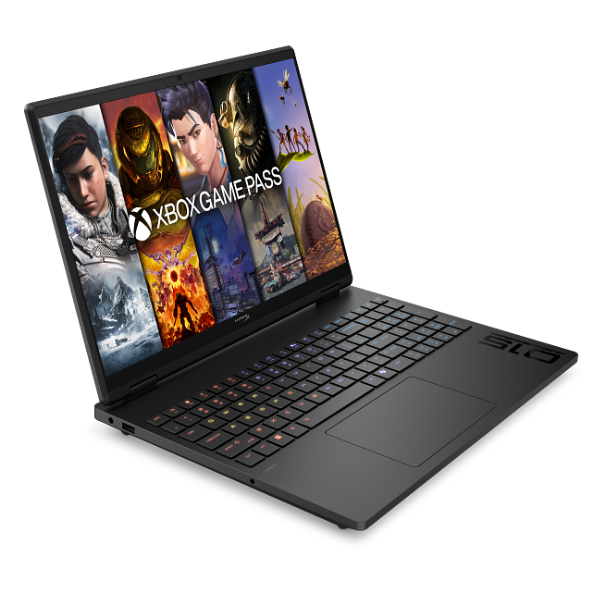
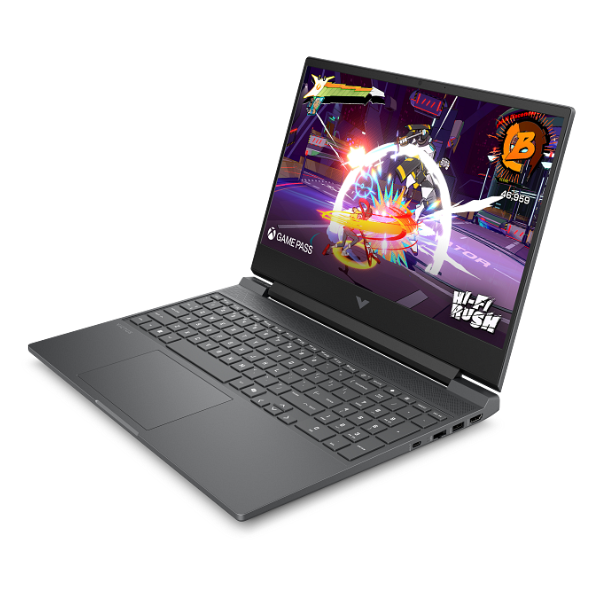
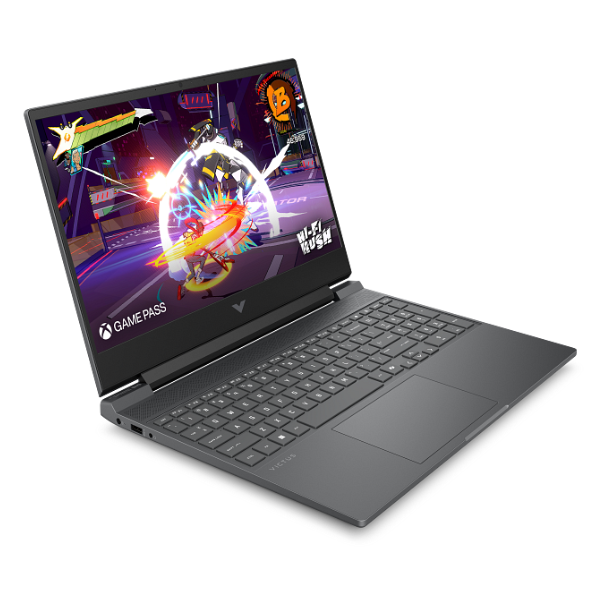
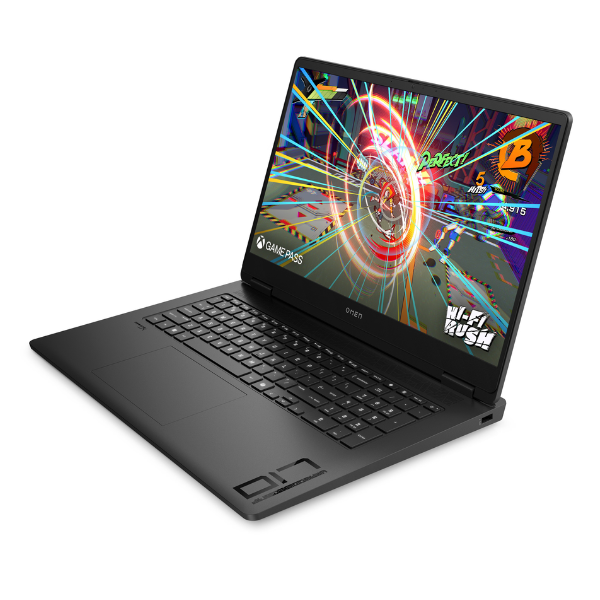
HP OMEN 17 Gaming Laptop 17.3" QHD Ryzen 5 16GB RAM 1TB SSD RTX 4050 Shadow Black
Processor: AMD Ryzen 5-8645HS | Graphics: NVIDIA GeForce RTX 4050 (6GB GDDR6) | Memory: 16GB DDR5 RAM | Storage: 1TB NVMe SSD for ultra-fast loading | Display: 17.3-inch QHD (2560 x 1440) Anti-Glare Screen
No reviews yet
USh 8,148,000
1
Only 10 items left, hurry up!| Specification | Details | More Info | Remarks |
|---|---|---|---|
| Operating System | Windows 11 Home | ||
| Condition | Brand New, Sealed | ||
| Connectivity | Wi-Fi 6E (2x2) and Bluetooth 5.3 | ||
| Memory | 16 GB DDR5-5600 MHz RAM | ||
| Processor | AMD Ryzen 5-8645HS | ||
| Keyboard | Full-size, 4-zone RGB backlit keyboard with numeric keypad | ||
| Color | Shadow Black | ||
| Graphics | NVIDIA GeForce RTX 4050 Laptop GPU (6GB GDDR6 dedicated) | ||
| Display | 17.3-inch diagonal, QHD (2560 x 1440), 165 Hz, IPS, micro-edge, anti-glare, 300 nits | ||
| Webcam | HP True Vision 1080p FHD camera with temporal noise reduction | ||
| Storage | 1 TB PCIe Gen4 NVMe M.2 SSD | ||
| Ports | 1x USB Type-C (DisplayPort 1.4), 3x USB Type-A, 1x HDMI 2.1, 1x RJ-45, 1x headphone/microphone combo | ||
| Product Name | HP OMEN Gaming Laptop 17-db0007nia | ||
| Warranty | 1 Year |