Gaming Laptops
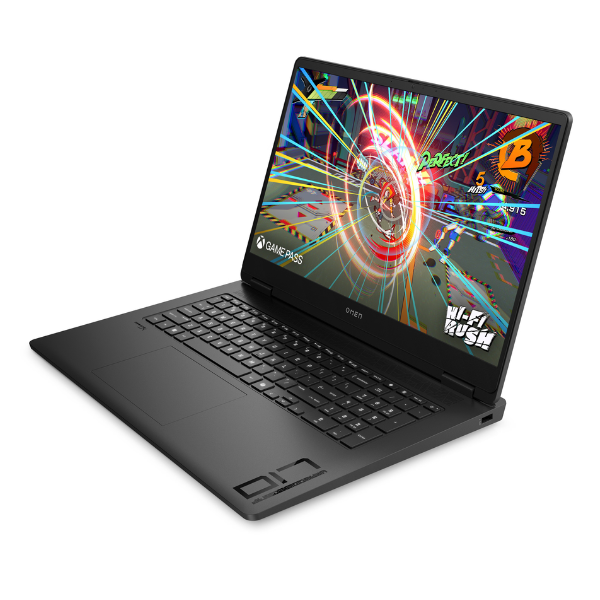
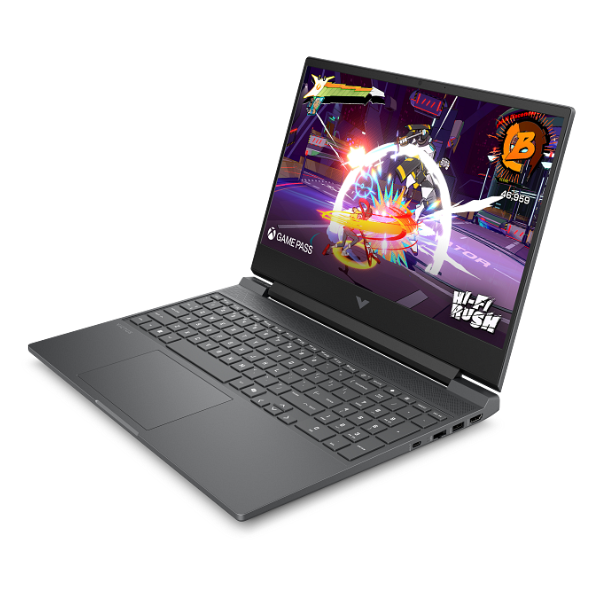
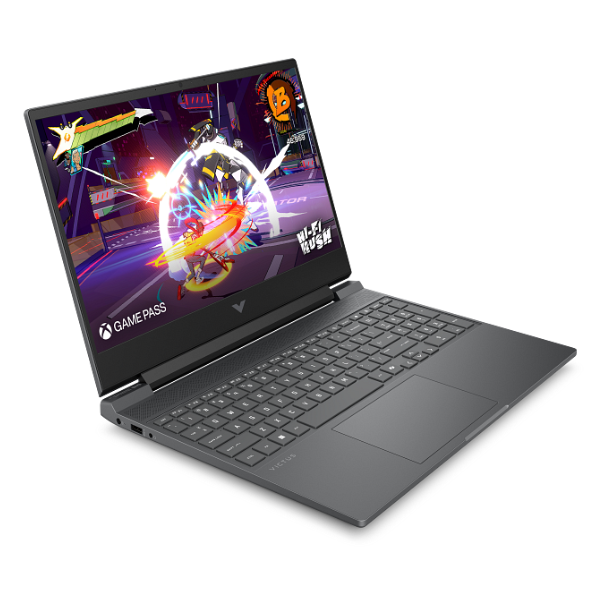
Acer Predator Helios Neo 16 Gaming Laptop 16-inch Core i9-14900HX RTX 4070 240Hz Display
Processor: Intel Core i9-14900HX | Graphics: NVIDIA GeForce RTX 4070 Laptop GPU (8GB GDDR6) | Display: 16-inch WQXGA (2560 x 1600) IPS 240Hz | Memory: 32GB DDR5 5600MHz RAM | Storage: 1TB PCIe Gen4 NVMe SSD
No reviews yet
USh 15,528,000
1
Only 10 items left, hurry up!| Specification | Details | More Info | Remarks |
|---|---|---|---|
| Warranty | 1 Year | ||
| Ports | 1x Thunderbolt 4 (USB-C), 2x USB 3.2 Gen 2, 1x USB 3.2 Gen 1, 1x HDMI 2.1, 1x MicroSD Card Reader, 1x Headphone/Microphone Combo Jack, 1x RJ-45 Ethernet | ||
| Keyboard | 4-Zone RGB Backlit Keyboard with Numeric Keypad | ||
| Graphics Card | NVIDIA GeForce RTX 4070 Laptop GPU with 8GB GDDR6 VRAM | ||
| Processor | Intel Core i9-14900HX (24 Cores, 32 Threads) | ||
| Operating System | Windows 11 Home | ||
| Memory (RAM) | 32GB DDR5 5600MHz | ||
| Color | Obsidian Black | ||
| Storage | 1TB PCIe Gen4 NVMe SSD | ||
| Webcam | 1080p FHD Webcam | ||
| Product Name | Acer Predator Helios Neo 16 PHN16-72 | ||
| Connectivity | Killer Wi-Fi 6E AX1675i, Killer Ethernet E2600, Bluetooth 5.2 | ||
| Display | 16-inch WQXGA (2560 x 1600) IPS, 16:10 aspect ratio, 240Hz Refresh Rate, 3ms Response Time, 500 Nits Brightness | ||
| Condition | Brand New, Sealed |