Product Description
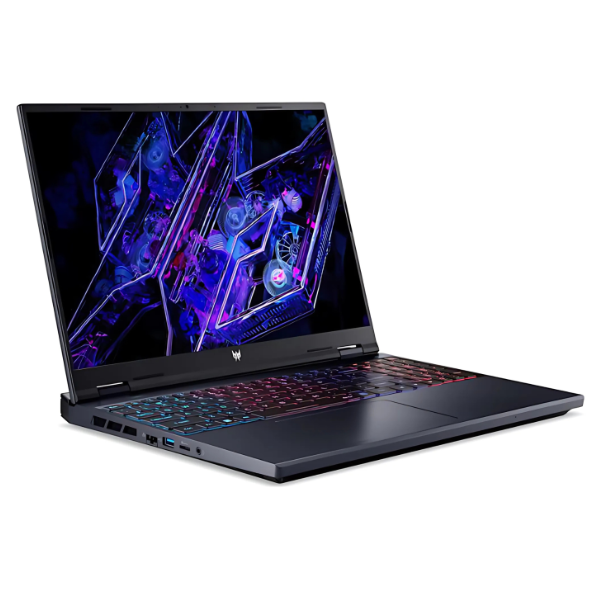
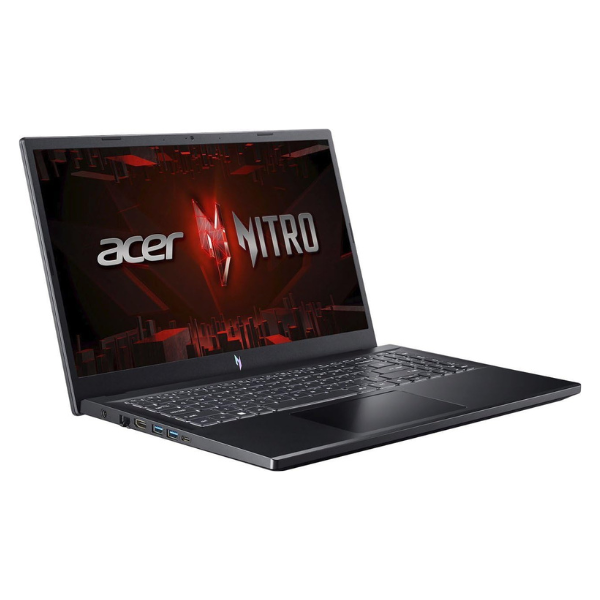
Experience the next level of gaming with the BRAND NEW Acer Nitro V15 ANV15-51 Gaming Laptop. This machine is engineered for victory, packing a high-performance Intel Core i7 processor and the incredible NVIDIA GeForce RTX 4060 graphics card. Whether you're playing the latest AAA titles like Call of Duty, FIFA, or exploring vast open worlds, the Nitro V15 delivers smooth, high-frame-rate gameplay without compromise. The stunning 15.6-inch Full HD display with a 144Hz refresh rate ensures you see every detail with fluid motion, giving you a competitive edge.
Built for speed and multitasking, this laptop comes equipped with 16GB of the latest DDR5 RAM and a super-fast 512GB NVMe SSD. This means your games and applications load in an instant, and switching between tasks is seamless. The advanced cooling system with dual fans and quad-exhaust ports keeps the components cool under pressure, ensuring peak performance during long gaming sessions. Its aggressive, gamer-focused design with a backlit keyboard will make your setup stand out.
This is a completely new, factory-sealed unit, ready to power your work, studies, and entertainment right out of the box. It's not just for gaming; its powerful specifications make it perfect for demanding tasks like video editing, graphic design, and programming. Get the ultimate performance and reliability you need for both play and productivity, all in one stylish package.
📖 HOW TO USE
1. Unbox the laptop and connect the power adapter to a wall socket.
2. Press the power button to turn on the laptop for the first time.
3. Follow the on-screen Windows 11 setup instructions to configure your language, region, and user account.
4. Connect to your Wi-Fi network to download the latest updates and drivers.
5. Install your favorite games and software and start playing!
💡 TIPS & CARE
• For the best gaming experience, always keep the laptop plugged into the power adapter to ensure maximum GPU and CPU performance.
• Update your NVIDIA graphics drivers regularly through the GeForce Experience app for optimal game performance.
• Use a cooling pad during extended gaming sessions to further improve thermal performance.
• Consider pairing with a gaming mouse and headset for a more immersive and competitive experience.