Product Description
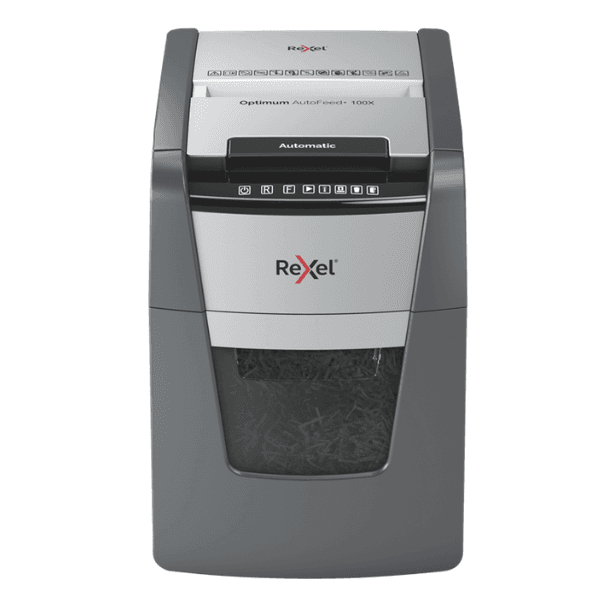
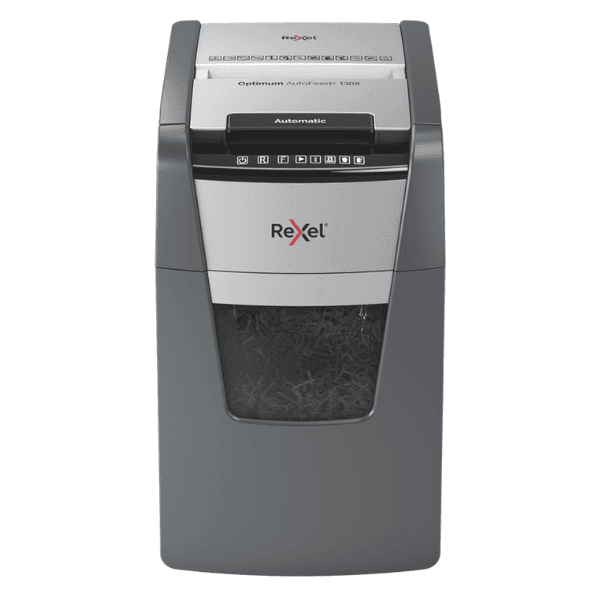
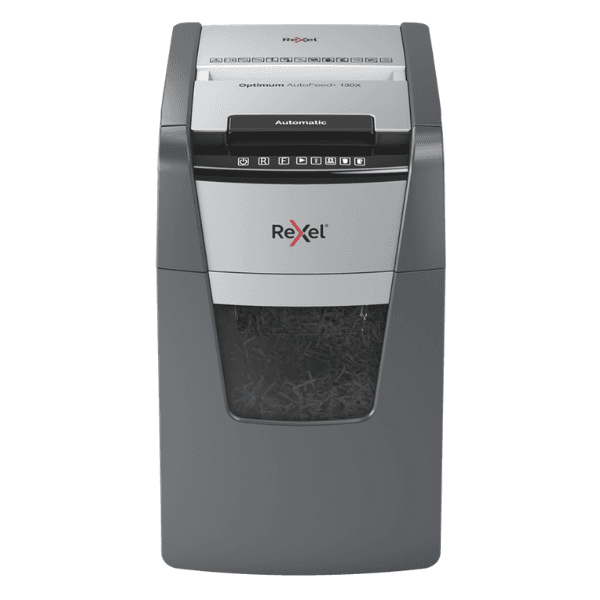
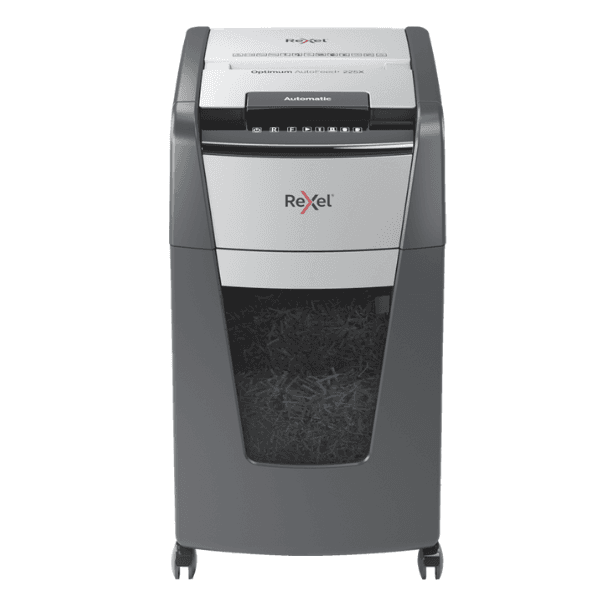
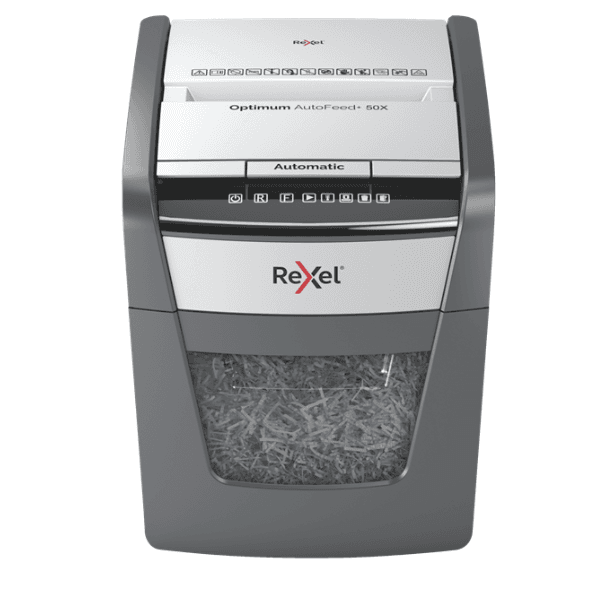
Save time and boost productivity in your Ugandan office with the BRAND NEW Rexel Optimum AutoFeed+ 150X Cross-Cut Shredder. Forget standing over a shredder feeding pages one by one. Simply stack up to 150 A4 sheets in the auto-feed tray, shut the lid, and let the machine do the work for you. Itβs the perfect solution for busy environments that need to dispose of sensitive documents securely and efficiently.
This powerful shredder offers P-4 security, cutting documents into tiny 4x28mm cross-cut particles, making it ideal for shredding confidential business information, financial records, and personal data. Its robust design can handle not just paper, but also staples, paper clips, and even credit cards through a separate manual feed slot. The innovative anti-jam technology ensures smooth, continuous operation, while its ultra-quiet performance (only 55 dBA) won't disrupt your workplace.
Designed for convenience, the Optimum 150X features a large 44-litre pull-out bin that holds up to 450 shredded sheets, meaning you empty it less often. An infrared sensor lets you know when the bin is full, preventing messy overflows. With a continuous run time of 30 minutes and user-friendly touch controls, this shredder is a reliable and essential tool for any modern office focused on data security and efficiency.
π HOW TO USE
1. Plug the shredder into a suitable mains power socket.
2. For bulk shredding, open the top loading door and stack up to 150 sheets of paper. Close the door to begin shredding automatically.
3. For small jobs or credit cards, feed up to 8 sheets into the manual feed slot on the front.
4. The shredder features auto start/stop. Use the touch controls to manually reverse or forward if needed.
5. When the bin-full indicator light illuminates, pull out the bin, empty the contents, and slide it back in to resume shredding.
π‘ TIPS & CARE
β’ To maintain peak performance, oil the cutting blades regularly using Rexel shredder oil sheets or bottled oil.
β’ Avoid feeding more than 8 sheets into the manual slot to prevent jams and strain on the motor.
β’ Empty the bin promptly when full to ensure the shredder operates smoothly and sensors function correctly.
β’ Do not attempt to shred materials like adhesive labels, laminated documents, or cardboard, as this can damage the cutters.