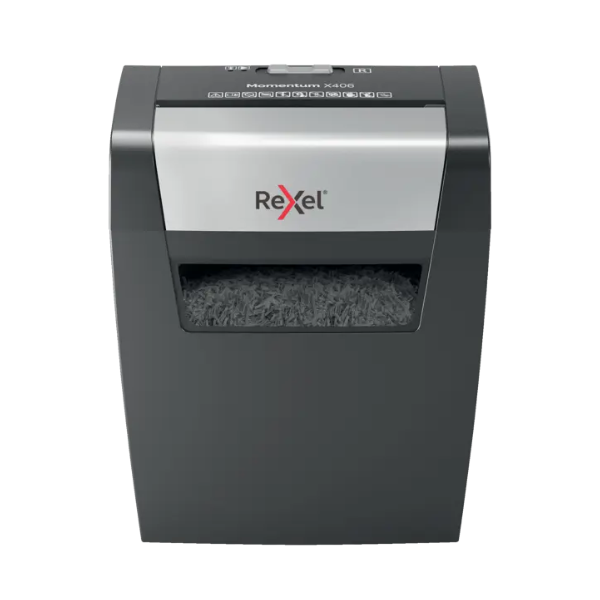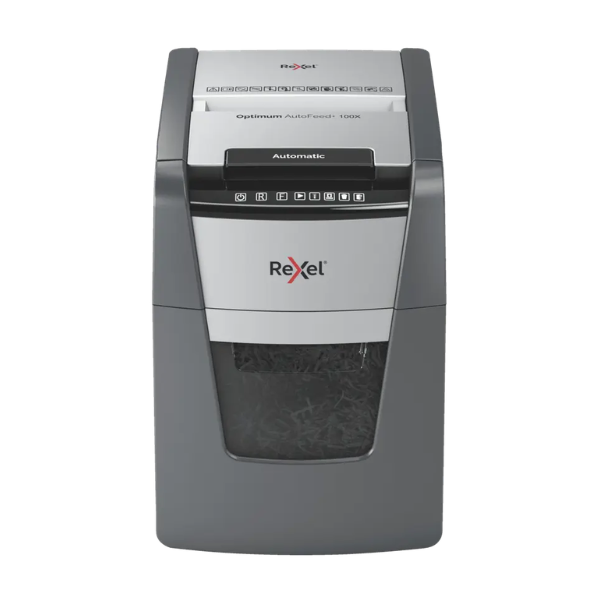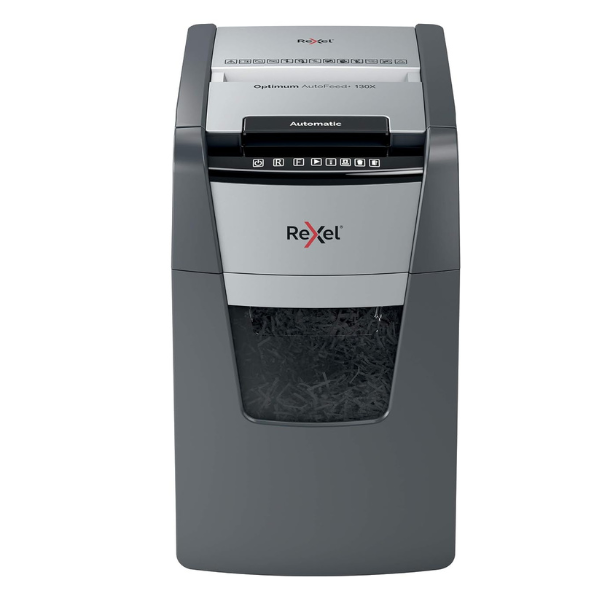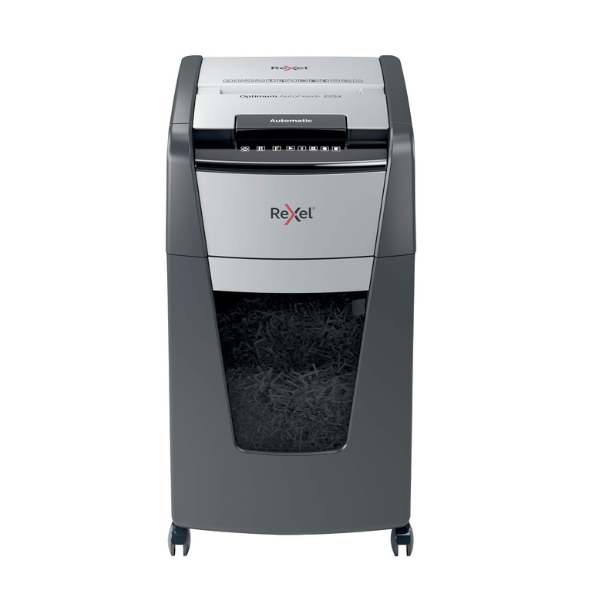
Product Description
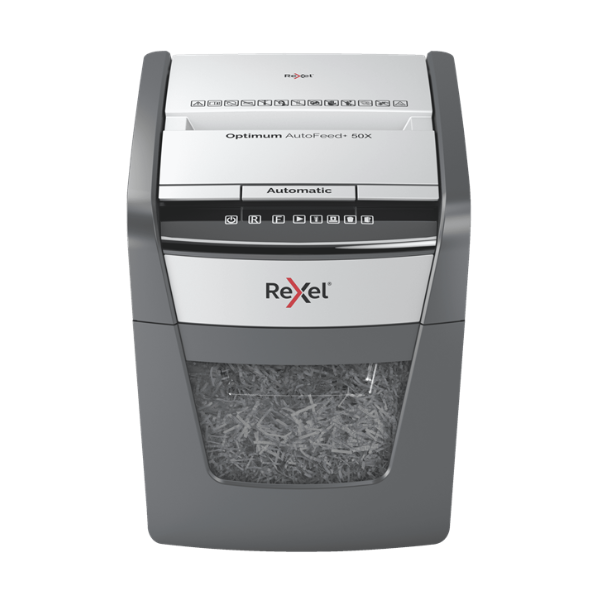
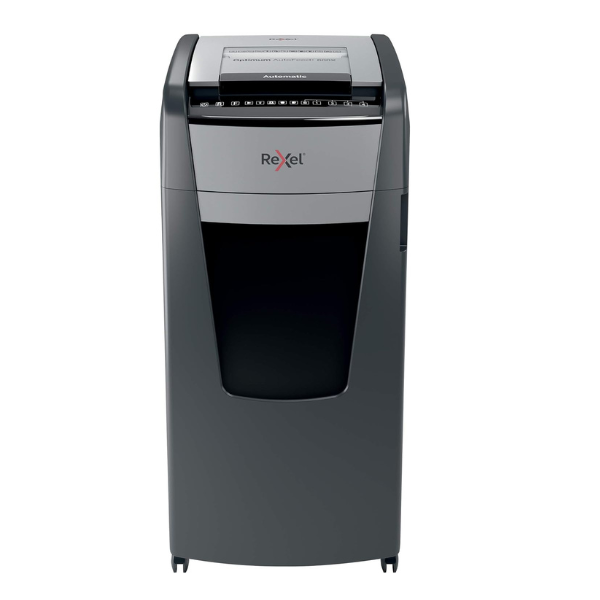
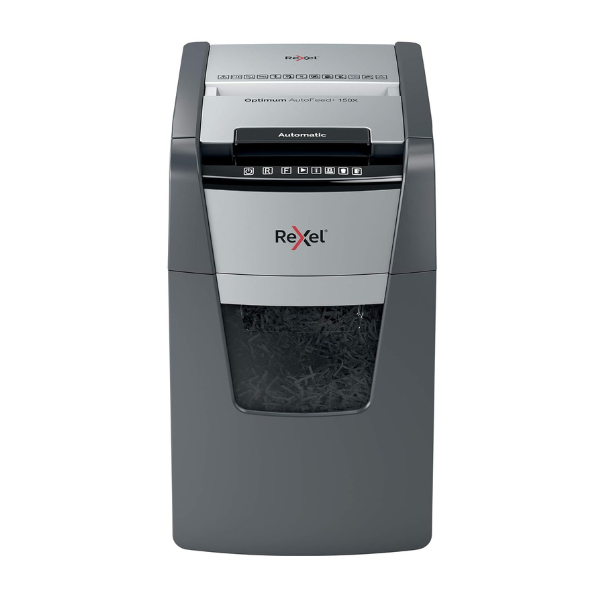
Save time and increase productivity in your office with the brand new Rexel Optimum AutoFeed+ 150X Cross-Cut Shredder. Forget standing around feeding paper sheet by sheet. Simply stack up to 150 A4 sheets in the auto-feed tray, close the lid, and let the machine do the work for you. It's the perfect solution for busy professionals in Kampala and across Uganda who need to dispose of sensitive documents efficiently and securely.
This shredder is built for performance and convenience. It offers a high P-4 security level, turning your confidential reports, invoices, and personal data into tiny 4x28mm cross-cut particles, ensuring your information stays private. Key features include:
- Anti-Jam Technology: Automatically stops and reverses when too much paper is inserted, preventing frustrating jams.
- Long Run Time: A continuous 30-minute run time with fan cooling means you can handle large shredding jobs without interruption.
- Quiet Operation: At only 55 dBA, it operates quietly, minimizing disruption in your workspace.
- Large Capacity Bin: The generous 44-litre pull-out bin holds a large volume of shredded paper, meaning you empty it less often. An infrared sensor lets you know when it's full.
The Rexel 150X is not just for paper; it easily slices through staples, paper clips, and even credit cards via the manual feed slot. Its intuitive touch-control panel makes operation simple and straightforward. Invest in this brand new, reliable shredder to protect your business and client information with ease.
📖 HOW TO USE
1. Unbox the brand new shredder and place it on a flat, stable surface away from the edge of a desk.
2. Plug the power cord into a standard electrical outlet and turn the main power switch on.
3. To use the auto-feed function, lift the top lid, neatly stack up to 150 sheets of paper, and close the lid.
4. For manual shredding, insert up to 8 sheets of paper, or a single credit card, into the manual feed slot on the front.
5. When the bin-full indicator light illuminates, pull out the bin, empty the contents into a waste bag, and slide the bin back in securely.
💡 TIPS & CARE
• To maintain optimal performance, oil the cutting blades regularly using shredder oil or shredder oil sheets.
• Avoid shredding adhesive labels, laminated documents, or cardboard to prevent damage to the cutters.
• Do not exceed the specified sheet capacity for either the auto-feed or manual slots to prevent jams.
• Allow the shredder to cool down for the recommended period after a long shredding session to protect the motor.