Product Description
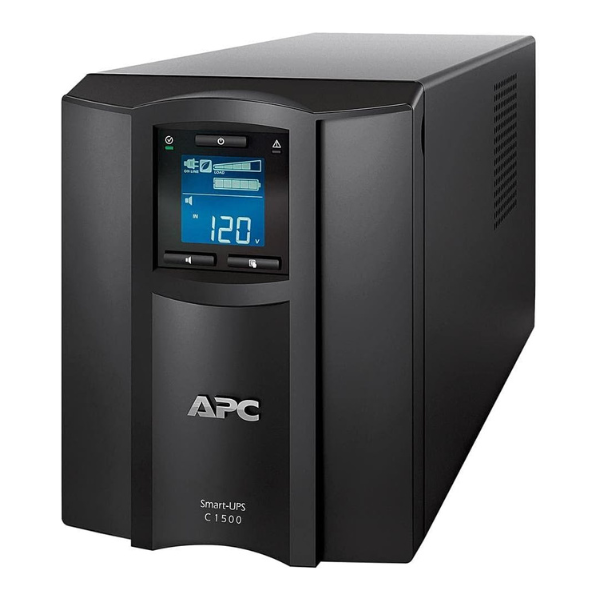
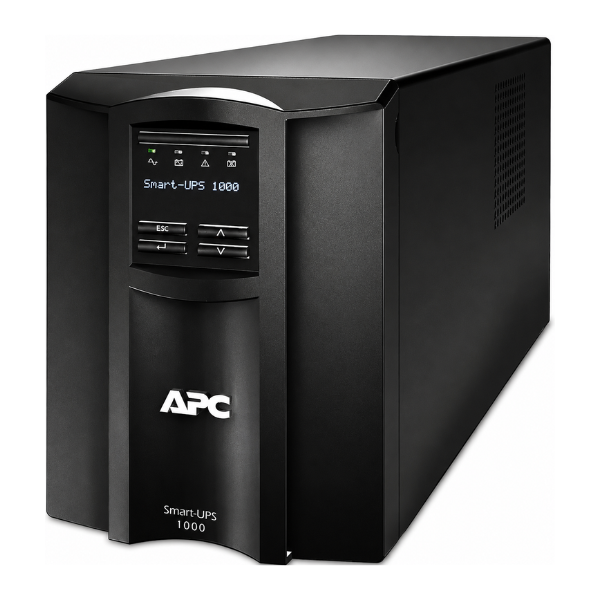
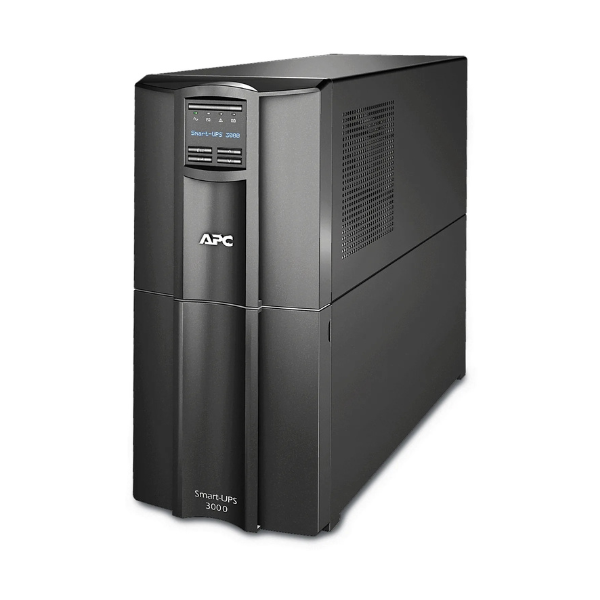
Are you tired of losing important work or risking damage to your expensive electronics due to unpredictable power cuts in Uganda? The BRAND NEW APC Smart-UPS C 3000VA is the professional-grade solution you need for reliable, uninterrupted power. This powerful unit is perfect for protecting servers, point-of-sale systems, routers, switches, and other critical network devices.
Built by a world leader in power protection, this UPS is more than just a battery. Its Line-Interactive topology and Automatic Voltage Regulation (AVR) actively correct low and high voltage conditions without using the battery, saving battery power for when you need it most—during a complete blackout. The pure sine wave output ensures that your sensitive electronics receive clean, stable power, preventing crashes and extending their lifespan. With its bright, easy-to-read LCD display, you can instantly check the UPS status, load, and battery health at a glance.
This is a brand new, factory-sealed unit, ready to provide peace of mind and keep your business running smoothly. Don't let power instability dictate your productivity. Invest in the APC Smart-UPS C 3000VA today and ensure your equipment is always safe and operational.
- Intelligent Battery Management: Maximizes battery performance, life, and reliability through intelligent, precision charging.
- High Efficiency Green Mode: Saves on utility costs and reduces heat, promoting longer component life.
- Pure Sine Wave Output: Provides the highest degree of compatibility with active PFC servers and sensitive electronics.
- LCD Status Display: Provides key UPS status at a glance. Multiple status indicators with load and battery bar graphs.
📖 HOW TO USE
1. Carefully unpack the UPS from its box, ensuring all contents are present.
2. Connect the internal battery by pulling the 'Connect Battery' tab as indicated in the user manual.
3. Plug the UPS's input cord directly into a grounded wall socket. For best results, allow the unit to charge for at least 3 hours before use.
4. Connect your critical equipment (e.g., server, computer, monitor, router) to the battery backup outlets on the rear of the UPS.
5. Press the power button on the front panel to turn the unit on. The LCD screen will activate, confirming the UPS is protecting your devices.
💡 TIPS & CARE
• Install the included PowerChute software on your connected computer or server for automatic, graceful shutdown during extended power outages.
• Avoid connecting high-drain, non-essential devices like laser printers or space heaters to the battery-backed outlets.
• For optimal battery life, keep the UPS in a cool, dry, and well-ventilated area, away from direct sunlight.
• Perform a self-test every few months using the front panel controls or software to ensure the battery is healthy.