Product Description
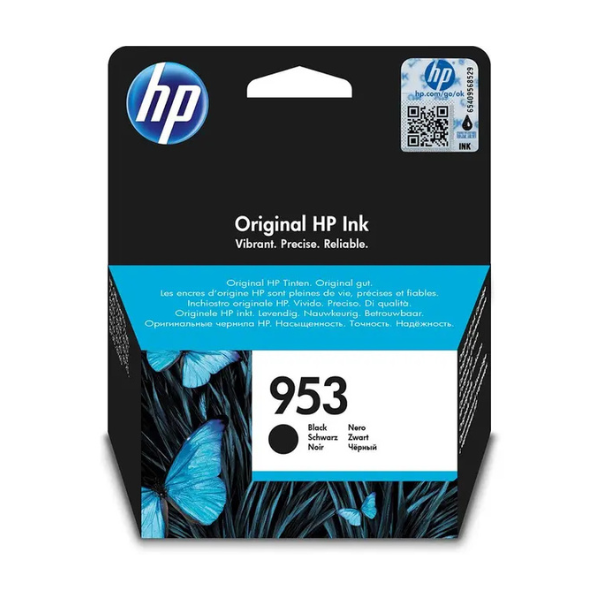
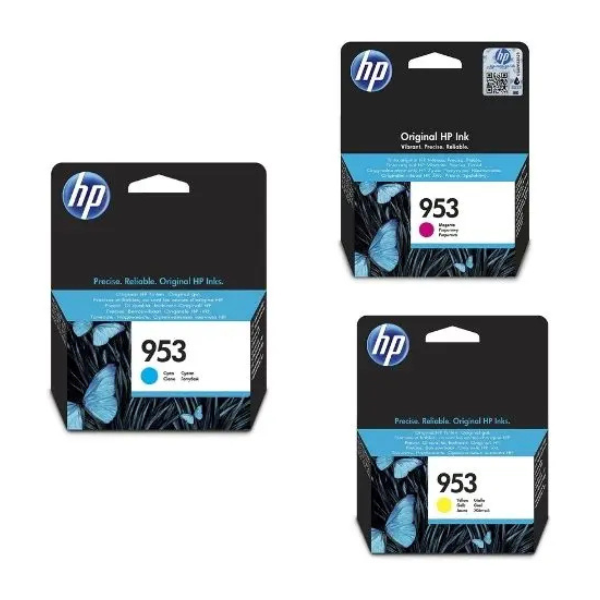
Elevate your printing experience with this BRAND NEW set of HP 953 Original Ink Cartridges in Magenta, Cyan, and Yellow. Specifically engineered by HP, these genuine ink cartridges deliver exceptional color accuracy and longevity for all your documents and photos. Whether you're printing important business presentations, school assignments, or cherished family pictures, you can trust HP's original inks to produce sharp text and brilliant, true-to-life colors every time. These cartridges are sealed and ready to provide unparalleled performance from the moment you install them.
Crafted to work seamlessly with your compatible HP OfficeJet Pro printer, these 953 cartridges ensure optimal functionality and protect your printer's lifespan. Avoid common printing issues like streaks or faded prints by choosing authentic HP inks. Each color cartridge offers an impressive page yield, providing excellent value and reducing the frequency of replacements, making your printing more efficient and cost-effective. Get ready to experience consistent, high-quality output that truly stands out, perfect for homes and offices across Uganda.
📖 HOW TO USE
1. Ensure your HP printer is powered on.
2. Open the ink cartridge access door.
3. Remove the old cartridge by pressing its tab and pulling it out (if applicable).
4. Unpack the new HP 953 cartridge, pulling the orange tab to remove the protective tape.
5. Insert the new cartridge into its corresponding color slot until it clicks firmly into place.
6. Close the ink cartridge access door. The printer will automatically detect the new cartridge.
💡 TIPS & CARE
• Always use original HP ink cartridges for best print quality and printer longevity.
• Store unused ink cartridges in their sealed packaging in a cool, dry place.
• Replace cartridges promptly when the printer indicates low ink to avoid print quality degradation.
• Run a printhead cleaning cycle if you notice any print quality issues after installation.