Product Description
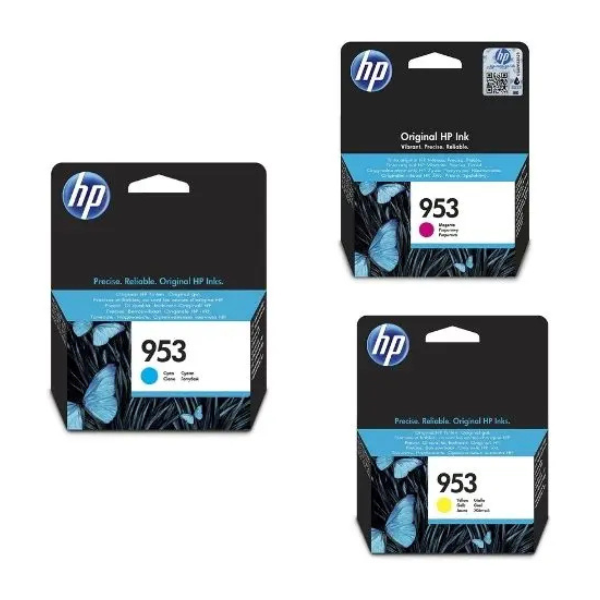
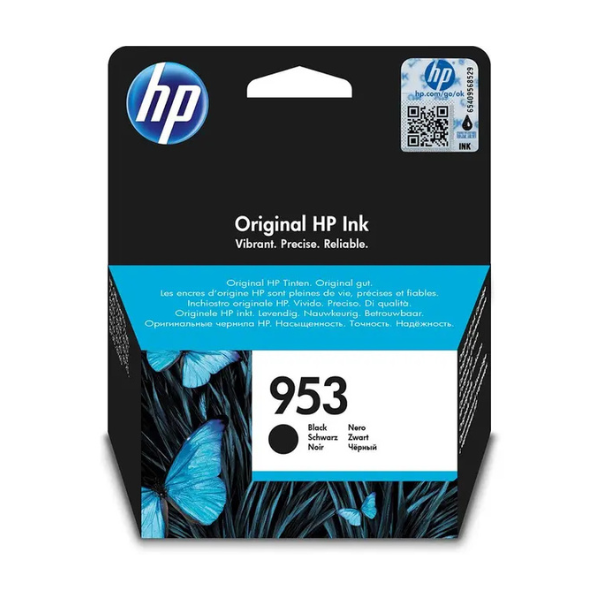
Achieve outstanding results and professional-quality documents with the Brand New Original HP 953 Black Ink Cartridge. Designed specifically for your HP printer, this genuine ink cartridge delivers crisp, sharp black text that resists fading, making it perfect for printing important business reports, invoices, school projects, and everyday documents. Trust in HP's renowned quality to make a great impression with every page you print.
Using original HP ink cartridges is the best way to protect your printer investment. This cartridge is engineered to work flawlessly with your HP OfficeJet Pro, preventing clogs and ensuring smooth, reliable operation from the first page to the last. Avoid the risks of using non-genuine cartridges and enjoy the peace of mind that comes with consistent performance and superior print quality. This product is 100% brand new and comes sealed in its original packaging.
📖 HOW TO USE
1. Ensure your printer is powered on.
2. Open the printer's ink cartridge access door.
3. Wait for the carriage to move to the access area and become idle and silent.
4. Gently press the old cartridge to release it, then pull it out of its slot.
5. Unpack the new HP 953 cartridge and carefully remove the orange protective tape or tab.
6. Slide the new cartridge into the correct color-coded slot until it clicks securely into place.
7. Close the ink cartridge access door and allow the printer to initialize.
💡 TIPS & CARE
• For best results, always use genuine HP ink cartridges with your HP printer.
• Print a test or alignment page after installation to ensure optimal print quality.
• Store unopened cartridges upright in a cool, dry place away from direct sunlight.
• To maximize ink life, print in 'Draft' mode for non-critical documents.