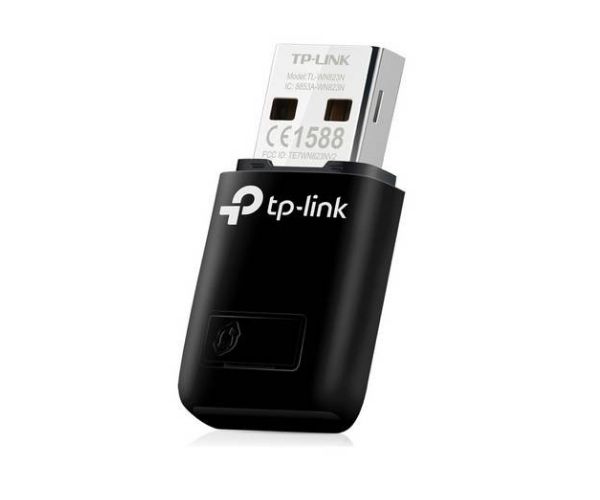
Product Description
Tired of slow internet or messy cables? Upgrade your computer's connectivity with the BRAND NEW TP-Link N300 Wi-Fi USB Adapter. This powerful little device plugs directly into your computer's USB port, giving you instant access to high-speed wireless internet. With speeds of up to 300Mbps, it's ideal for all your online needs, from watching HD movies on YouTube to playing online games without lag and making clear video calls with family and friends.
Setting it up is incredibly simple. Just plug it in, install the drivers, and connect to your Wi-Fi network. This adapter isn't just for receiving Wi-Fi; with its SoftAP Mode, you can even turn your wired internet connection into a personal Wi-Fi hotspot for other devices like your smartphone or tablet. Its compact design makes it perfect for both desktop computers at home and laptops on the go. Built with TP-Link's renowned quality, you can trust this adapter for a stable and secure connection every day.
📖 HOW TO USE
1. Unbox your brand new TP-Link adapter.
2. Insert the adapter into an available USB port on your desktop or laptop computer.
3. Install the required drivers from the included CD or download them from the official TP-Link website.
4. Scan for available wireless networks and connect to your home or office Wi-Fi.
5. Enjoy a fast and stable wireless internet connection.
💡 TIPS & CARE
• For the best performance, pair with a Wireless N or newer router.
• Download the latest drivers from the official TP-Link support website for optimal compatibility and features.
• Avoid physical obstructions and interference from other electronic devices like microwaves for a stronger signal.
• If using a desktop computer, plugging the adapter into a USB port on the back of the PC often provides a better connection.