Product Description
Are you tired of the high cost of buying and maintaining multiple computers for your office, school, or business in Uganda? The BRAND NEW NComputing MX100S 3-User Thin Client Kit is the perfect solution. This powerful kit allows you to transform a single PC into a workstation for three additional users, instantly saving you money on hardware, maintenance, and electricity bills.
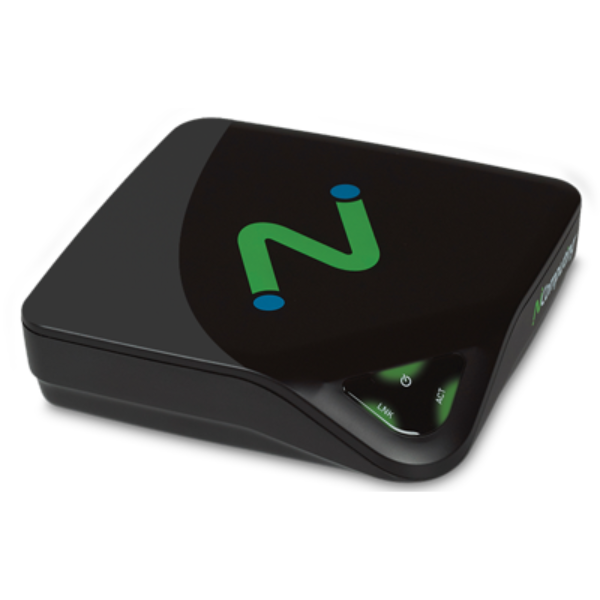
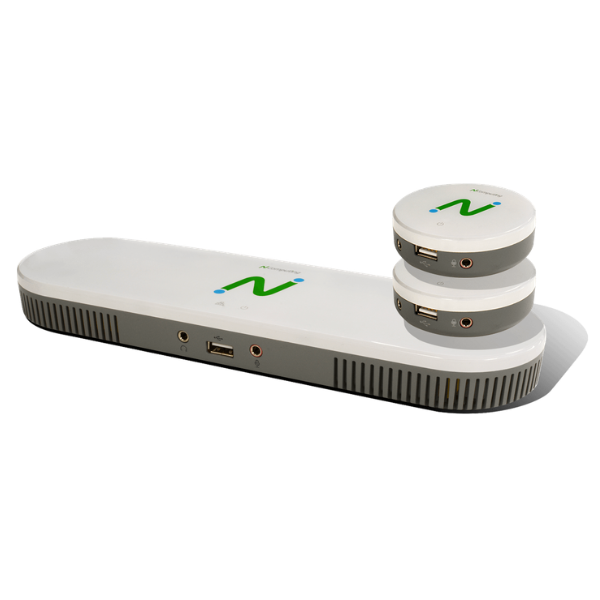
This kit is incredibly easy to set up. It includes a low-profile PCI-e card for your host computer and three compact MX100S access devices. Each user gets their own rich, independent computing experience, complete with full-screen video playback and support for standard USB devices like keyboards and mice. It's an ideal setup for computer labs, call centers, and small business offices where you need to maximize your resources without compromising on performance.
Built on NComputing's reliable vSpace Pro virtualization software, the MX100S delivers a seamless desktop experience that feels just like using a dedicated PC. By centralizing management on a single host computer, you reduce IT complexity and time spent on updates and troubleshooting. Make the smart choice for your budget and efficiency with this brand new, sealed NComputing solution.
📖 HOW TO USE
1. Power off and unplug your host PC.
2. Open the PC case and install the included PCI-e card into a free slot on the motherboard.
3. Close the case, connect peripherals, and power on the PC.
4. Install the NComputing vSpace Pro software from the official website on the host PC.
5. Connect each MX100S access device to a monitor, keyboard, mouse, and then to the PCI-e card using a standard Ethernet cable (up to 10m).
6. The access devices will power on and connect to the host PC, ready for user login.
💡 TIPS & CARE
• For best performance, use a host PC with a modern processor (Core i5/Ryzen 5 or better), at least 8GB of RAM, and an SSD.
• Ensure your Windows operating system is properly licensed for multi-user environments.
• Use high-quality CAT5e or CAT6 Ethernet cables for the most stable connection between the access devices and the host card.
• Regularly check the NComputing website for the latest vSpace Pro software updates to ensure optimal performance and security.