Product Description
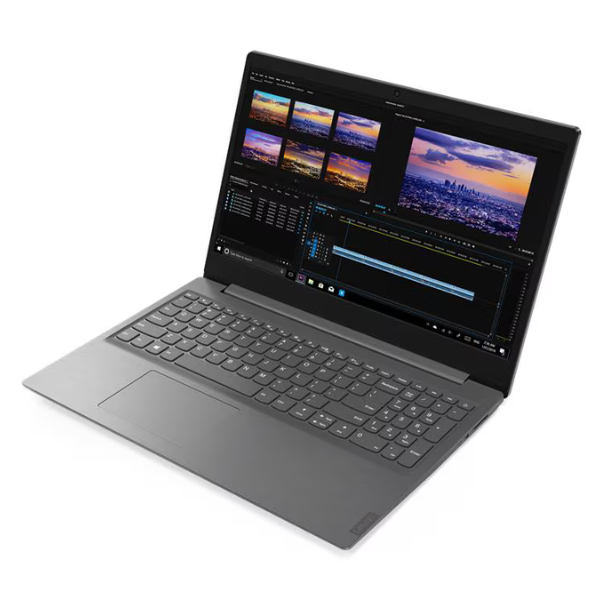
Meet the BRAND NEW Lenovo V15 IML, your reliable partner for everyday business tasks in Uganda. Designed to make your work life easier, this laptop is built for productivity and security. With its powerful 10th Generation Intel Core i5 processor and 8GB of DDR4 memory, you can multitask smoothly between applications like Microsoft Office, accounting software, and web browsers without any slowdown. The dual storage is a game-changer: the super-fast 256GB SSD ensures your laptop boots up in seconds and loads programs instantly, while the massive 1TB hard drive provides plenty of space for all your important documents, photos, and files.
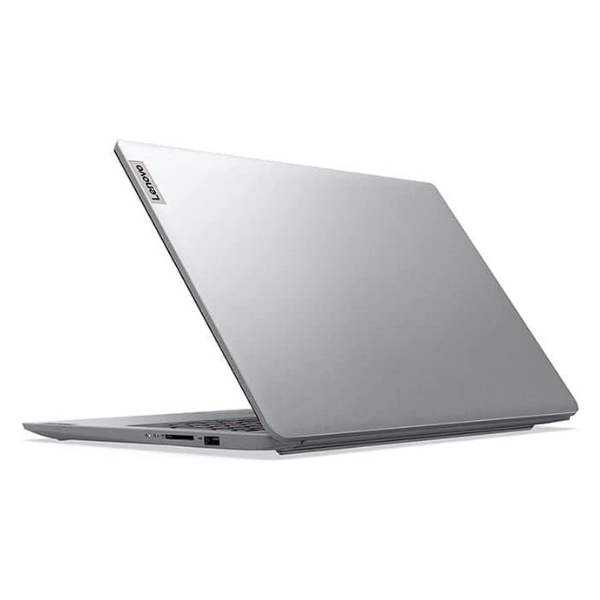
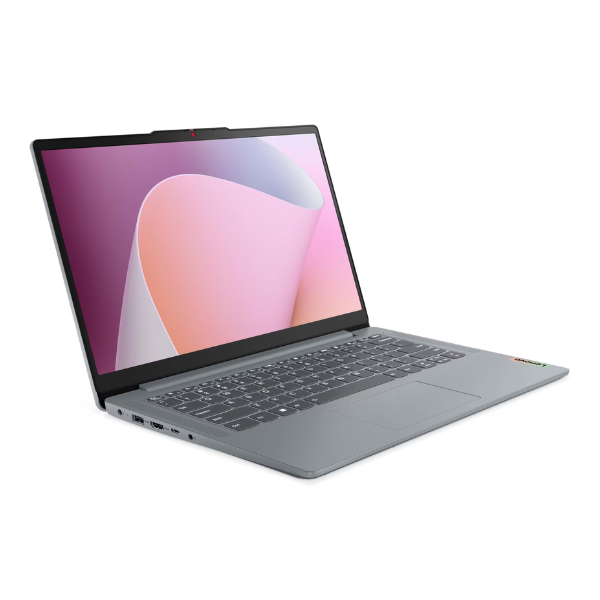
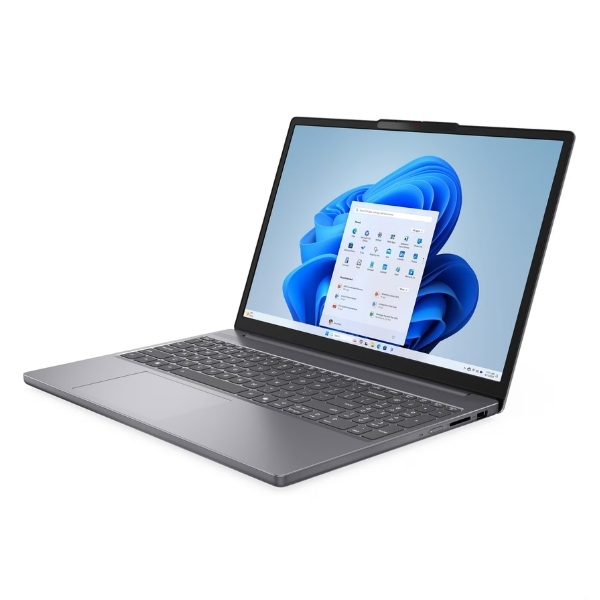
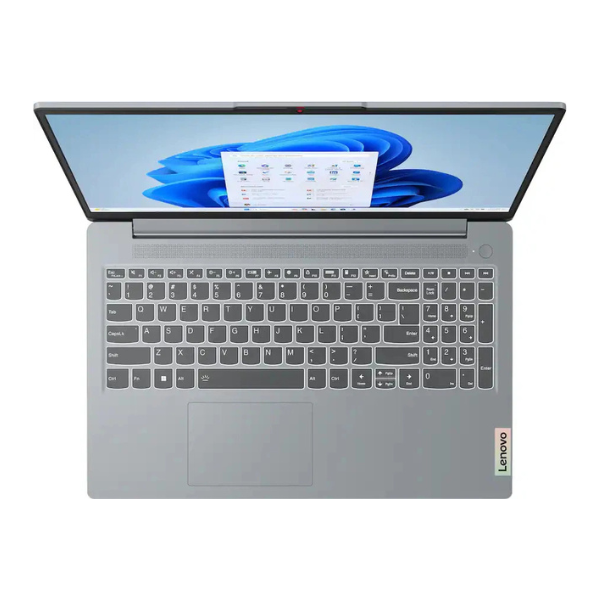
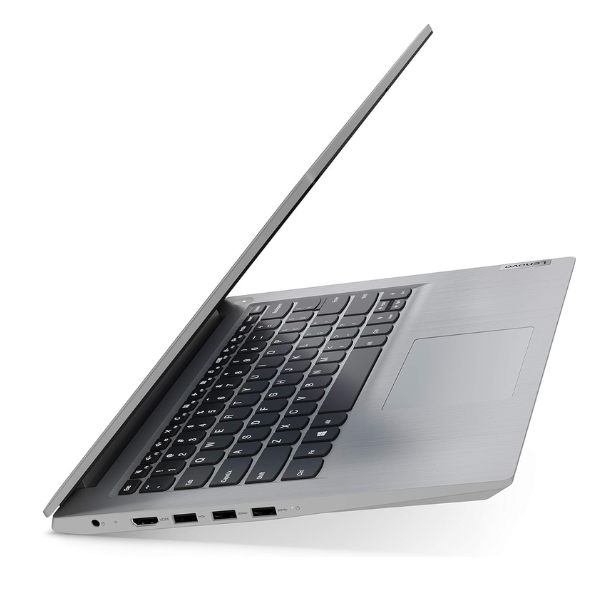
The Lenovo V15 isn't just powerful on the inside; it has a sleek, professional look with a modern, slim design that's easy to carry between home and the office. The 15.6-inch Full HD display gives you a clear and vibrant picture, perfect for viewing spreadsheets, creating presentations, or relaxing with a movie after a long day. Its anti-glare finish means you can work comfortably even in brightly lit environments. Every unit is brand new and sealed in its box, guaranteeing you get a fresh, untouched device ready to work right away.
This laptop is built to handle the demands of a busy professional. It comes with a range of ports, including USB 3.1 and HDMI, allowing you to connect all your essential accessories like external drives, printers, and monitors. With Windows 10 Pro pre-installed, you get enhanced security and business-focused features right out of the box. Whether you're a student, a small business owner, or a professional on the move, the Lenovo V15 provides the performance and reliability you need to succeed.
📖 HOW TO USE
1. Carefully unbox the laptop and all its accessories from the sealed package.
2. Connect the power adapter to the laptop and plug it into a power source to charge fully before first use.
3. Press the power button to turn on the laptop.
4. Follow the on-screen instructions to complete the initial Windows 10 Pro setup.
5. Connect to your Wi-Fi network to access the internet and download necessary updates.
💡 TIPS & CARE
• Install a reliable antivirus program to protect your data.
• Use the 256GB SSD for installing your operating system and frequently used applications for faster performance.
• Store large files like movies, documents, and backups on the 1TB HDD to save space on the SSD.
• Invest in a good quality laptop bag to protect your new device during transport.