Product Description
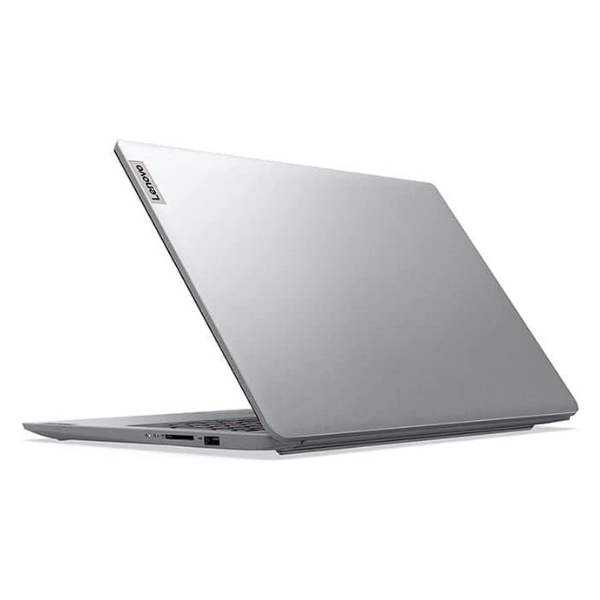
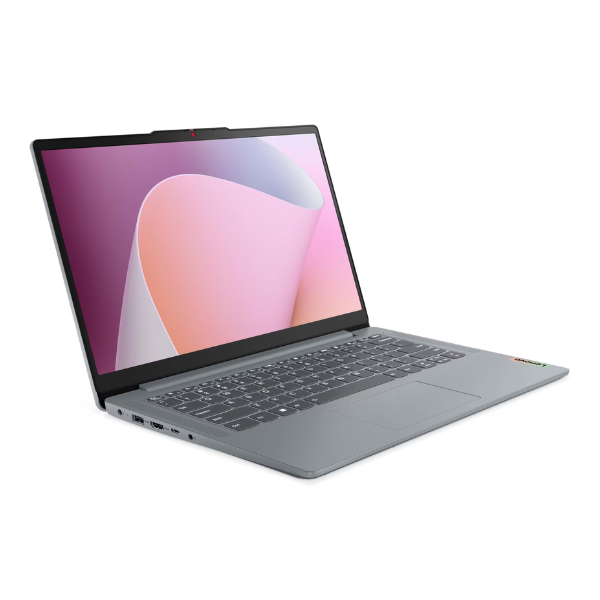
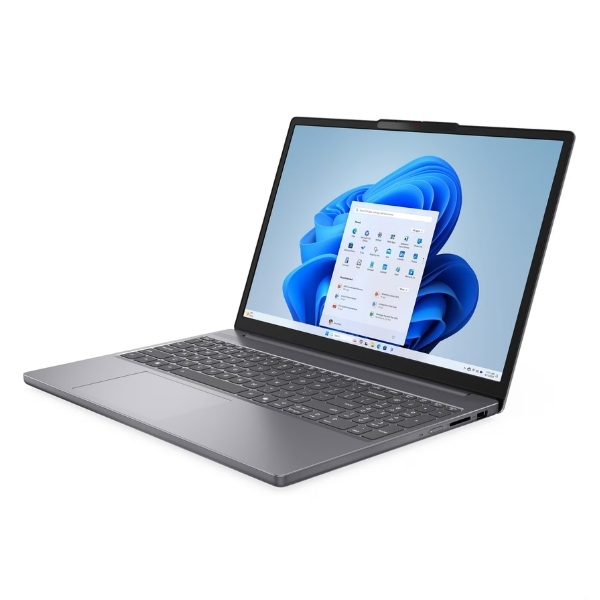
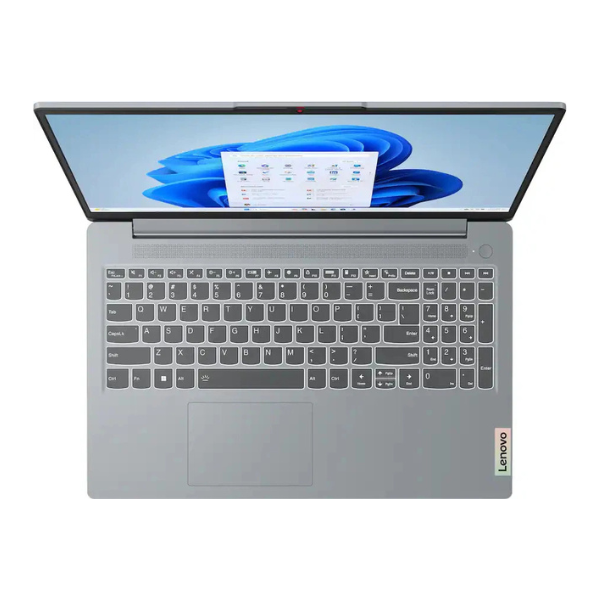
Unlock your full potential with the brand new Lenovo ThinkPad T14s Gen 1 2-in-1, a powerhouse of productivity and flexibility designed for the modern Ugandan professional. This laptop isn't just a tool; it's a partner that adapts to your workflow. Featuring the cutting-edge Intel® Core™ Ultra 7 processor and a massive 32GB of RAM, it handles demanding applications, heavy multitasking, and complex projects with incredible speed and efficiency. The ultra-fast 1TB NVMe SSD ensures your system boots in seconds and your files load instantly, so you can spend less time waiting and more time doing.
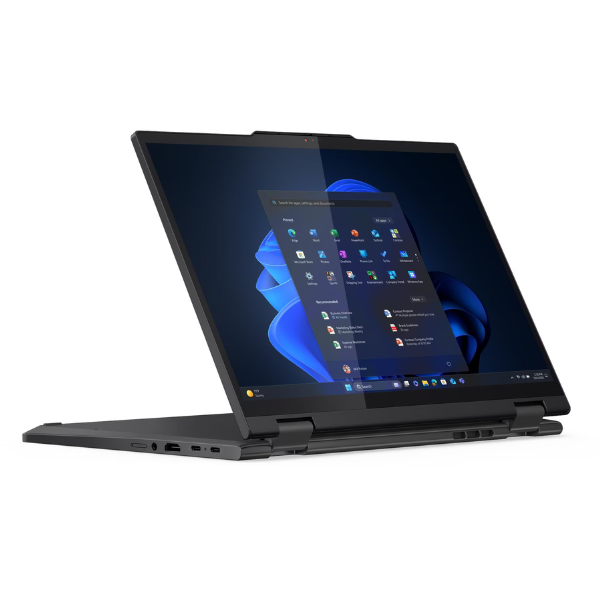
The ThinkPad T14s shines with its versatile 2-in-1 design. Use it as a traditional laptop with the legendary, comfortable ThinkPad keyboard for typing reports, or flip the 360-degree hinge to transform it into a tablet for presentations, note-taking, or creative work on the vibrant 14-inch WUXGA touchscreen. Built with the renowned ThinkPad durability, this machine is tested against military-grade standards, ensuring it can withstand the rigours of daily travel and work in Kampala and beyond. Its sleek, lightweight chassis makes it easy to carry, while a suite of modern ports, including Thunderbolt™ 4, provides seamless connectivity to all your peripherals.
This is a BRAND NEW, factory-sealed device, ready to deliver peak performance right out of the box. Whether you're a business executive, a creative professional, or a power user, the ThinkPad T14s Gen 1 provides the security, power, and adaptability you need to succeed. Enjoy crisp video calls with the FHD webcam, secure logins with advanced security features, and an all-day battery life that keeps you productive wherever you are. Elevate your work and creativity with a laptop that's built for the future.
📖 HOW TO USE
1. Carefully unbox the laptop and all included accessories.
2. Connect the included power adapter and charge the laptop fully before first use.
3. Press the power button to turn on the device.
4. Follow the on-screen prompts to complete the initial Windows 11 Pro setup.
5. Connect to your local Wi-Fi network and install essential software and updates.
💡 TIPS & CARE
• Use the Lenovo Vantage app to keep your system drivers and BIOS updated.
• Invest in a quality laptop sleeve or bag to protect your device during travel.
• Explore the tablet and tent modes for engaging presentations and media viewing.
• Pair with a Thunderbolt 4 docking station for a powerful single-cable desk setup.